Loading video…
Sound

original sound - vascoyaps
Vasco Yaps · Original audio
0:00–:––
Playing this video’s own audio, so you’ll hear the creator over the sound.
The video provides immediate, actionable value by solving a specific pain point (AI-sounding text) with a free, easy-to-install tool, making it highly shareable and useful for the target audience.
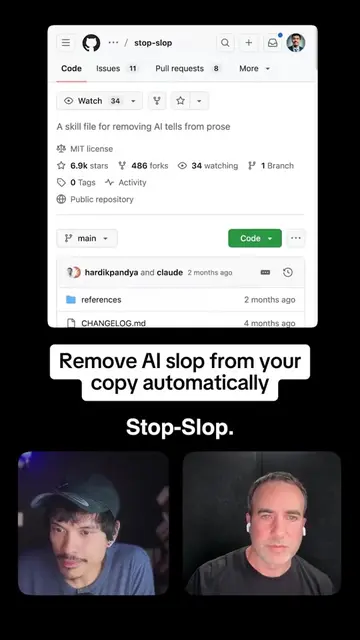
The creator demonstrates how to install a free GitHub skill called 'Stop-slop' into Claude AI to make its writing output sound more human. He provides a step-by-step tutorial on the installation process and shows a comparison of text generated with and without the skill.
Stop-slop strips AI writing tells from your Claude output. Free on GitHub, MIT licensed, works on every Claude plan including Free. Install path: Settings, Capabilities, Code execution on. Then Customize, Skills, upload the ZIP. Run a writing prompt before and after to see the rewrite. #ai #claude #chatgpt #openai @Claude
If you use Claude, you should install this skill.
State the problem and the solution
Explain the benefit of the skill
Provide step-by-step installation instructions
Show a before-and-after comparison
Conclude with the result
The video is a direct tutorial for the 'Stop-slop' tool, which is the subject of the video.
Playing this video’s own audio, so you’ll hear the creator over the sound.
Promotes 3 products. Create free account to see more.
Outliers and viral hits: their videos on Overshot, all time.
AI writing skill that removes common AI-generated prose patterns
All time.