Loading video…
All breakouts
4.5App DemoOther hookEducation
Hook
pyvisual.py
@pyvisuals100
12.3K followers · usually 11.4K views a post
Views
57.0K
Likes
3.6K
Comments
40
Shares
214
Why it worked
The video demonstrates a visually appealing and complex coding concept (animation and target tracking) in a concise and clear manner, making it engaging for viewers interested in programming and data visualization.
Summary
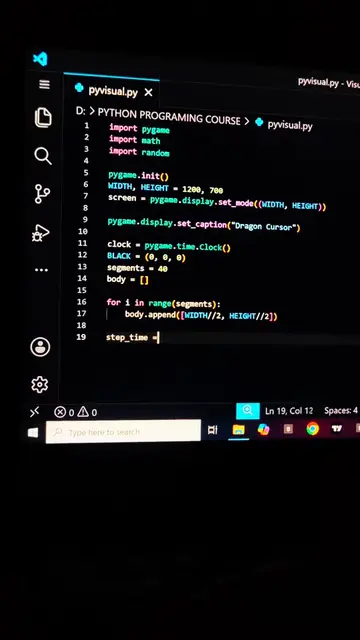
The video shows a Python script being written and then executed, resulting in a visual animation of targets being tracked. The animation displays concentric circles with moving dots and a green line representing a tracking mechanism.
Structure
- 1Writing Python code for animation
- 2Setting up plot parameters
- 3Defining target points
- 4Creating animation frames
- 5Running the animation
- 6Visualizing the target tracking
On-screen text
pyvisual.py
D: > PYTHON PROGRAMMING COURSE > pyvisual.py
pyvisual.py
pyvisual.py - Visual Studio Code
Ln 3, Col 39 Spaces: 4 UTF-8 CRLF {
Python 3.10.4 64-bit
Original caption
Tracking targets with pure code 🔴#foryoupage #Foryou #coding #python #learnpython
More from @pyvisuals100
More breakout videos from this creator.