Loading video…
All breakouts
5.1App DemoHow-To hookEducation
Hook
Watch Python draw something beautiful 🌈
@pyvisuals100
12.3K followers · usually 11.4K views a post
Views
57.0K
Likes
4.2K
Comments
29
Shares
237
Why it worked
The video demonstrates a visually appealing output generated from code, which is inherently satisfying to watch. The use of vibrant, changing colors and the geometric precision of the spiral create a hypnotic effect that captures attention.
Summary
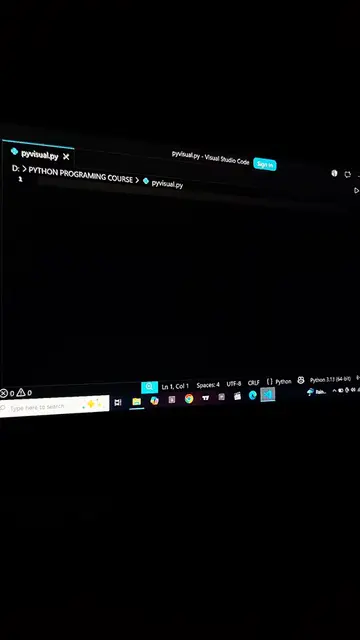
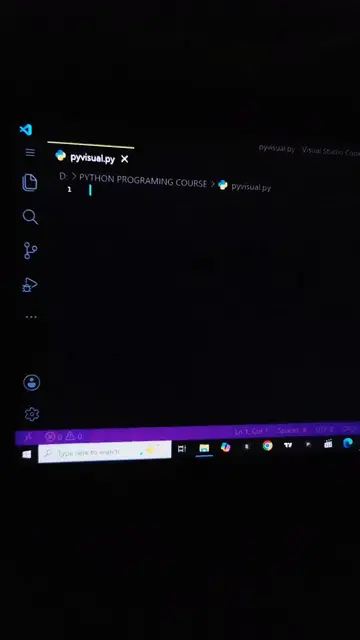
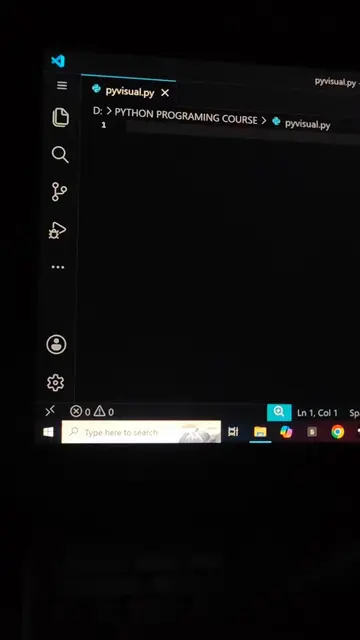
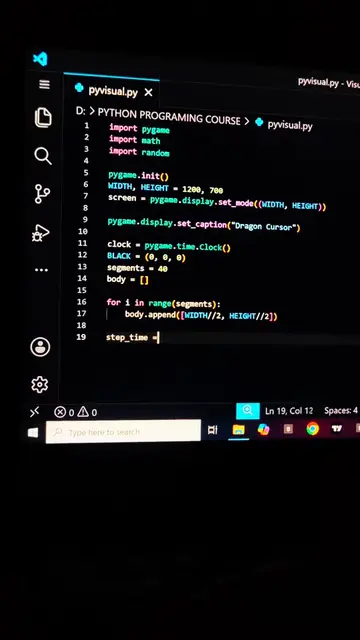
The video shows a Python script being written in VS Code that uses the turtle module to draw a colorful spiral pattern. The script sets up the background color, speed, and pen size, then iterates through a loop to draw lines with changing colors, creating a mesmerizing geometric design.
Structure
- 1Writing Python code in VS Code
- 2Setting up turtle graphics parameters
- 3Looping to draw a colorful spiral
- 4The spiral pattern forming on screen
On-screen text
pyvisual.py 1 X
D: > PYTHON PROGRAMMING COURSE > pyvisual.py
1
2 from turtle import *
3 import colorsys
4
5 bgcolor("black")
6 speed(0)
7 hiderturtle()
8 pensize(2)
9 h = 0
10
11 for i in range(360):
12 c = colorsys.hsv_to_rgb(h, 1, 1)
13 pencolor(c)
14 forward(i * 1.2)
15 left(59)
16 h += 0.005
17
18 done()
Original caption
Watch Python draw something beautiful 🌈#Foryou #Python #Coding #CodeArt #PythonProject
More from @pyvisuals100
More breakout videos from this creator.