Loading video…
All breakouts
 229 videos128 creators
3.6App DemoHow-To hookEducation
Hook
วิธีเปลี่ยนภาพสี ให้เป็นภาพเงา
@mommybear064
45.0K followers · usually 7.4K views a post
Views
26.1K
Likes
2.3K
Comments
3
Shares
47
Promoted product
Canvacanva.com
Why it worked
The video provides a practical and easy-to-follow tutorial for creating educational worksheets, which appeals to teachers and parents looking for resources. The use of a popular design tool like Canva makes the process accessible.
Summary
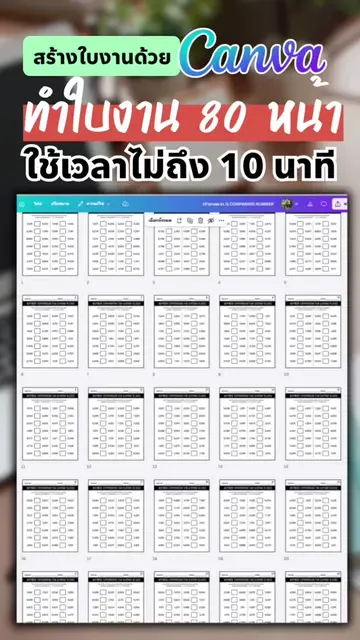
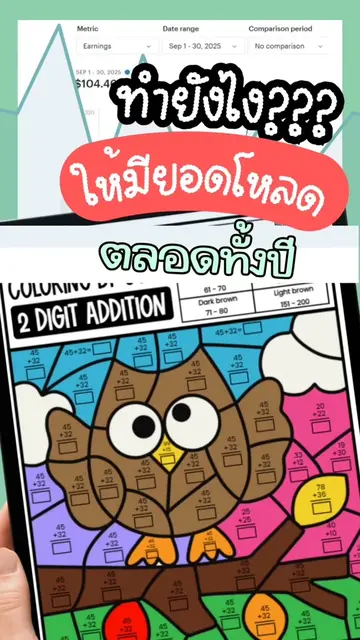
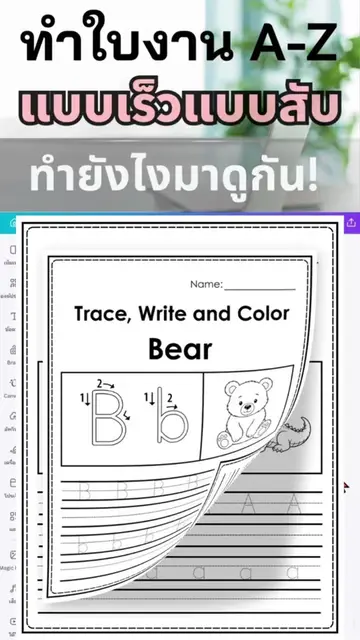
The video demonstrates how to convert a color image into a shadow image using Canva. It shows the process of selecting an image, applying a shadow effect, and then matching the shadow images to their corresponding color images on a worksheet.
Structure
- 1Open Canva and select an image
- 2Apply a shadow effect to the image
- 3Create a worksheet with color images and shadow images
- 4Match the shadow images to the color images
Original caption
วิธีเปลี่ยนภาพสีให้เป็นภาพเงาทำตามได้ง่ายๆแบบนี้เลย ใบงานนี้เป็นใบงานจับคู่ภาพและเงาสำหรับเด็กๆก่อนวัยเรียนและเด็กๆอนุบาล #รีวิวอาชีพเสริม #ออกแบบใบงานเด็กง่ายๆในcanva #teacherspayteachers #ทำใบงานแบบมืออาชีพ #tpt
More from @mommybear064
More breakout videos from this creator.