Loading video…
All breakouts
6.6Talking HeadBefore / After hookSaaS
Hook
3... 2... 1... turning my boss's PowerPoint disaster into something that won't get us fired
@corporatepowerpointgirl
92.9K followers · usually 4.8K views a post
Views
29.9K
Likes
743
Comments
4
Shares
38
Why it worked
The video leverages a common pain point (poorly made presentations) and offers a satisfying visual transformation, making it relatable and engaging for a professional audience.
Summary
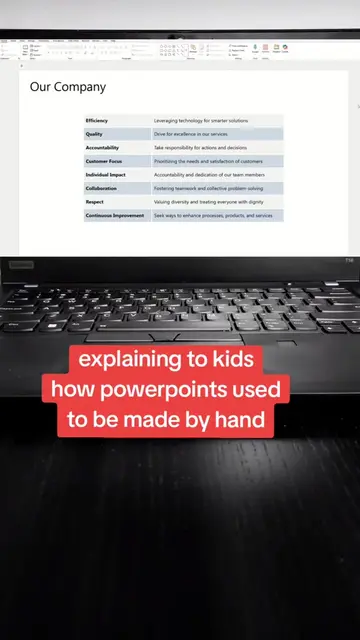
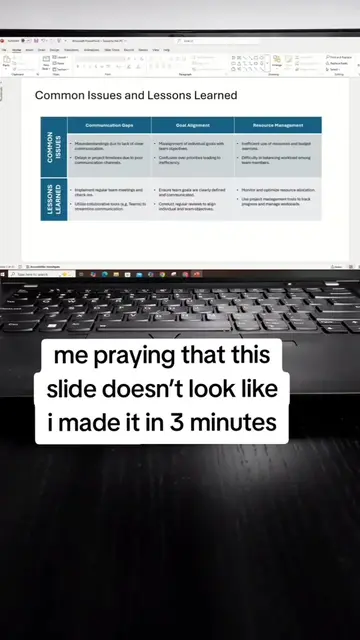
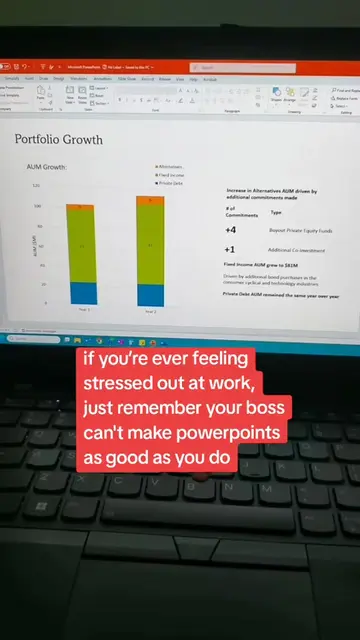
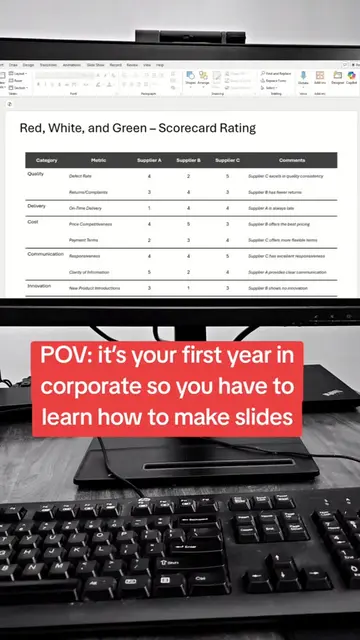
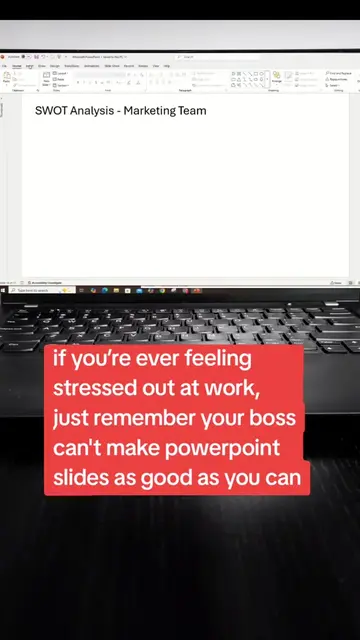
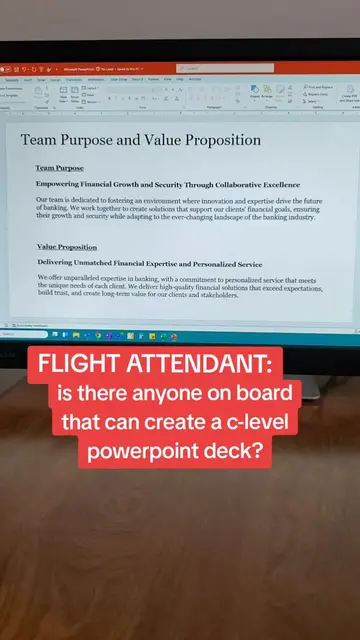
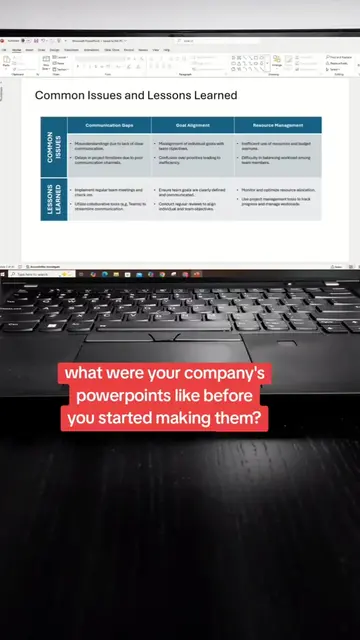
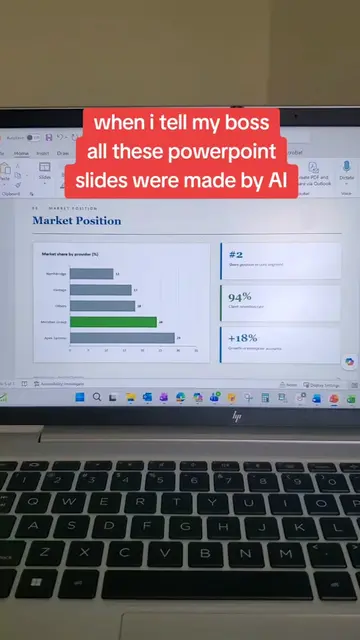
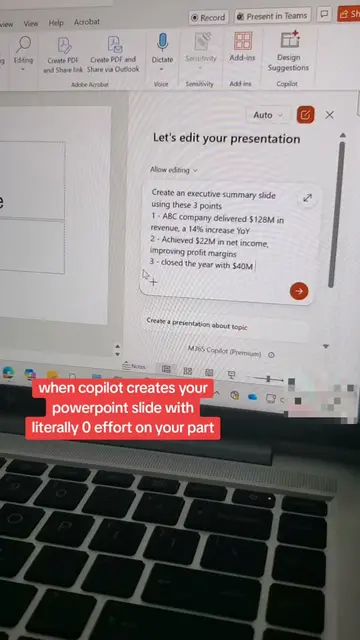
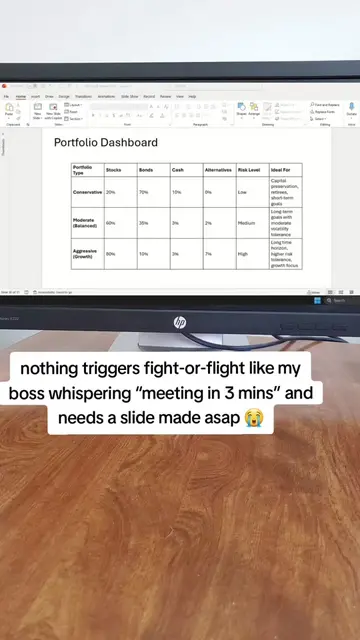
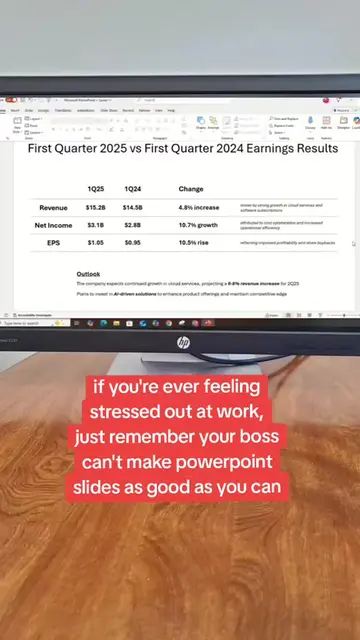
The video shows a series of PowerPoint slides being transformed into more professional and visually appealing presentations. It begins with a countdown and text overlay indicating a transformation from a "disaster" to something that "won't get us fired."
Structure
- 1Countdown and title card
- 2Project plan slide transformation
- 3Company financials slide transformation
- 4
Original caption
apparently "making slides pretty" is my full time job now 🙂 #corporate #corporateamerica #powerpointtutorial #powerpointtemplate #presentation @Microsoft 365 @Microsoft
More from @corporatepowerpointgirl
More breakout videos from this creator.