Loading video…
All breakouts
4.4App DemoHow-To hookSaaS
Hook
Let's edit your presentation
@corporatepowerpointgirl
92.9K followers · usually 4.8K views a post
Views
20.9K
Likes
307
Comments
3
Shares
10
Why it worked
The video showcases a powerful AI tool that significantly simplifies a common and often tedious task (creating presentation slides), appealing to a broad audience looking for efficiency and ease of use.
Summary
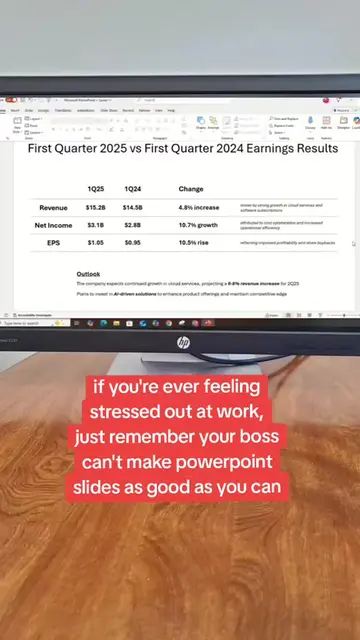
The video demonstrates how Microsoft Copilot can automatically create an executive summary slide for a PowerPoint presentation with minimal user input. It shows the AI generating the slide content, including key financial highlights and a takeaway statement, based on provided data.
Structure
- 1User prompts Copilot to create an executive summary slide.
- 2Copilot generates the slide content with financial data.
- 3User is prompted to add a takeaway or keep only the points.
- 4
Original caption
I blinked and copilot gave me a masterpiece @Microsoft Copilot #copilot #powerpoint #powerpointdesign #ai #microsoft365
More from @corporatepowerpointgirl
More breakout videos from this creator.