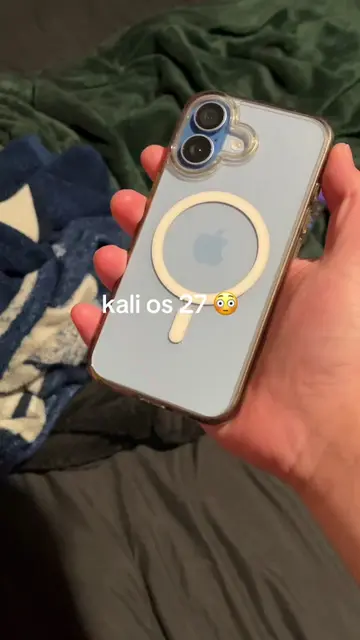
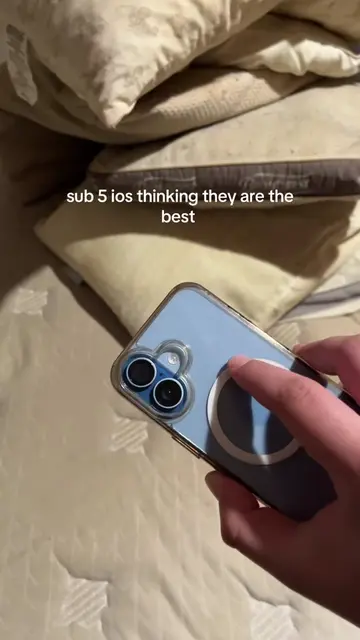
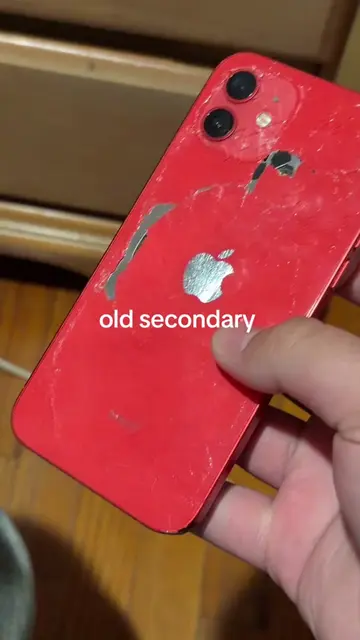
Loading video…
All breakouts
4.3Silent UGCOther hookConsumer Apps
Hook
Tue Jun 9 2:00
@iphone12hype01
1.3K followers · usually 2.1K views a post
Views
8.4K
Likes
190
Comments
52
Shares
19
Why it worked
The video likely performed well due to its focus on a highly anticipated, unreleased software update (iOS 27), tapping into user curiosity and the desire for early information. The use of clear, on-screen text and familiar app interfaces makes the content easily digestible and shareable within the tech-focused community.
Summary
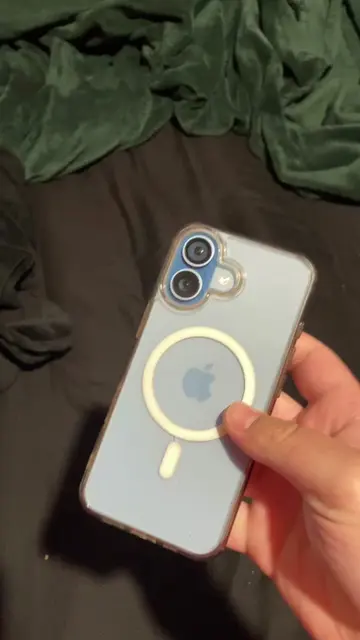
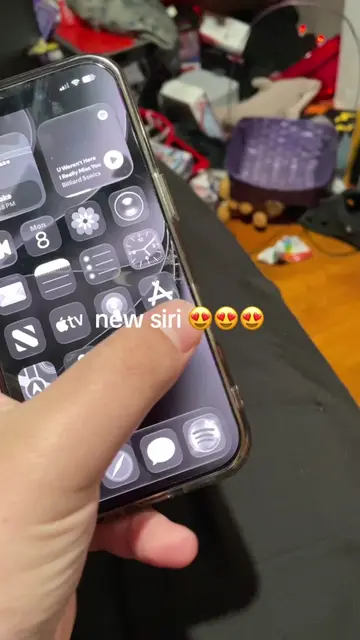
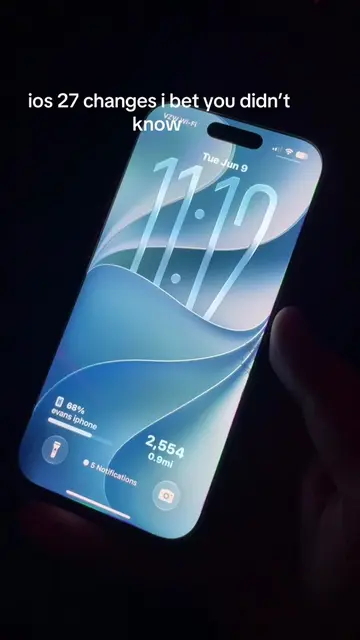
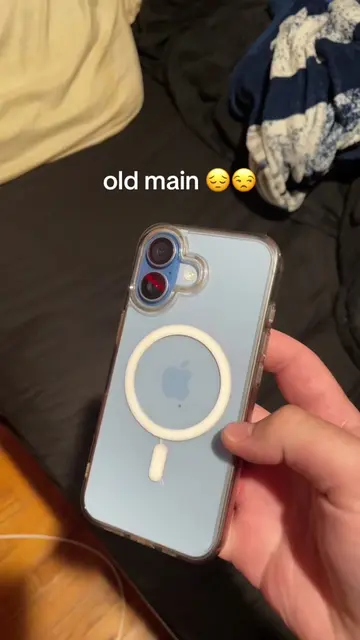
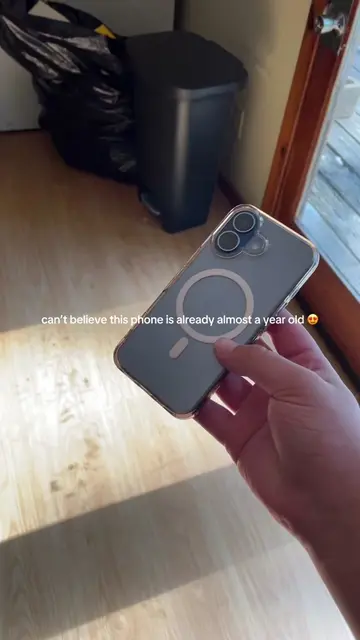
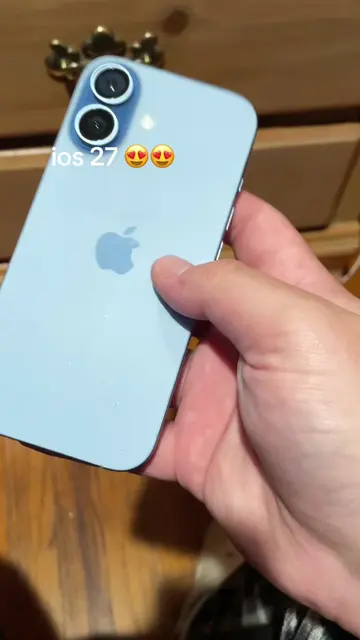
The video shows a series of screen recordings of an iPhone, primarily focusing on the lock screen and home screen, with various app icons and widgets visible. The on-screen text indicates "ios 27 performance" and displays the time as 2:00. It also shows glimpses of the Settings, Wallet, and Reminders apps, suggesting a demonstration or overview of iOS 27 features.
Structure
- 1Lock screen with time and "ios 27 performance"
- 2Home screen with app icons and widgets
- 3Settings app interface
- 4Wallet app interface
- 5Reminders app interface
- 6Control Center with various toggles
On-screen text
Tue Jun 9
2:00
ios 27 performance
54%
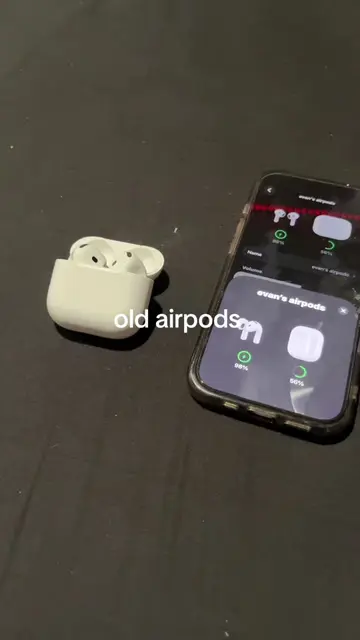
evan's airpods
22
0.0mi
Search
Settings
EB
Evan Burch
Apple Account, iCloud, and more
Indexing in Progress
You can use your iPhone as you normally
would. Indexing improves search and can take
a while. Longer charging sessions help
indexing go faster. Learn more...
evan's airpods
Airplane Mode
Wi-Fi
Burcing it GO
Wallet
Passes and Tickets
Find apps and start collecting your
passes in one place.
Get
Apple Account
$0
Apple Cash
$0
United
Community
debit
Search
Games, Apps, Stories, and More
What's New in Reminders
Describe a New Reminder
Use your own words to describe
a reminder and Apple
intelligence will help create it for
you.
Categorize Groceries
More Accurately
Apple Intelligence sorts grocery
list items more accurately, and in
multiple languages.
Continue
Original caption
ios was still indexing during this btw #viral #foryou #evanstech #techtok #ios27beta
More from @iphone12hype01
More breakout videos from this creator.