Loading video…
All breakouts
 CapCutseen in 576 videos →
11.3Talking HeadHow-To hook
Hook
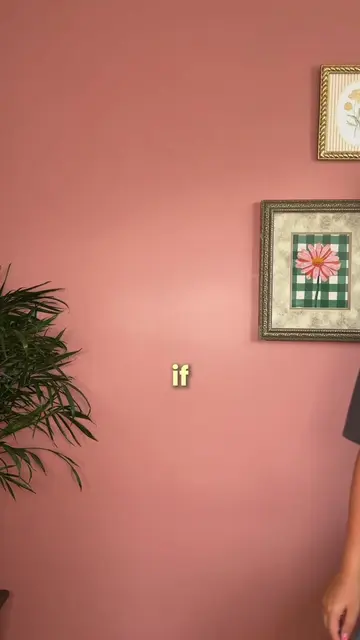
imma let you in
@jennasharp13
15.5K followers · usually 3.4K views a post
Views
37.7K
Likes
4.4K
Comments
64
Shares
401
Selling · SaaS › Other SaaS
Why it worked
The video provides a clear, step-by-step tutorial for a popular visual effect using readily available apps. The use of on-screen text and visual demonstrations makes it easy to follow, appealing to users looking for creative editing techniques.
Summary
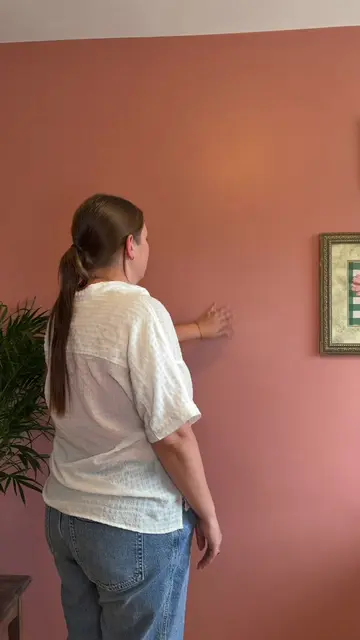
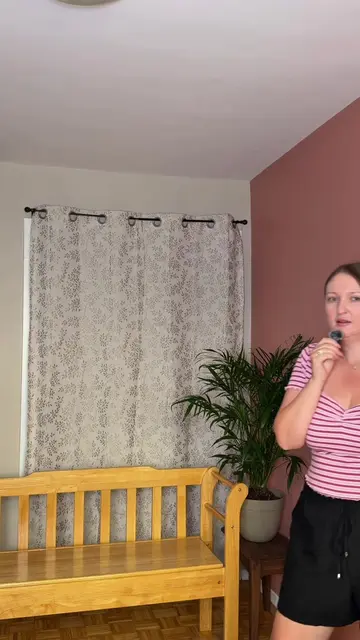
This video demonstrates how to create a "photobooth mockup" effect using CapCut and Pinterest. It explains how to layer a background image, a photobooth mockup image with its background removed, and a video of the speaker, all sized to match.
Structure
- 1Introduce the tutorial and required apps (CapCut, Pinterest)
- 2Find and save a background image from Pinterest
- 3Find and save a photobooth mockup image from Pinterest
- 4Add background to CapCut, then add mockup as an overlay and remove its background
- 5Add the speaker's video as an overlay
- 6Mask the video to match the mockup size and finish
Product placement
The video demonstrates how to use CapCut for video editing and Pinterest to find background and mockup images. CapCut is shown being used to layer images and remove backgrounds.
Original caption
overlay in an object tutorial 📱🧚✨ steps below: 1. you need @capcutapp & @pinterest 2 . hop into Pinterest & grab your background/object. save both 3. now go into CapCut and add your background picture and then as an overlay add in your Photo Booth picture, then remove its background. 4. for your third layer add in your video of you speaking as an overlay. 5. now to get the video the exact size as the display image, hit mask and choose the rectangle option, now you can adjust it so it’s the exact same size. & that’s it!!! make sure to follow for more editing tips! #ugc #ugccontentcreator #tutorial #editingtutorial #editingtips
More from @jennasharp13
Their other posts in the index, biggest breakout first.