Loading video…
All breakouts
 CapCutseen in 576 videos →
3.5App Demo
Hook
How to do: shutter photo transition
@jennasharp13
15.5K followers · usually 3.4K views a post
Views
11.7K
Likes
467
Comments
24
Shares
121
Selling · SaaS › Other SaaS
Why it worked
The video provides a clear, step-by-step tutorial for a popular visual effect, making it easily replicable and shareable. The use of on-screen text and direct app demonstration caters to a visual learning audience.
Summary
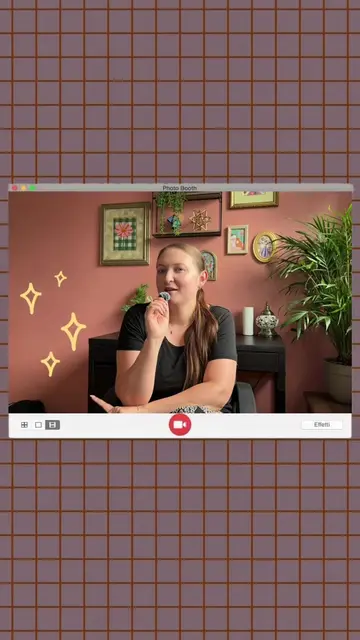
This video demonstrates how to create a shutter photo transition effect using the CapCut app. It involves importing photos, trimming them, stacking them, adding keyframes and motion blur, and then exporting and re-importing the video.
Structure
- 1Import and trim photos in CapCut
- 2Stack photos and add keyframes
- 3Export and re-import video
- 4Add sound and motion blur effects
- 5Follow for more tutorials
Product placement
CapCut: ACTS - it is used to edit photos and create a video transition. Removing it would change what happens in the video.
Call to action
Make sure to follow for more tutorials.
On-screen text
Original caption
shutter photo transition tutorial 📱🧚✨ steps below: 1. hop into CapCut and import all your pictures. then trim them down to about .05 seconds. 2. overlay your pictures and stack them like a staircase. 3. from there you’ll need two keyframes, on each picture. first keyframe is at the half way mark then second keyframe is at the beginning and drag picture out of frame 4. export it and then import back into CapCut. 5. add a camera shutter sound and the motion blur effect and then that’s it! make sure to follow for more tutorials! 😘 #ugc #ugccontentcreator #tutorial #editingtutorial #editingtips
More from @jennasharp13
Their other posts in the index, biggest breakout first.