Loading video…
Sound

original sound - Quyến Học AI
Quyến Học AI · Original audio
0:00–:––
Playing this video’s own audio, so you’ll hear the creator over the sound.
This video promotes it, but we haven’t matched it to a product page yet, so there are no product figures.
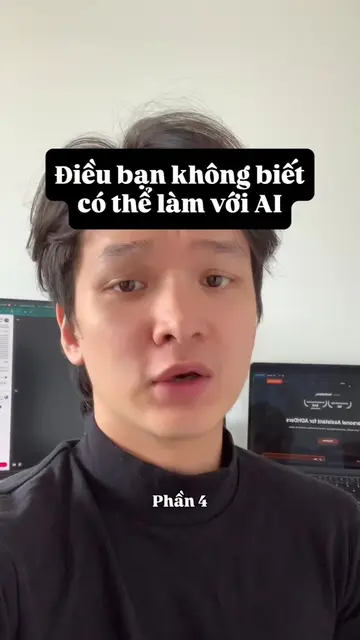
The video provides practical, actionable tips for a popular AI tool, presented in a concise and engaging manner. The creator highlights lesser-known features that significantly enhance the tool's utility, appealing to users seeking to maximize their AI experience.
The video demonstrates five hidden settings in the Gemini AI assistant to enhance its functionality and personalize the user experience. These settings include enabling chat history, importing data from other AI providers, connecting apps for integrated insights, customizing instructions, and utilizing the camera for real-time assistance.
90% người mới chưa biết các tính năng này của Gemini #ai #aianimation #aiagent #dangquyenhocai
5 SETTING BÍ MẬT TRÊN GEMINI
Introduction to Gemini's hidden settings
Enabling chat history for memory
Importing data from other AI platforms
Connecting apps for personalized insights
Customizing instructions for Gemini
Using Gemini with camera for real-time assistance
Gemini: an AI assistant that can answer questions, generate text, and more. It acts as a subject in this video, as the creator demonstrates how to use its features. The video shows the Gemini app interface and discusses its settings. Removing Gemini would fundamentally change the video's content and purpose.
Follow for more tips
Playing this video’s own audio, so you’ll hear the creator over the sound.
Promotes 3 products. Create free account to see more.
Outliers and viral hits: their videos on Overshot, all time.