Loading video…
All breakouts
3.5App DemoPOV / Skit hookAI Tools
Hook
When Your BOSS Suddenly Calls
@aisavvy
131.1K followers · usually 4.1K views a post
Views
11.9K
Likes
396
Comments
14
Shares
49
Why it worked
The video effectively uses a relatable scenario (sudden boss call) to introduce a practical problem (needing a better appearance/setting). It then provides a clear, step-by-step demonstration of a powerful AI tool that solves this problem, showcasing impressive visual transformations that are both aspirational and achievable.
Summary
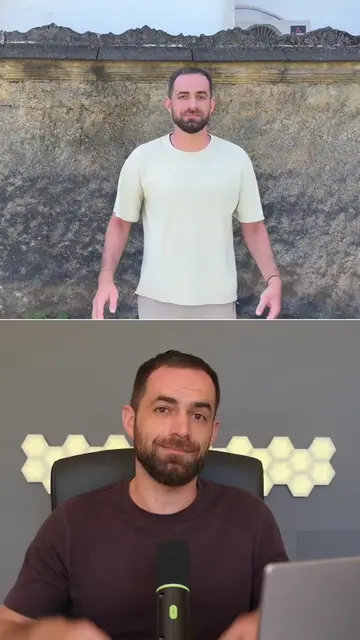
This video demonstrates how to use OpenArt VFX to transform existing footage by changing backgrounds, lighting, and adding elements. It highlights the tool's ability to create realistic VFX by keeping the original performance untouched while seamlessly integrating new environments.
Structure
- 1Introduction to the problem (boss calling)
- 2Transition to tutorial setup
- 3
Original caption
OpenArt VFX is an AI VFX tool that transforms footage you already filmed. You can replace the background, change the lighting, add new elements with Video Inpaint, and completely rebuild the scene around you without changing your original performance. What makes it stand out is that it does not just add a filter or regenerate the entire clip. It keeps you untouched, then matches the lighting, physics, and motion across every frame, so the final result looks like real VFX. #openartvfx #aivfx #openart #aitools #vfx
More from @aisavvy
More breakout videos from this creator.