Loading video…
All breakouts
3.7Talking HeadDirect Question hookConsumer Apps
Hook
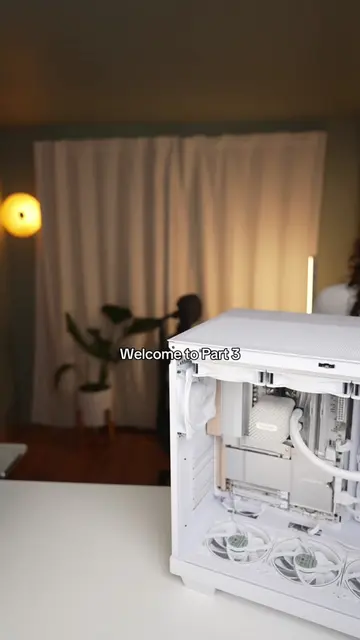
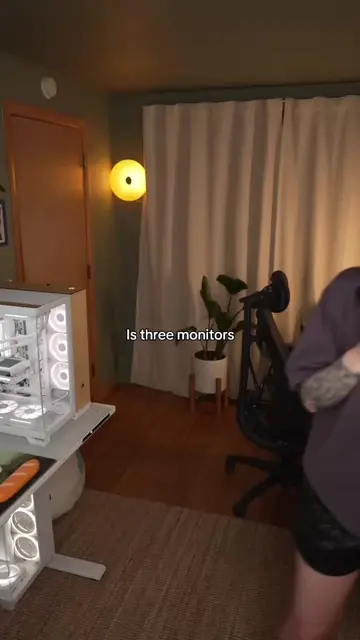
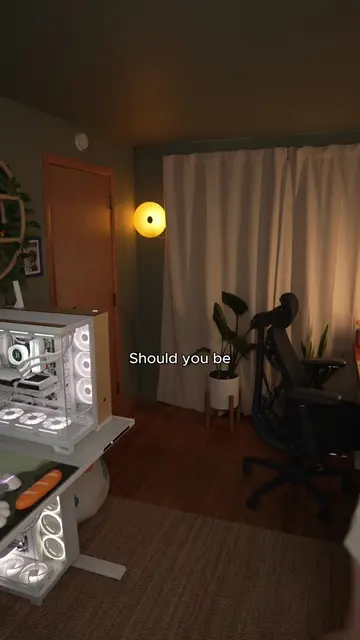
What does your motherboard have HDMI
@saladpictures_
237.5K followers · usually 46.5K views a post
Views
143.5K
Likes
13.9K
Comments
238
Shares
183
Promoted product
—
Why it worked
The video addresses a common point of confusion for PC builders and gamers, providing a clear and concise explanation with practical use cases like troubleshooting and multi-monitor setups, which resonates with the target audience.
Summary
The video explains why motherboards have display ports even though monitors should typically be plugged into the GPU. It highlights that these ports are useful for integrated graphics in CPUs and for troubleshooting when a dedicated GPU fails.
Structure
- 1Questioning motherboard display ports
- 2Explaining GPU vs. motherboard connections
- 3Introducing integrated graphics
- 4Discussing troubleshooting scenarios
- 5Mentioning multi-monitor setups
- 6Asking for audience input
Product placement
AORUS (motherboard): appears, part of the computer build, removing it would not change what happens in the video.
GPU (graphics processing unit): acts, it generates graphics for the monitor, removing it would change what happens in the video.
CPU (central processing unit): acts, it has integrated graphics, removing it would change what happens in the video.
Original caption
Should you plug your monitor into your motherboard or your GPU #Tech #techgirl #pcbuild #pcgaming #gaming
More from @saladpictures_
More breakout videos from this creator.