Loading video…
Sound

original sound - dannyrulesai
Danny Rules AI · Original audio
0:00–:––
Playing this video’s own audio, so you’ll hear the creator over the sound.
The video provides a concise and direct tutorial on a specific, useful feature within Suno, catering to creators looking to manipulate AI-generated music. The clear on-screen text and step-by-step demonstration make it easy to follow and replicate.
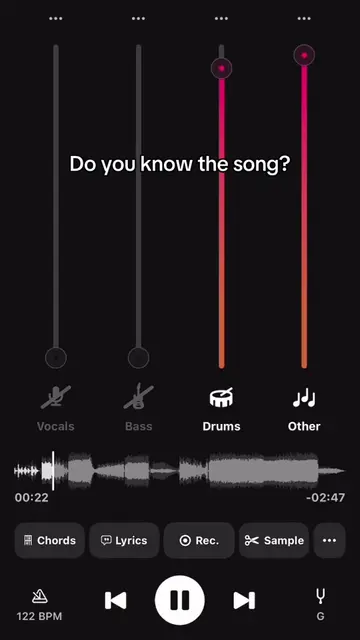
This video demonstrates how to use Suno's advanced stem extraction feature. It shows the user selecting a song, accessing the edit menu, choosing 'Get Stems / MIDI', and then using the 'Advanced Split' option to extract individual instrument tracks.
How to use Suno advanced stem extraction in under 15 seconds #suno #aimusicproduction #stem
HOW TO USE SUNO ADVANCED STEM EXTRACTION
Accessing Suno
Selecting a song
Navigating to 'Get Stems / MIDI'
Using 'Advanced Split'
Choosing instrument tracks
Generating stems
Suno: ACTS - used to extract stems from a song. Removing it would change what happens in the video. Artist Clone: ACTS - the creator's bio link, which leads to a page about using Suno to clone artist sounds. Removing it would change what happens in the video.
Playing this video’s own audio, so you’ll hear the creator over the sound.
Promotes 2 products. Create free account to see more.
Outliers and viral hits: their videos on Overshot, all time.
AI music prompt tool for creators generating songs with Suno
All time.