Loading video…
Sound

original sound - Sandipshresthaofficial
Sandipshresthaofficial · Original audio
0:00–:––
Hook
Posted Jun 17, 2026Video · 1:29by @sandipshrestha202412
The video provides a clear, step-by-step tutorial on a specific video editing technique (cinematic outro) using a popular free tool (CapCut), making it highly shareable and useful for other creators.
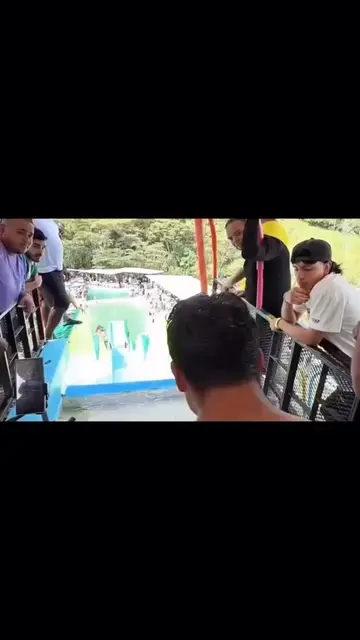
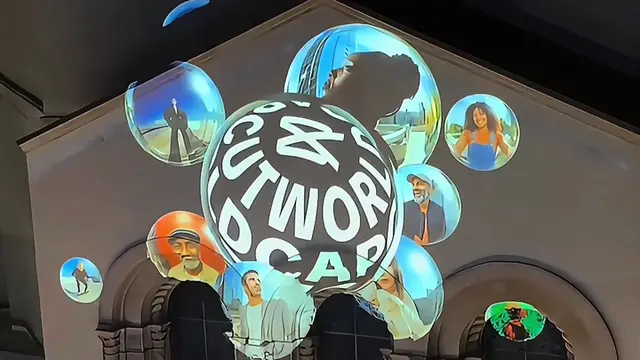
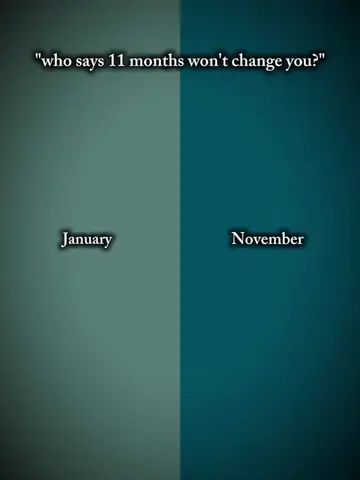
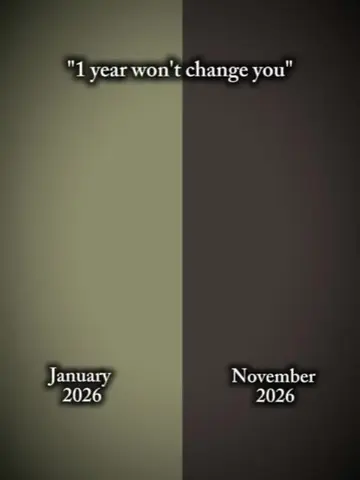
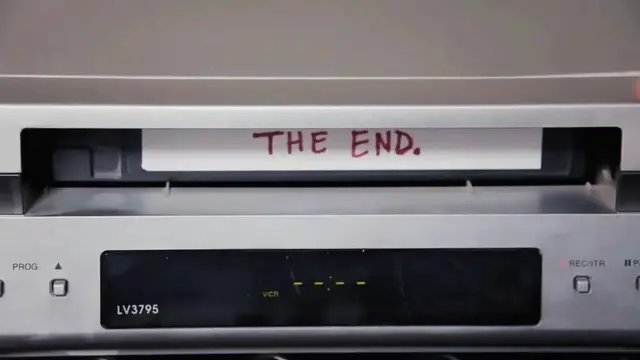
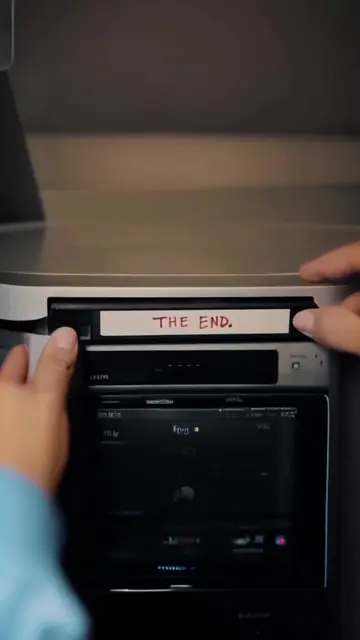
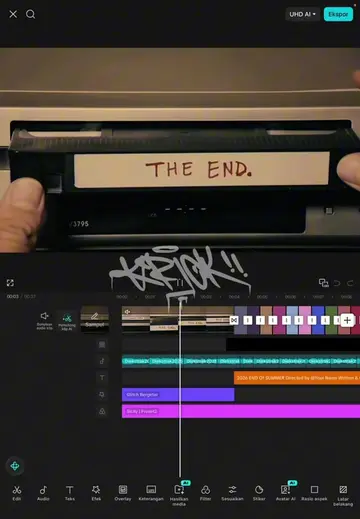
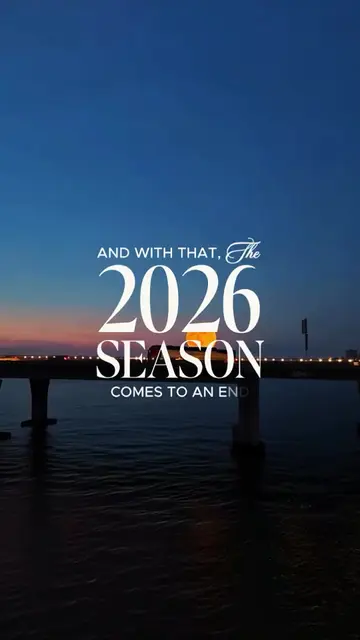
This video demonstrates how to create a cinematic outro for videos using CapCut. It involves adding black screen overlays, using masks for fade effects, and applying fade-out animations to text and the final clip.
Best Outro Edit For Your Videos | Capcut Edit / Film Type Outro Edit Free On Capcut #creatorsearchinsight #editbysandip🔥 #capcut #trending #editing
तपाईंले लास्ट इन्डिङमा हाल्ने क्लिपहरूलाई छोटो छोटो गरेर एड गर्ने सुरुमा
Add short clips for the outro
Add black screen overlay
Apply horizontal mask for fade effect
Add fade-out animation to the last clip
Add text with fade-out animation
Export the final video
CapCut (ACTS - video editing software, interface is operated, generates video edits, visible results come from it, creator says what it does for them. Removing it would change what happens in the video.)
Promotes 1 product. Create free account to see more.
Outliers and viral hits: their videos on Overshot, all time.
Video editing app for creators making social media videos
Views and creators: posted in the last 30 days (English videos). Videos: all time.