Loading video…
All breakouts
5.9Silent UGCOther hookConsumer Apps
Hook
Configuring...
@dumbfoxfurry
116.8K followers · usually 20.8K views a post
Views
114.9K
Likes
3.8K
Comments
37
Shares
64
Promoted product
iPhone
Why it worked
The video highlights a common pain point for iPhone users: the inability to use non-genuine parts without triggering error messages. This relatable issue, combined with the clear visual demonstration of the problem, likely resonated with a wide audience interested in phone repairs and Apple products.
Summary
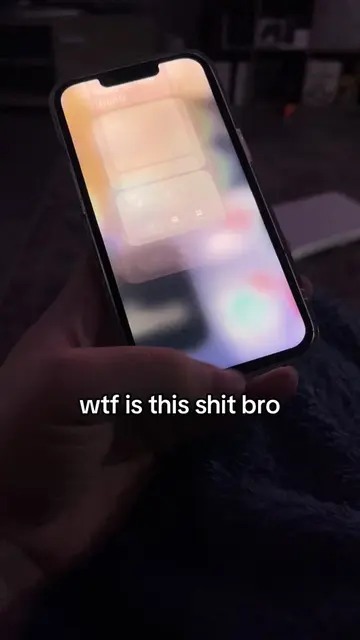
The video shows an iPhone displaying an error message indicating that a non-genuine Apple part has been used during a repair. The phone attempts to configure the part, but ultimately fails and prompts the user to restart.
Structure
- 1iPhone displays 'Configuring...' screen
- 2iPhone displays 'Finish Repair' screen, confirming 'Display' as a genuine Apple part
- 3iPhone displays 'Unable to Configure' error for the Display
- 4iPhone prompts user to restart
Product placement
Apple: ACTS - The iPhone is being configured after a repair. Removing the Apple branding would change the context of the error message. iPhone: ACTS - The iPhone is the device being configured and is displaying an error message related to a non-genuine part. Removing the iPhone would mean there is no video.
Call to action
Continue
On-screen text
Configuring...
This may take a few minutes.
Keep this iPhone connected to
Wi-Fi until the configuration is
finished.
Finish Repair
Tap continue to complete the
configuration of the parts listed
below.
Display
This is a genuine Apple part.
Continue
Unable to Configure
Display
This part could not be
configured because it is not a
genuine Apple part or may not
be functioning correctly. Check
that the part is properly
connected and try again. For
more information, refer to the
iPhone service manual.
Continue
Restart iPhone
Restart to continue using your
iPhone.
Restart
Original caption
what kind of glitch is this bruh #apple #iphone #techtok #Tech
More from @dumbfoxfurry
More breakout videos from this creator.