Loading video…
All breakouts
146Talking HeadOther hookConsumer Apps
Hook
wtf is this shit bro
@dumbfoxfurry
116.8K followers · usually 20.8K views a post
Views
2.8M
Likes
80.3K
Comments
4.0K
Shares
48.8K
Why it worked
The video likely resonated due to its relatable expression of frustration with technology, using a common meme format and on-screen text to convey a feeling many users experience when encountering unexpected phone behavior or cluttered interfaces.
Summary
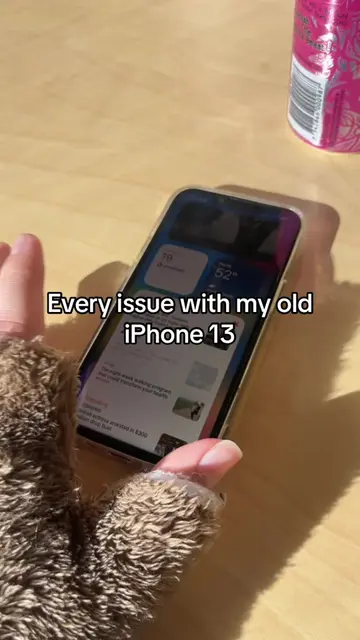
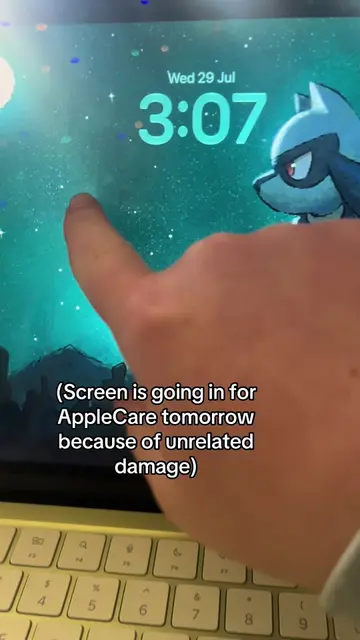
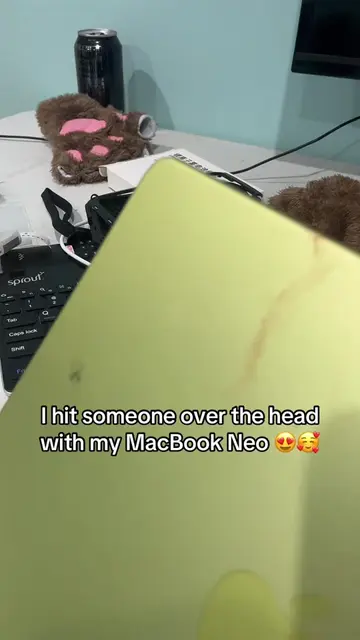
The video shows a person interacting with their iPhone home screen, swiping through apps and widgets. The on-screen text expresses confusion or frustration with the phone's interface.
Structure
- 1Showing iPhone home screen
- 2Swiping through apps and widgets
- 3Interacting with search bar and keyboard
- 4Expressing confusion with on-screen text
Product placement
iPhone: ACTS - the device is operated to show apps and settings. Removing it would change what happens in the video.
Notes: APPEARS - an app icon on the iPhone home screen. Removing it would not change what happens in the video.
Reminders: APPEARS - an app icon on the iPhone home screen. Removing it would not change what happens in the video.
Settings: APPEARS - an app icon on the iPhone home screen. Removing it would not change what happens in the video.
App Store: APPEARS - an app icon on the iPhone home screen. Removing it would not change what happens in the video.
Battery: APPEARS - a widget showing battery percentage and notifications. Removing it would not change what happens in the video.
Discord: APPEARS - an app icon on the iPhone home screen with a notification badge. Removing it would not change what happens in the video.
Telegram: APPEARS - an app icon on the iPhone home screen with a notification badge. Removing it would not change what happens in the video.
Nintendo Switch App: APPEARS - an app icon on the iPhone home screen. Removing it would not change what happens in the video.
Find My: APPEARS - an app icon on the iPhone home screen. Removing it would not change what happens in the video.
Watch: APPEARS - an app icon on the iPhone home screen. Removing it would not change what happens in the video.
Utilities: APPEARS - an app icon on the iPhone home screen. Removing it would not change what happens in the video.
Auth: APPEARS - an app icon on the iPhone home screen. Removing it would not change what happens in the video.
Snapchat: APPEARS - an app icon on the iPhone home screen with a notification badge. Removing it would not change what happens in the video.
Instagram: APPEARS - an app icon on the iPhone home screen. Removing it would not change what happens in the video.
CommBank: APPEARS - an app icon on the iPhone home screen. Removing it would not change what happens in the video.
TikTok: APPEARS - an app icon on the iPhone home screen. Removing it would not change what happens in the video.
Music: APPEARS - an app icon on the iPhone home screen. Removing it would not change what happens in the video.
WhatsApp: APPEARS - an app icon on the iPhone home screen. Removing it would not change what happens in the video.
Phone: APPEARS - an app icon on the iPhone home screen. Removing it would not change what happens in the video.
Search bar: ACTS - the search bar on the iPhone is interacted with. Removing it would change what happens in the video.
Keyboard: ACTS - the keyboard on the iPhone is interacted with. Removing it would change what happens in the video.
Original caption
Moo “virus” (it’s just a shortcut) #techtok #iphone #apple #phone
More from @dumbfoxfurry
More breakout videos from this creator.