Loading video…
Sound

original sound - v • tutorial
v • tutorial · Original audio
0:00–:––
Playing this video’s own audio, so you’ll hear the creator over the sound.
The video demonstrates a popular editing technique with clear, step-by-step instructions, making it easy for users to replicate the effect and increasing its shareability.
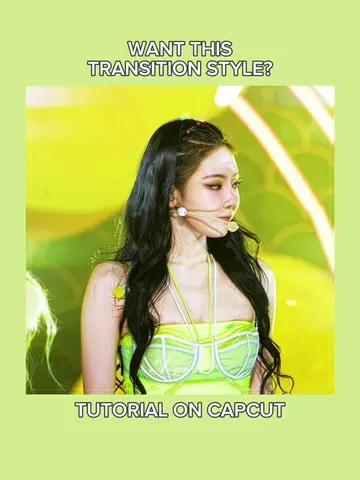
This video provides a tutorial on how to create a specific transition effect using the CapCut editing app. It guides viewers through adding keyframes, adjusting graphs, applying animations, and using overlays and opacity settings to achieve the desired look.
super easy transition! | INTRO: wexn_zr #CapCut #capcuttutorial #edittutorial #capcutpioneer #viraledit don't mind sickick trend audio tutorial | she said hola cómo está trend edit tutorial | slide transition edit tutorial | cortis edit
WANT THIS TRANSITION?
Prepare clips and add keyframes
Apply zoom and graph settings
Add 'swing right' animation
Create a black overlay transition
Adjust opacity with keyframes
Duplicate and apply effects
CapCut: ACTS - video editing software used to create the transition. Removing it would change what happens in the video. jnkrbyj: APPEARS - watermark on the video. Removing it would not change what happens in the video.
Post to TikTok
Playing this video’s own audio, so you’ll hear the creator over the sound.
Promotes 1 product. Create free account to see more.
Outliers and viral hits: their videos on Overshot, all time.
Video editing app for creators making social media videos
Views and creators: posted in the last 30 days (English videos). Videos: all time.