Loading video…
All breakouts
16.9App DemoOther hookEducation
Hook
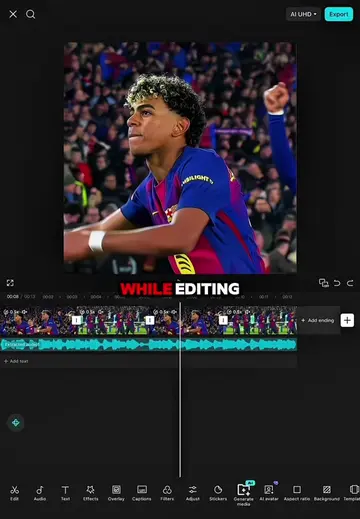
WHILE EDITING
@ds_template
378.1K followers · usually 37.7K views a post
Views
626.0K
Likes
24.9K
Comments
681
Shares
701
Why it worked
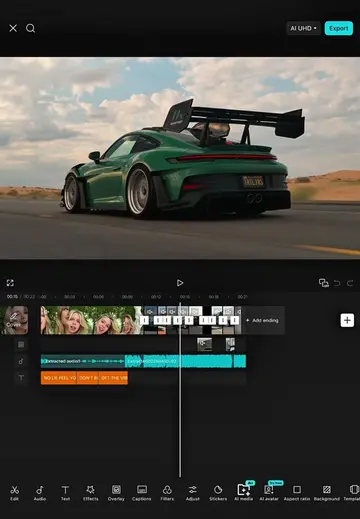
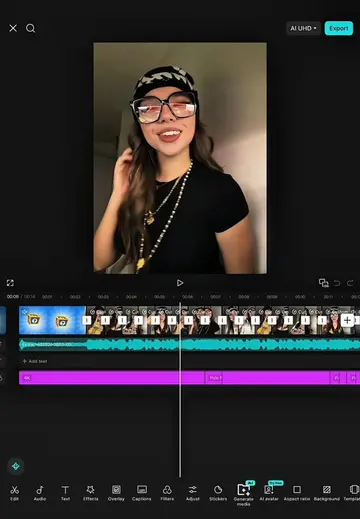
The video provides a clear, step-by-step tutorial on how to use CapCut's editing features, making it valuable for users looking to improve their video editing skills. The use of dynamic transitions and effects keeps the viewer engaged.
Summary
The creator demonstrates how to use CapCut to enhance video edits by applying various transitions, keyframes, and effects to multiple clips. The tutorial breaks down the process step-by-step, showing how to freeze frames, adjust durations, remove backgrounds, and apply specific animations to achieve a dynamic final product.
Free accountLocked — create a free account to open
Transcript, structure and on-screen text
6 beats, a 291-word transcript and 132 lines of on-screen text — the parts you need to write your own version.
Original caption
#CapCut 🔥 This CapCut tutorial will help you create a clean and professional edit in just a few steps. Try it yourself and see the difference! Support my content by sharing this video and following for more tutorials every day. ❤️ #dsldr #capcutpioneer #tutorial
More from @ds_template
More breakout videos from this creator.