Loading video…
All breakouts
45.3App DemoOther hookCreator Economy
Hook
save and follow 🫡
@zeennskyy
136.2K followers · usually 26.9K views a post
Views
1.2M
Likes
86.7K
Comments
100
Shares
5.6K
Why it worked
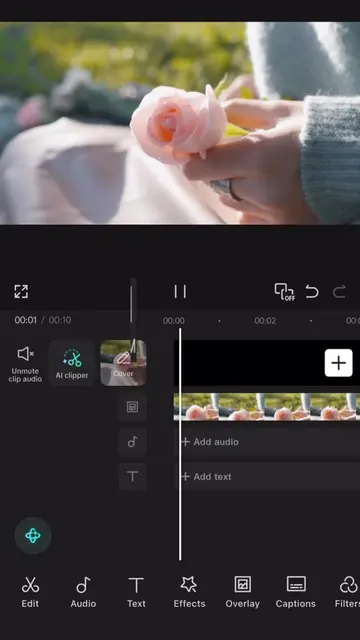
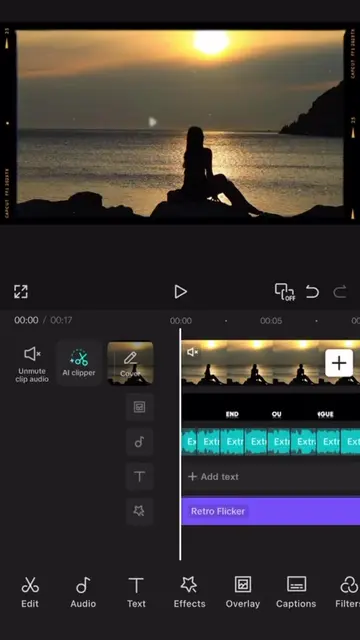
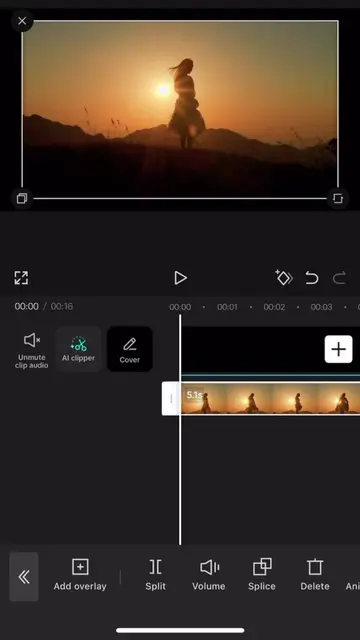
The video provides a clear, step-by-step tutorial on a specific video editing technique using a popular app. The visual demonstration combined with concise instructions makes it easy for users to follow along and replicate the effect.
Summary
This video demonstrates how to use the masking feature in CapCut to create a smooth transition effect between two video clips. The tutorial guides viewers through cutting clips, applying a horizontal mask, rotating it to match the subject, and using keyframes to animate the mask for a seamless reveal.
Free accountLocked — create a free account to open
Transcript, structure and on-screen text
5 beats, a 161-word transcript and 5 lines of on-screen text — the parts you need to write your own version.
Original caption
save and follow 🫡 || #CapCut #capcutpioneer #tutorial #capcut
More from @zeennskyy
More breakout videos from this creator.