Loading video…
All breakouts
3.0Talking HeadProblem Callout hookConsumer Apps
Hook
If you are some
@_chrisasante
150.7K followers · usually 31.5K views a post
Views
88.8K
Likes
6.9K
Comments
16
Shares
288
Promoted product
MacBook
Why it worked
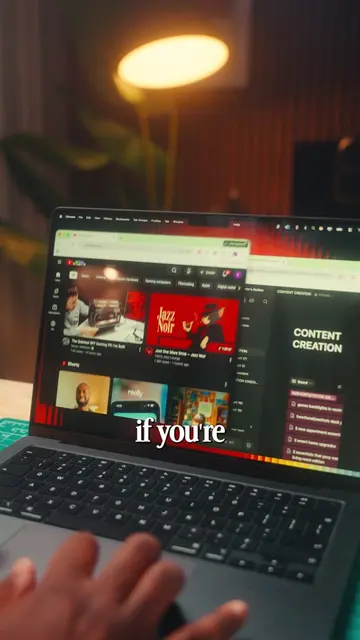
The video provides practical and easily applicable tips for MacBook users, addressing common needs like quick app launching, file searching, and managing notifications, which can lead to increased productivity.
Summary
The video demonstrates several useful keyboard shortcuts for MacBooks to improve productivity and navigation. It covers shortcuts for opening spotlight search, minimizing windows, reopening closed tabs in Safari, toggling Do Not Disturb, and switching between applications.
Structure
- 1Introduce MacBook shortcuts
- 2Demonstrate Spotlight search (Cmd + Space)
- 3Demonstrate minimizing windows (Cmd + M)
- 4Demonstrate reopening closed tabs (Cmd + Shift + T)
- 5Demonstrate toggling Do Not Disturb (Opt + Date/Time)
- 6Demonstrate switching apps (Cmd + Tab)
Product placement
The video showcases the use of a MacBook and its built-in features and keyboard shortcuts.
Call to action
save and follow for next ones
Original caption
We are BACK with some more MacBook Shortcuts that will make navigating your MacBook sooo much easier! #apple #macbook #tips #productivity #Tech
More from @_chrisasante
More breakout videos from this creator.