Loading video…
All breakouts
4.9Talking HeadProblem Callout hookConsumer Apps
Hook
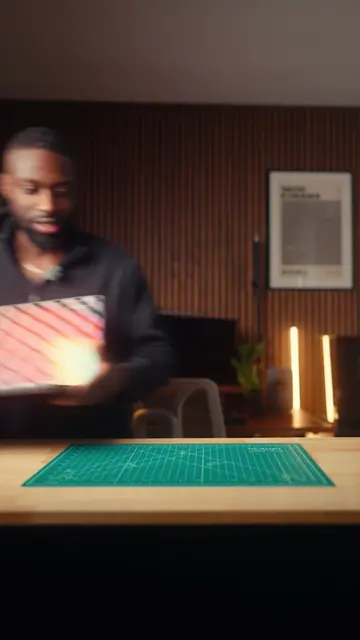
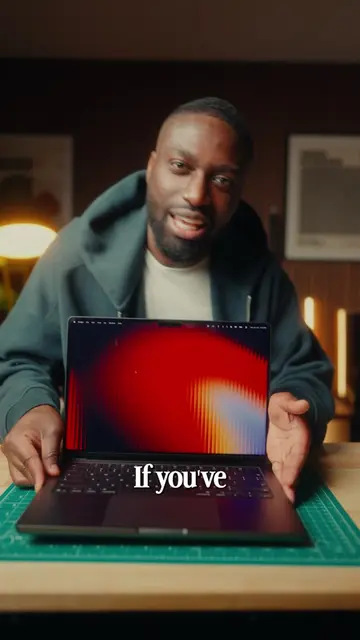
If you've got
@_chrisasante
150.7K followers · usually 31.5K views a post
Views
148.6K
Likes
11.4K
Comments
29
Shares
629
Promoted product
MacBook
Why it worked
The video provides practical and visually appealing tips for personalizing a MacBook, which are likely to resonate with users looking to enhance their user experience. The use of clear, step-by-step instructions and visual demonstrations makes the content easy to follow and replicate.
Summary
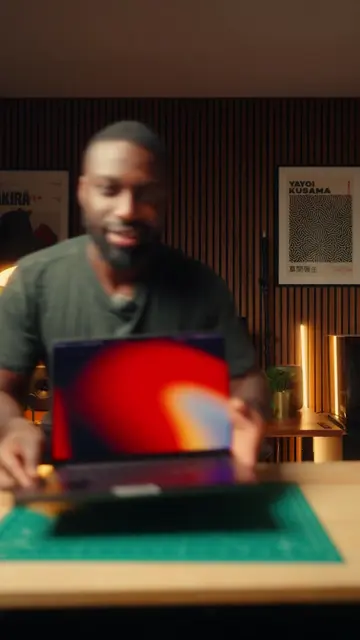
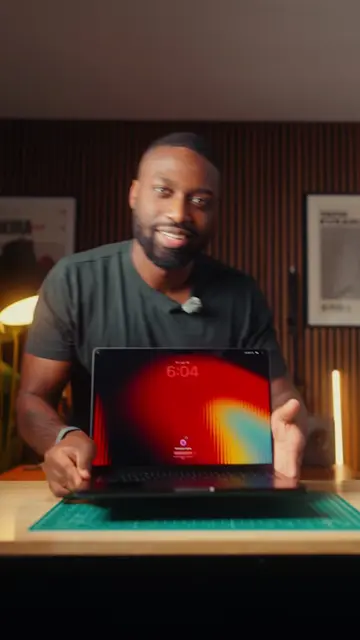
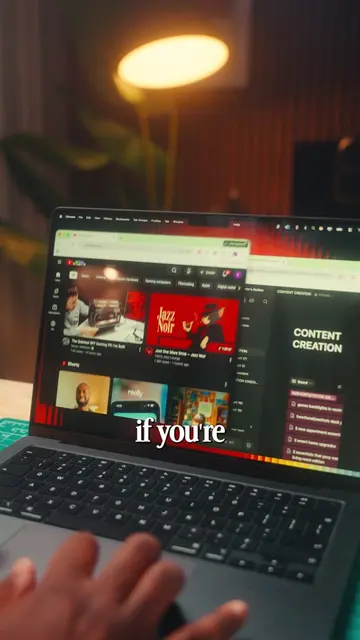
This video demonstrates how to personalize a MacBook by customizing folder backgrounds and icons, and setting up hot corners for quick actions. The creator shows how to change folder backgrounds to colors or images and how to replace default folder icons with custom images. They also explain how to configure hot corners in System Settings to trigger actions like showing the desktop or opening a quick note.
Structure
- 1Introduce personalization features for MacBooks
- 2Customize Finder folder backgrounds
- 3Change folder icons using custom images
- 4Set up hot corners for quick actions
- 5Encourage viewers to save and follow
Product placement
The video demonstrates features of a MacBook, including customizing Finder folders and setting up hot corners. The product being discussed and demonstrated is the MacBook itself.
Call to action
Original caption
We are back with some more MacBook features that i’ve been using lately! This time around these features will help you personalize your MacBook. Check this out! #macbook #macbooktips #apple #Tech
More from @_chrisasante
More breakout videos from this creator.