Loading video…
All breakouts
11.7Talking HeadDirect Question hookConsumer Apps
Hook
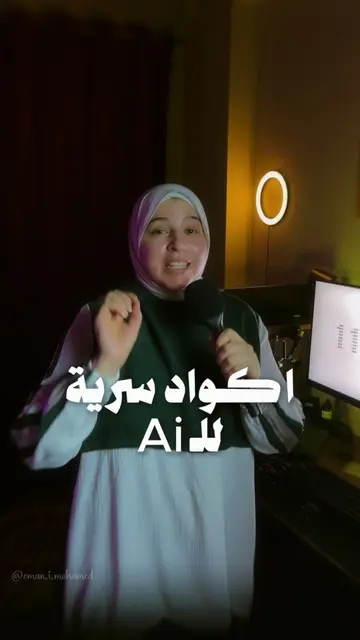
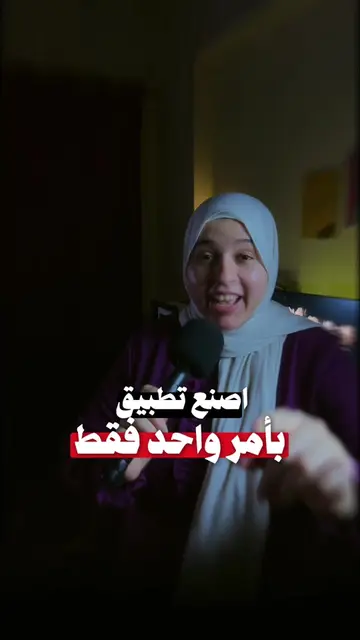
كان عندك كم
@eman_mohamedyt
890.2K followers · usually 34.6K views a post
Views
474.1K
Likes
23.0K
Comments
5.6K
Shares
3.3K
Why it worked
The video provides practical, actionable tips for using a popular app, appealing to users' desire to discover hidden functionalities and optimize their experience. The demonstration format makes the information easy to digest and replicate.
Summary
The video demonstrates several hidden features and shortcuts within the TikTok app. It explains how long-pressing different buttons can lead to actions like re-sharing, commenting with emojis, sending videos directly, and saving videos into custom collections.
Structure
- 1Introduction to TikTok features
- 2Long-press for re-share
- 3Long-press for comments/emojis
- 4Long-press for sharing
- 5Long-press for saving/collections
- 6Zooming out to remove UI elements
Product placement
TikTok: it is a social media platform where users can create and share short videos. It ACTS as the platform on which the video's features are demonstrated. Removing it would change what happens in the video.
On-screen text
كان عندك كم
سنة لما عرفت
الحاجات دي
على تيك توك
انك لو ضغطت
على زرار
ضغطة طويلة
هتقدر تعمل
اعاده نشر
وعلى زرار
التعليقات
ضغطة طويلة
تقدر
تسيب كومنت
ب ايموجي
مفضل عندك
اما
على زرار
ال شير
ضغطة
طويلة
برضه
فانت تقدر
تبع ت
الفيديو
لاخر ناس
انت كلمتهم
في
محادثاتك
الخاصه
بس الاهم
من كده
لو ضغطت
على علامة
او الحفظ
ضغطة طويلة
فانت تقدر
تحفظ
الفيديو
ولكن
كمان
تقدر تخصصه
له قسم
من الاقسام
بتاعتك
يعني مثلا
تكنولوجيا
اطعمه
الى اخره
وما تنساش
خرج
اعمل زوم كده
بصباك
واحذف
الحاجات
ال جانبيه
اللي بتكون
على الشاشه
Original caption
تركات قويه على تيك توك كنت فاكره انك عارف تيك توك كويس؟
جرب تضغط ضغطة طويلة على بعض الازرار وهتفهم بنفسك ليه الناس بتقضي وقتها هناك اكتر من اي مكان تاني 👀
في حاجات بسيطة بتغير كل تجربة الاستخدام... بس مش الكل واخد باله منها
قولي كام حاجة كنت تعرفها قبل ما تشوف الفيديو
#حيل_تيك_توك #أسرار_تيك_توك #TikTokHacks #TikTokTips #HiddenFeatures
More from @eman_mohamedyt
More breakout videos from this creator.