Loading video…
All breakouts
 CapCutseen in 576 videos →
10.4App DemoOther hookEducation
Hook
NEW YORK
@ezraed1t
207.0K followers · usually 191.0K views a post
Views
1.9M
Likes
121.7K
Comments
598
Shares
8.9K
Selling · SaaS › Other SaaS
Why it worked
The video provides a clear, step-by-step tutorial for creating a visually appealing text effect that is commonly used in short-form video content. The use of native mention and a clear demonstration of the tool's capabilities makes it valuable for users looking to enhance their videos.
Summary
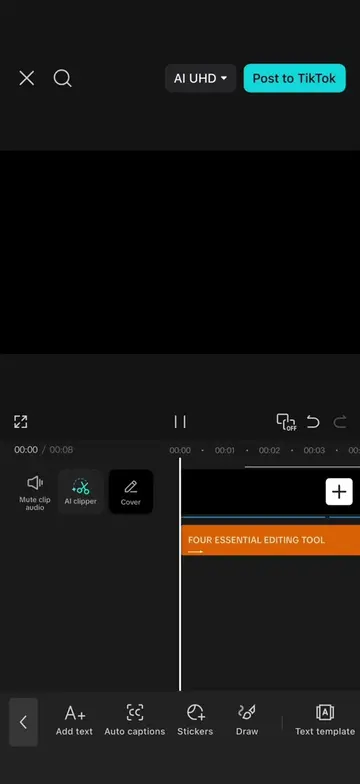
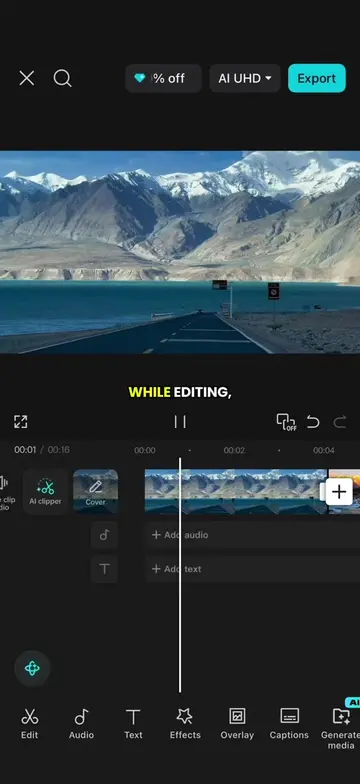
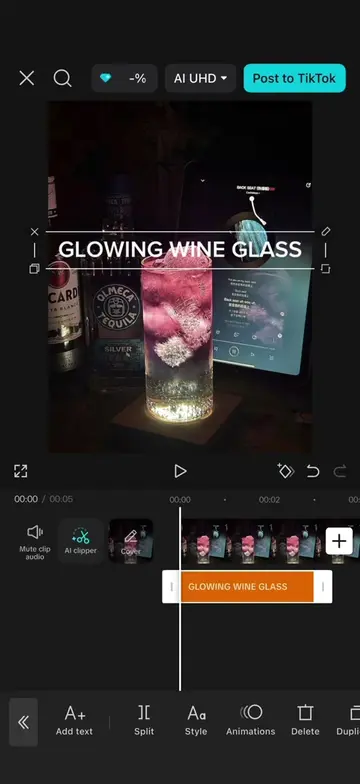
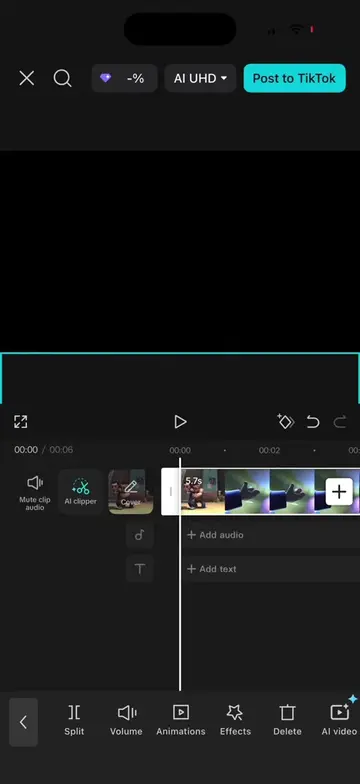
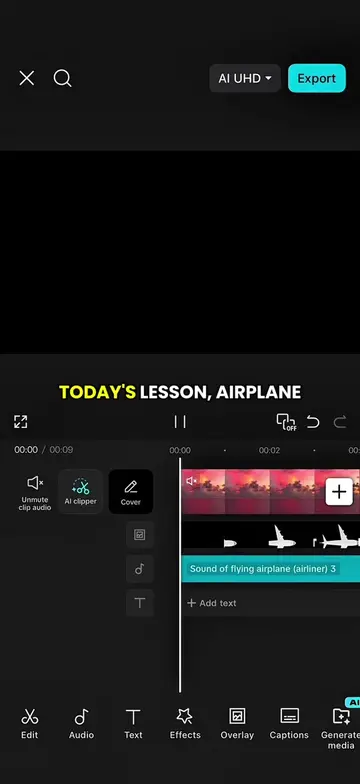
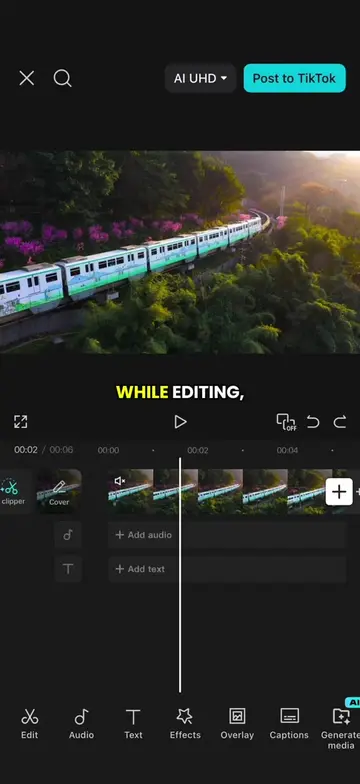
This video demonstrates how to create a text travel intro effect using CapCut. It covers adding a black background, text, animations, and using the chroma key feature to replace the green background with a video clip.
Structure
- 1Start with a black background and text
- 2Add text, change font, color, and animation
- 3Export the text clip
- 4Import a video clip and add the text as an overlay
- 5Use chroma key to remove the green background
- 6Export the final video
Product placement
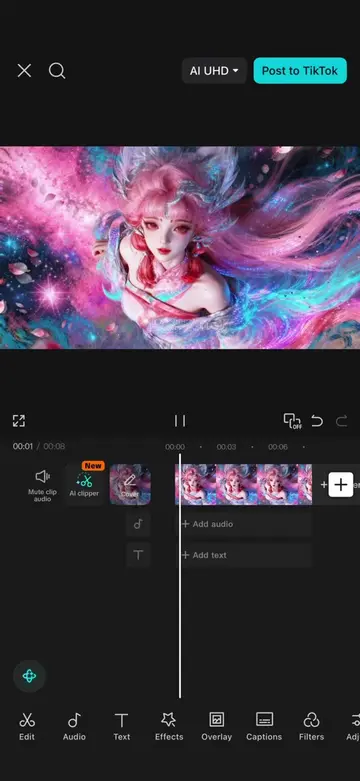
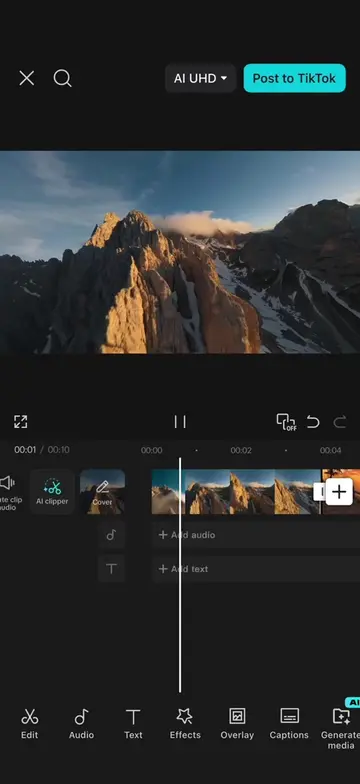
CapCut is used throughout the video to demonstrate the editing process. The video shows the interface and features of CapCut, including adding text, animations, and using the chroma key effect.
Original caption
Episode 53 | Text travel intro effect #CapCut #capcutpioneer #tiktoktips #editingtutorial #tutorial
More from @ezraed1t
Their other posts in the index, biggest breakout first.