The video solves a high-friction pain point for AI developers (context loss) with a clever, actionable workflow, building authority before introducing the creator's own tool.
Summary
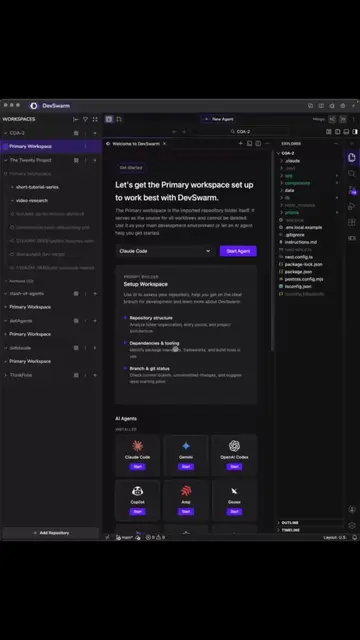
The creator demonstrates how to integrate Claude Code with Obsidian to create a persistent memory system for AI coding projects. He then introduces DevSwarm as an agenic IDE that facilitates parallel development across multiple branches.
Structure
1Identify the problem of AI forgetting context
2Explain the solution using Obsidian as a memory layer
3Walk through the technical setup of the integration
4
Original caption
Claude Code is powerful… but every new session forgetting your project is the real bottleneck. I connected Claude Code + Obsidian and gave my AI a memory layer. Now it remembers architecture, decisions, and context like a real teammate. 🧠 #ClaudeCode #AIcoding #Obsidian #SoftwareEngineer #DevSwarm
More from @codenameposhan
More breakout videos from this creator.
Demonstrate how to use prompts to manage project memory
5Introduce DevSwarm as the IDE for parallel AI coding
Product placement
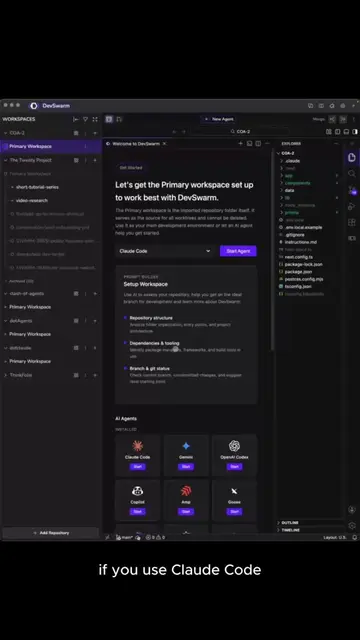
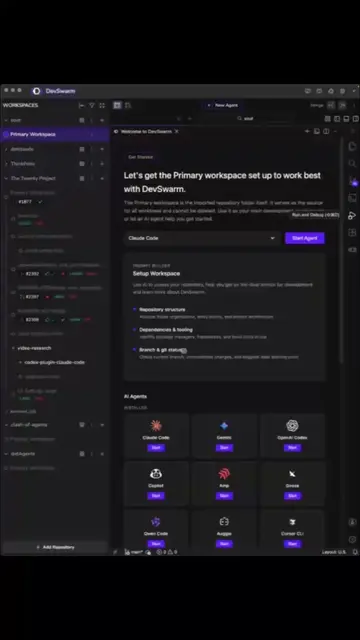
The video demonstrates the use of Obsidian for memory management and then explicitly pitches DevSwarm as an agenic IDE.
Call to action
Try it at devswarm.ai
On-screen text
Claude Code + Obsidian
EVERY NEW SESSION
IT FORGETS
SO YOU KEEP
Today, we fix that.
A REAL MEMORY SYSTEM.
A MEMORY YOU CAN
Obsidian
YOUR VAULT
The magic is [[links]]
LINKS BECOME a knowledge graph.
Note A FILE
RELATIONSHIP
THIS BECOMES your project map.
Sharpen your thinking.
Primary Workspace
Primary Workspace
Try it at devswarm.ai
Transcript
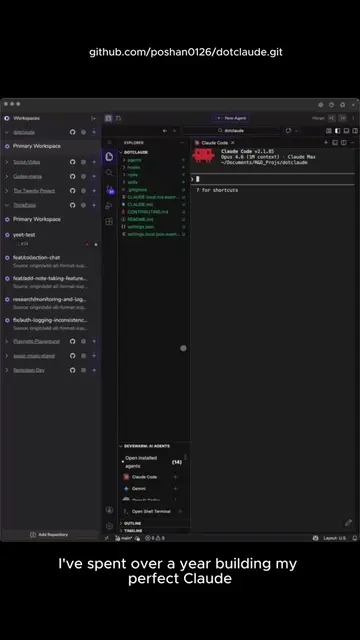
If you've used Claude code for a while, you've probably noticed the biggest problem. Every session starts from zero. It forgets your codebase, your decisions, and your context, so you keep reexplaining the same things. Today, we're fixing that. We're connecting Claude Code with Obsidian to give it a real memory system. A memory you own, edit, and visualize. Obsidian is a local markdown notes app where your notes live in a folder called a vault. The magic is links. Those links connect your notes and create a knowledge graph. Every dot is a note, every line is a relationship. Once Claude starts adding your project knowledge, this becomes your project map. Let's install it. Go to obsidian.md. Download Obsidian for your operating system. Install it. When you open it for the first time, choose Create New Vault. The location matters. Put the vault inside your project folder. Now, Claude can access both your code and your knowledge base. Open Obsidian. Now we connect Obsidian to Claude Code. Go to settings, then community plugins, enable community plugins. Search B R A T. Install the plugin, then click enable. Open the plugin settings, then add the Claude Code MCP repo by Ian Sinott. You should see the MCP server running, usually localhost:22360. Keep Obsidian open. The server only works while Obsidian is running. Now, open your IDE. I'm using DevSwarm here. These are all the projects and branches I'm working on. Navigate into your project folder. Run this registers Obsidian as a tool inside Claude Code. Verify it. Claude MCP list. You should see Obsidian. Now start Claude Code. Claude type /MCP. You should see Obsidian listed there. Claude can now talk directly to your Obsidian vault. Let's test it. Ask Claude, read my Obsidian vault and tell me what's inside. If it's empty, that's expected. Now let's create your project memory. Ask, analyze this project and create architecture.md in my Obsidian Vault. Explain the main components and use links between related concepts. Open Obsidian, a new note appears. Claude just created documentation for your project. Now open the graph view, you can see your architecture connected to database, authentication, API. Those relationships are now stored. Now let's scale it. Ask Claude, create notes for every major service in this codebase. Link each service to architecture. If services depend on each other, create those connections too. Now look at the graph, you start seeing clusters. Related systems group together, dependencies become visible. Instead of navigating your project through folders, you're navigating through knowledge. The important part is building the habit. I use three prompts first thing in the morning. Read active context.md. Tell me what I was working on and what is next. That becomes your session memory. During development, when you make an important decision, save this decision in the decisions folder. Include why we made it and link affected files. Now your reasoning doesn't disappear. Months later, you can ask why was this architecture decision made, and Claude can find it. At the end of the day, update active context.md with what we finished, what's next, and what's blocked. That's the loop: read context, capture decisions, update memory. And if you're wondering what DevSwarm is, it's an agenic IDE that lets you run multiple AI coding agents across different branches with isolated VS code environments, so you can build in parallel without branch conflicts. Try it at devswarm.ai.