Loading video…
All breakouts
4.4App DemoHow-To hookCreator Economy
Hook
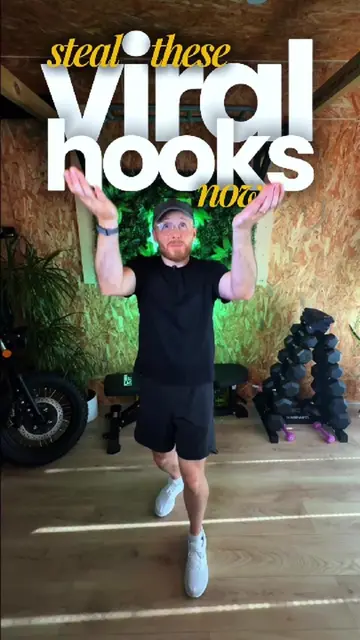
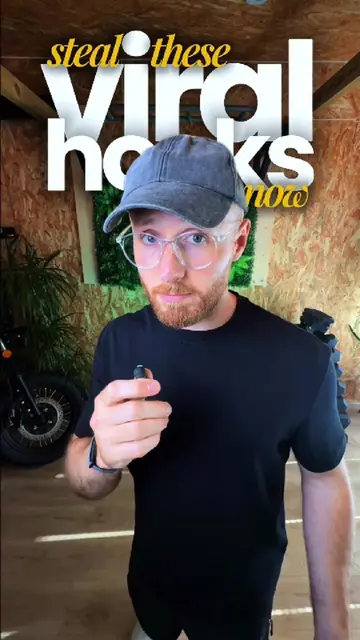
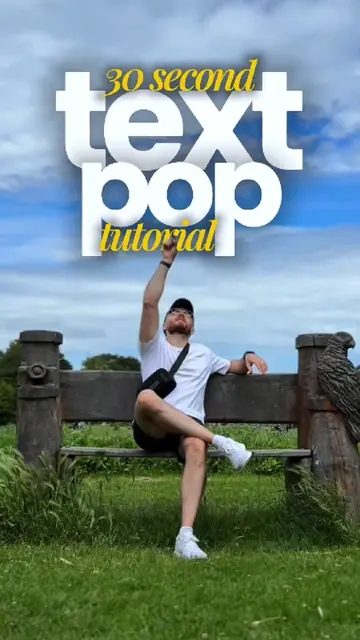
30 second: text duck tutorial
@harry__allsop
151.8K followers · usually 23.5K views a post
Views
98.7K
Likes
6.7K
Comments
46
Shares
1.3K
Why it worked
The video provides a quick, visually engaging tutorial for a popular video editing effect using a readily available app. The "text duck" effect itself is novel and creates a sense of depth, making it shareable and intriguing.
Summary
This video demonstrates how to create a "text duck" effect in CapCut, making it appear as if the user is ducking under text. It involves filming a clip, adding text as an overlay, and then using background removal on a duplicated clip to achieve the illusion.
Free accountLocked — create a free account to open
Transcript, structure and on-screen text
6 beats, a 248-word transcript and 42 lines of on-screen text — the parts you need to write your own version.
Original caption
Stop adding text to your videos. Start making it part of the scene. 👀 Want to learn 50+ editing effects like this? I’ve put together 50+ step-by-step tutorials, plus a private creator community where I break down every effect from filming to final export. Comment EDIT and I’ll send you everything 👇 This is the Text Duck Effect in CapCut. A simple editing trick that makes it look like you duck underneath your text before popping back up behind it — instantly adding depth and making your edits stand out. Perfect for: • Talking head videos • Reels & TikToks • Scroll-stopping hooks • Mobile editing Save this so you can come back to it later. #capcut #vfx #tutorials #textanimation #mobileediting
More from @harry__allsop
More breakout videos from this creator.