Loading video…
Sound

original sound - thaepo707
ANaw🍀🦋🌸🌷 · Original audio
0:00–:––
- Videos using it
- 3
- Views on those videos
- 3.0M
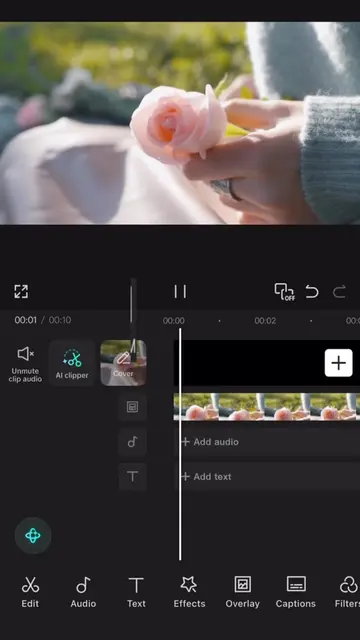
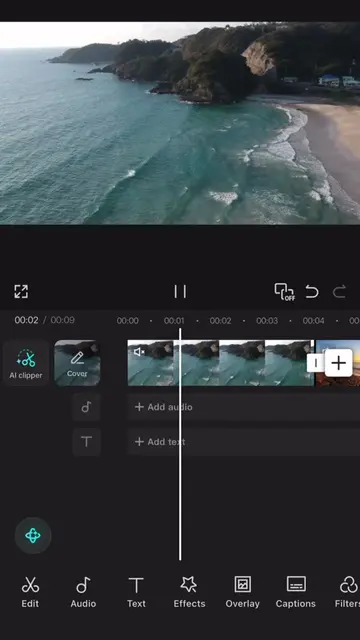
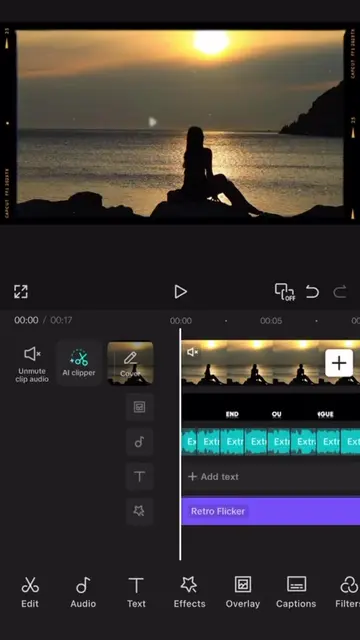
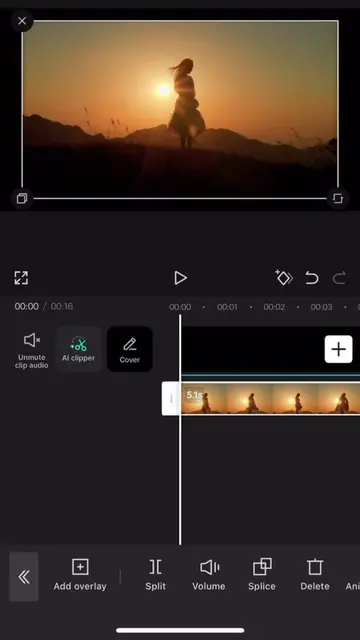
The video provides a clear, step-by-step tutorial on a specific feature within a popular video editing app, making it highly useful for users looking to enhance their content.
The video demonstrates how to add and style text within the CapCut video editing application. It shows the process of typing text, selecting fonts, adjusting styles, and applying animations to the text overlay.
save and follow 🫡 || #CapCut #capcutpioneer #tutorial #capcut
00:00
Open CapCut and add text
Type 'NATURE' and select a font
Adjust text style and color
Apply text animation
Export the video
CapCut: video editing software. It ACTS as the tool used to create the video. Removing it would change what happens in the video.
Video editing app for creators making social media videos
Views and creators: posted in the last 30 days (English videos). Videos: all time.
Promotes 1 product. Create free account to see more.
Outliers and viral hits: their videos on Overshot, all time.