Loading video…
Sound

original sound - zeennskyy
capcut_templates · Original audio
0:00–:––
The video provides a clear and concise solution to a common video editing problem, demonstrating a useful feature of a popular app in a visually engaging way.
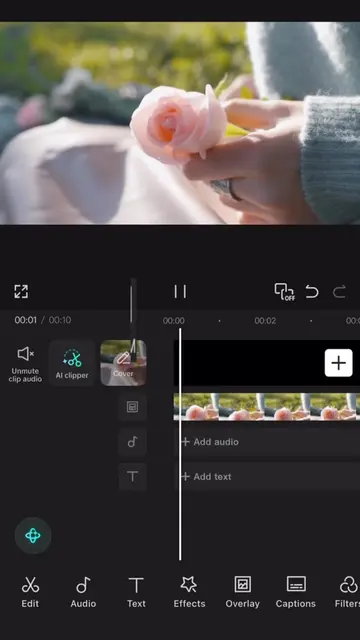
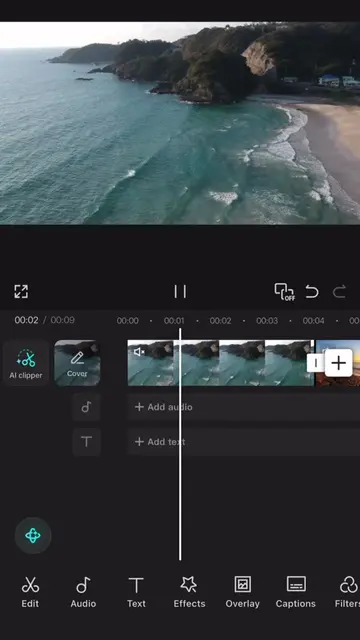
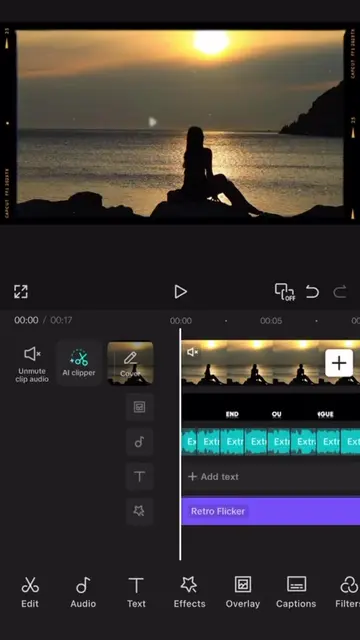
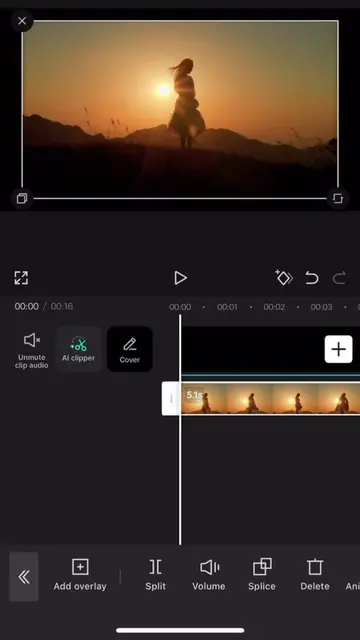
This video demonstrates how to use CapCut's tracking feature to make text follow an object automatically. It contrasts this with the time-consuming manual process of keyframing.
save and follow 🫡 || #CapCut #capcutpioneer #tutorial #capcut
WOMAN
Introduce the problem: manual keyframing is time-consuming.
Introduce the solution: CapCut's tracking feature.
Add text and position it near the object.
Use the tracking feature to make text follow the object.
Show the successful result of automatic tracking.
CapCut: video editing software. It ACTS as the tool used to create the video's effect. Removing it would change what happens in the video. CapCut: video editing software. It APPEARS as a watermark/logo in the bottom right corner. Removing it would not change what happens in the video.
Promotes 1 product. Create free account to see more.
Outliers and viral hits: their videos on Overshot, all time.
Video editing app for creators making social media videos
Views and creators: posted in the last 30 days (English videos). Videos: all time.