Loading video…
Sound

original sound - tropytech2.0
Tropy Tech 2.0 · Original audio
0:00–:––
Playing this video’s own audio, so you’ll hear the creator over the sound.
This video promotes it, but we haven’t matched it to a product page yet, so there are no product figures.
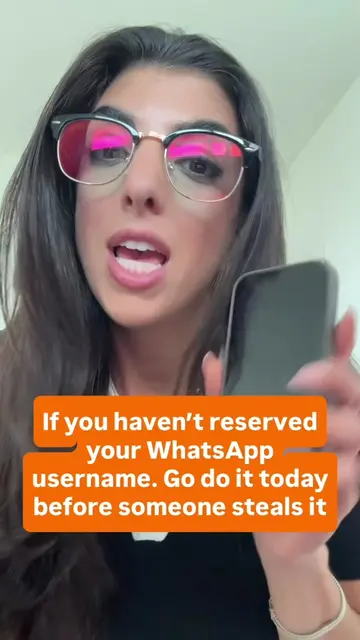
The video addresses a highly anticipated feature update for a widely used application, providing a clear and concise tutorial on how to use it. The emphasis on privacy and the potential for users to secure their preferred username before others likely drove engagement.
This video demonstrates how to create and reserve a username on WhatsApp, a new feature that allows users to communicate without sharing their phone numbers. It guides viewers through the process of setting up their username and choosing who can contact them via username.
How to Use WhatsApp Username & Reserve Your Username WhatsApp has finally introduced Usernames! You no longer have to share your phone number with everyone. Now you can create and reserve your unique WhatsApp username before someone else takes it! 🔥 In this video, I'll show you exactly how to set up and reserve your WhatsApp username step by step. ✨ What you'll learn: ✅ How to create your WhatsApp username ✅ How to reserve your preferred username ✅ Why this new feature is important ✅ How usernames improve your privacy ✅ Tips for choosing a unique username If your desired username is available today, claim it before it's taken! 👀 💬 Comment "USERNAME" if you've already reserved yours 📌 Save this video for future reference 📤 Share with friends so they can claim their usernames too #tropytech #whatsapptips #whatsappusername #whatsappnewupdate
If you use WhatsApp, don't miss this video.
Introduction to WhatsApp username feature
Demonstration of creating a username
Explanation of privacy settings for usernames
Call to action to update WhatsApp and engage
WhatsApp (app): allows users to communicate via messaging and calls. It is used here to demonstrate a new feature for creating usernames. This is an ACTS placement, as the app's interface is operated and a visible result (username creation) comes from it. Removing WhatsApp would change what happens in the video. @tropyshop2.0 (username): appears as a watermark on the video. This is an APPEARS placement. Removing it would not change what happens in the video.
Follow @tropyshop2.0 to see more videos like this. Comment and share this video with your friends.
Playing this video’s own audio, so you’ll hear the creator over the sound.
Promotes 2 products. Create free account to see more.
Outliers and viral hits: their videos on Overshot, all time.