Loading video…
Sound

original sound - zeennskyy
capcut_templates · Original audio
0:00–:––
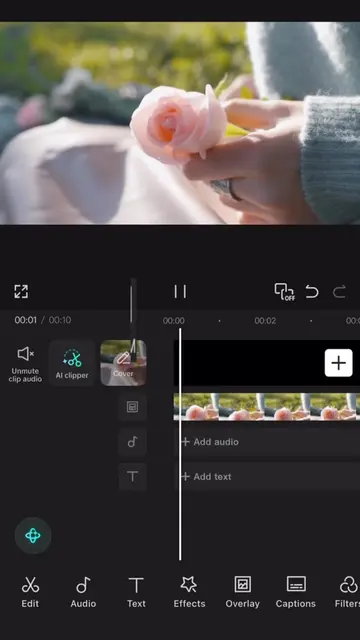
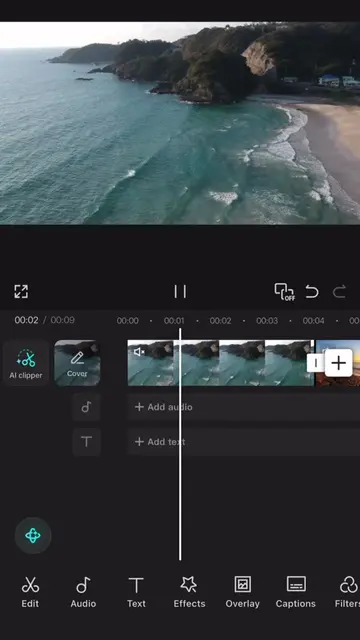
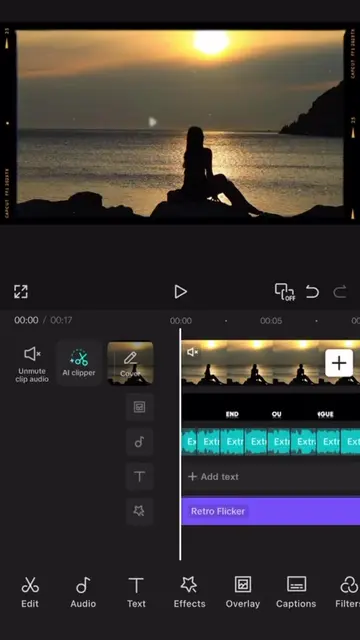
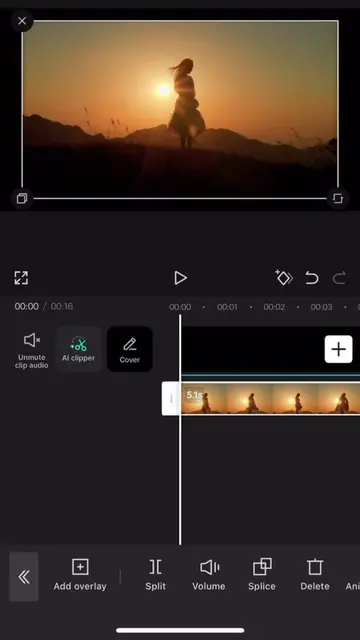
The video provides a clear, step-by-step tutorial for a popular video editing app, demonstrating a visually appealing effect that users can easily replicate. The use of on-screen text and visual cues makes it easy to follow even without audio.
This tutorial demonstrates how to create a "cinematic" text effect in CapCut. It involves adding text, applying animations and masks, and adjusting keyframes to achieve the desired visual style.
save and follow 🫡 || #CapCut #capcutpioneer #tutorial #capcut
free tutorial
Start with a black background and add text.
Apply a 'Dotty Cursor' animation to the text.
Duplicate the text layer and apply a horizontal mask.
Invert the mask on the duplicated layer.
Add keyframes to animate the mask's position.
Apply a speed graph to the keyframes for a smoother effect.
CapCut: video editing software. It ACTS as the tool used to create the video effect. Removing it would change what happens in the video.
Video editing app for creators making social media videos
Views and creators: posted in the last 30 days (English videos). Videos: all time.
Promotes 1 product. Create free account to see more.
Outliers and viral hits: their videos on Overshot, all time.