Loading video…
All breakouts
128Text-HeavyOther hookCreator Economy
Hook
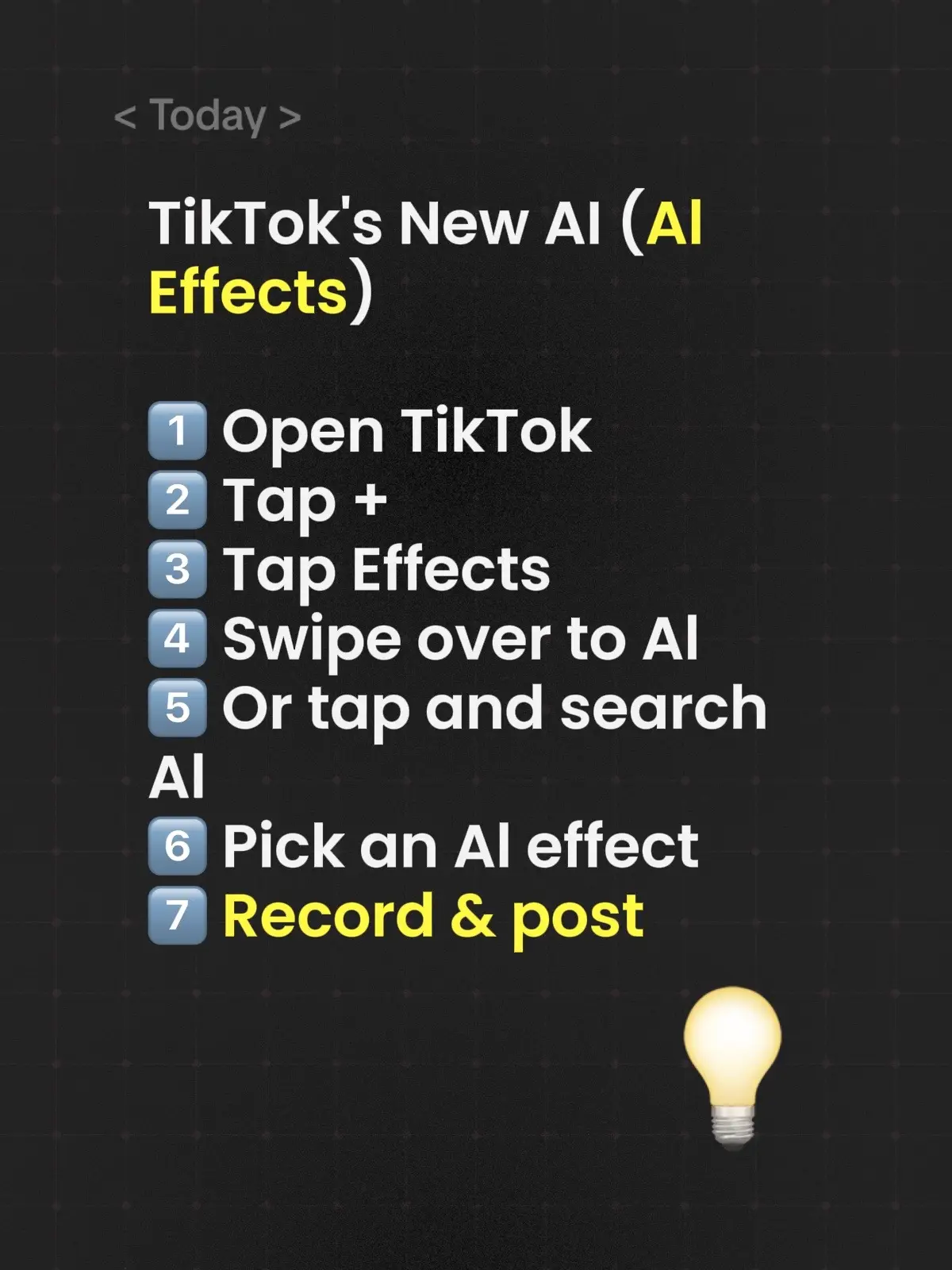
< Today > TikTok's New AI (AI
@tremaynemitchellofficial
25.6K followers · usually 803 views a post
Views
99.9K
Likes
1.1K
Comments
116
Shares
96
Why it worked
The post provides a clear, concise, and actionable step-by-step guide to using a new feature on a popular platform, making it highly shareable and useful for users looking to explore AI effects.
Summary
This post outlines a 7-step process for using TikTok's new AI effects. It guides users through opening the app, accessing effects, selecting an AI effect, and finally recording and posting their content.
Structure
- 1Introduce TikTok's new AI effects
- 2Step 1: Open TikTok
- 3Step 2: Tap +
- 4Step 3: Tap Effects
- 5Step 4: Swipe to AI or search
- 6Step 5: Pick an AI effect
- 7Step 6: Record & post
Product placement
TikTok ACTS - it is the platform where the user creates and posts videos. Removing it would change what happens in the video.
Call to action
Record & post
On-screen text
< Today >
TikTok's New AI (AI
Effects)
1 Open TikTok
2 Tap +
3 Tap Effects
4 Swipe over to AI
5 Or tap and search
AI
6 Pick an AI effect
7 Record & post
Original caption
1️⃣ Open TikTok 2️⃣ Tap + 3️⃣ Tap Effects 4️⃣ Swipe over to Al 5️⃣ Or tap and search Al 6️⃣ Pick an Al effect 7️⃣ Record & post V
More from @tremaynemitchellofficial
More breakout videos from this creator.