Loading video…
All breakouts 3 videos2 creators
71.8Talking HeadOther hookCreator Economy
Hook
New 2026 Update AI cover Title
@tremaynemitchellofficial
25.6K followers · usually 803 views a post
Views
57.7K
Likes
544
Comments
110
Shares
80
Promoted product
AI Cover Title
Why it worked
The video leverages a new, potentially viral feature on a popular platform, offering a clear, step-by-step tutorial that promises increased reach and engagement. The creator's enthusiastic delivery and direct instructions encourage immediate adoption.
Summary
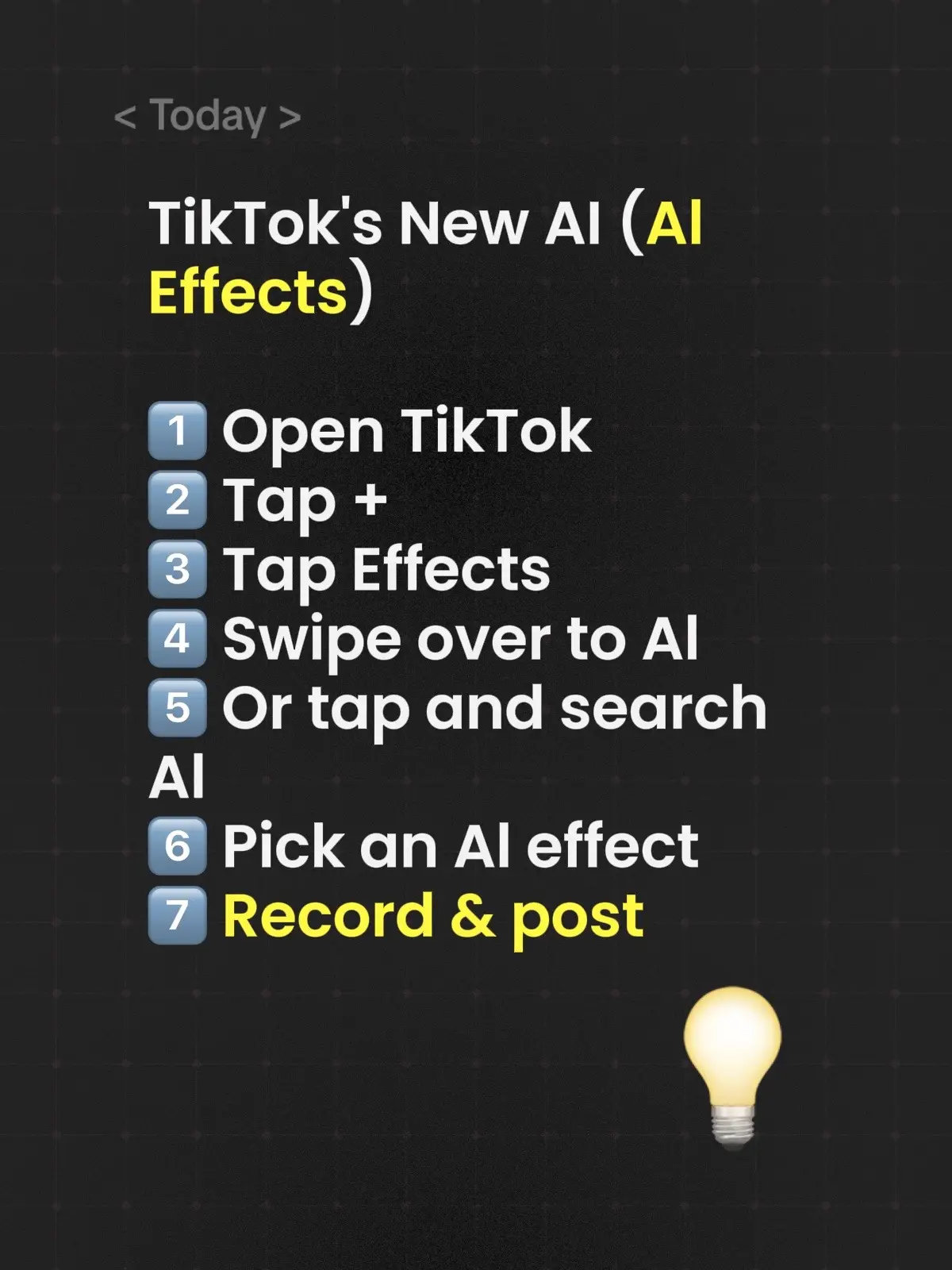
The creator explains how to use TikTok's new AI Cover Title feature, which generates video titles based on an image. They guide viewers through the steps of selecting a photo, using the AI tool, choosing a title, and selecting a trending sound to maximize reach.
Structure
- 1Announce new TikTok feature
- 2Explain how to access AI Cover Title
- 3Demonstrate using the feature
- 4Advise on selecting a trending sound
- 5
Original caption
Al cover title. Use this new 2026 feature. #newfeature #smallcreator #tiktokupdate #tiktokgrowth #tiktoktips
More from @tremaynemitchellofficial
More breakout videos from this creator.