Loading video…
All breakouts
 228 videos127 creators
7.5App DemoHow-To hookCreator Economy
Hook
How to make a viral carousel in Canva
@jenniferbatss
75.4K followers · usually 7.1K views a post
Views
48.2K
Likes
1.6K
Comments
16
Shares
329
Promoted product
Canvacanva.com
Why it worked
The video provides a clear, step-by-step tutorial for a visually engaging social media design technique, offering a free template in the bio which incentivizes engagement and sharing.
Summary
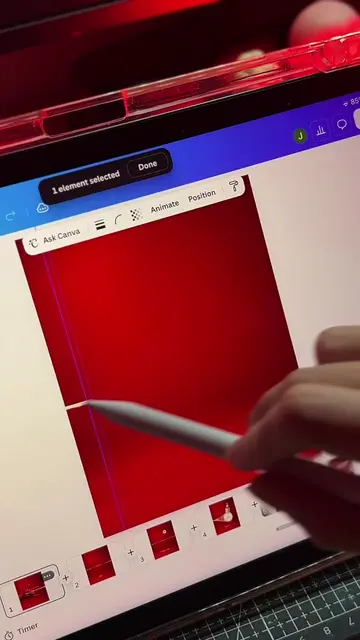
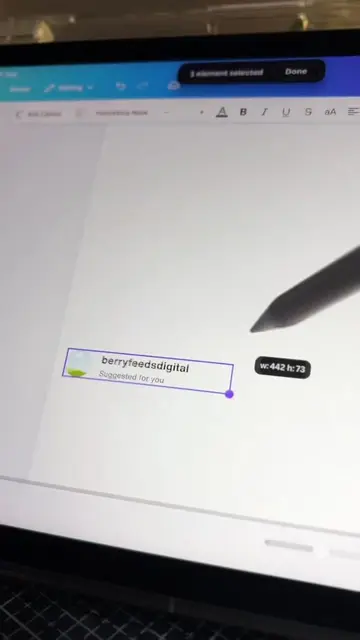
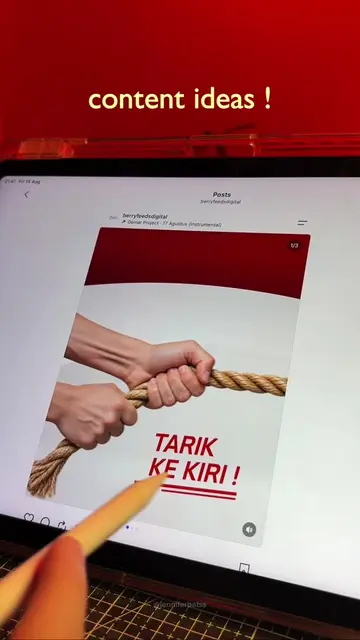
This video demonstrates how to create a viral carousel post using Canva. It covers setting up a custom canvas size, using the curve effect for text, splitting the design into multiple slides with the Carousel Splitter app, and animating elements to create a dynamic presentation.
Structure
- 1Set up custom canvas size
- 2Create curved text effect
- 3Split design into carousel slides
- 4Animate product movement
Original caption
Ide konten buat bisnis kamu ni 😍😍 | yang kesusahan bikinnya dan gamau ribet..bisa download template canva di bio aku yess #canva #canvatemplate #viralpost #socialmediadesign #contentidea
More from @jenniferbatss
More breakout videos from this creator.