Loading video…
Sound
Sunflower - Spider-Man: Into the Spider-Verse
Post Malone & Swae Lee
0:00–:––
- Videos using it
- 164
- Creators
- 97
- Views on those videos
- 53.6M
The video leverages a popular visual trend (Spiderman web effect) and applies it to a practical design tool (Canva), making it relatable and aspirational for users looking to create engaging social media content. The clear demonstration and direct call to action for a purchasable template encourage engagement and potential sales.
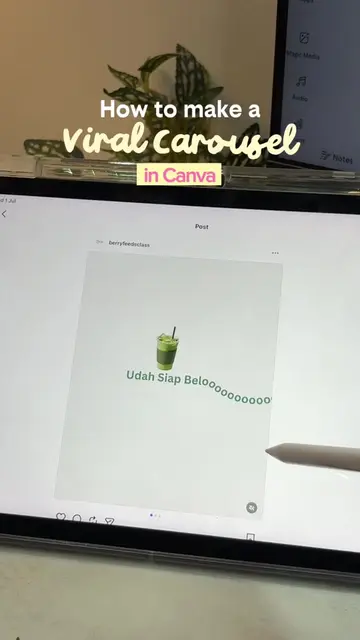
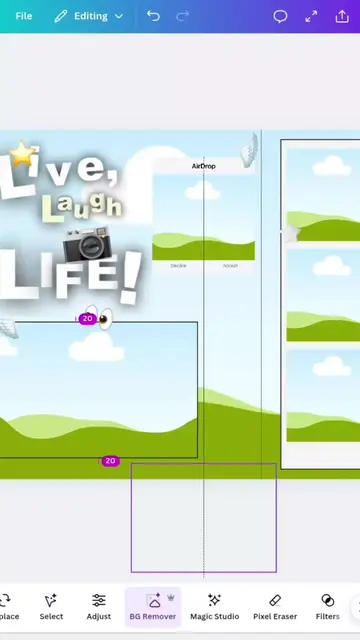
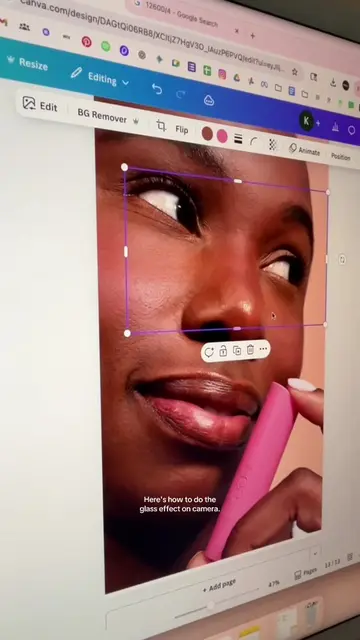
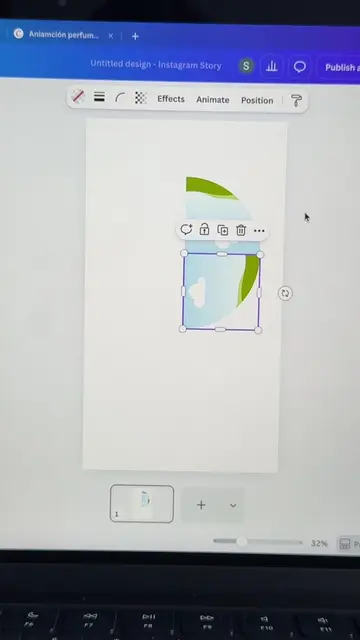
The video demonstrates how to create a series of Instagram post templates using Canva, mimicking a popular "Instagram trend" where images are revealed by "swiping left." The creator shows the process of designing these templates, including adding elements like a Spiderman hand, a drink, donuts, and a handbag, all presented with a web effect. The final screen displays a note instructing viewers to comment "SPIDER" to get the link to purchase the Canva template.
Template Link ada di bio ya 👀🫶 #canva #canvatemplate #carouseldesign #spiderman
POV: your boss finds an Instagram trend...
Demonstrate creating a Spiderman hand template
Showcase adding a drink with a web effect
Create donut templates with web effects
Design a handbag template with a web effect
Display the final Instagram post sequence
Provide a call to action for the Canva template
Canva: ACTS - it is the design software used to create the Instagram post templates. Removing it would change what happens in the video. Instagram: APPEARS - it is the platform where the templates are intended to be used. Removing it would not change what happens in the video.
Comment "SPIDER" to get the link to purchase this Canva template
Design app for people creating presentations, worksheets, and other visual content
Views and creators: posted in the last 30 days (English videos). Videos: all time.
Promotes 1 product. Create free account to see more.
Outliers and viral hits: their videos on Overshot, all time.