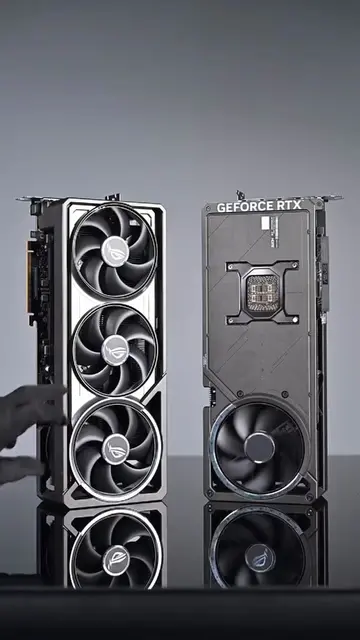
Loading video…
All breakouts
12.7OtherOther hookGames
Hook
RTX5090FE
@zerosgaming02
51.5K followers · usually 9.8K views a post
Views
120.4K
Likes
4.0K
Comments
145
Shares
348
Why it worked
The video likely performed well due to its satisfying ASMR-like build process and the aspirational nature of showcasing high-end PC components, appealing to PC enthusiasts and gamers.
Summary
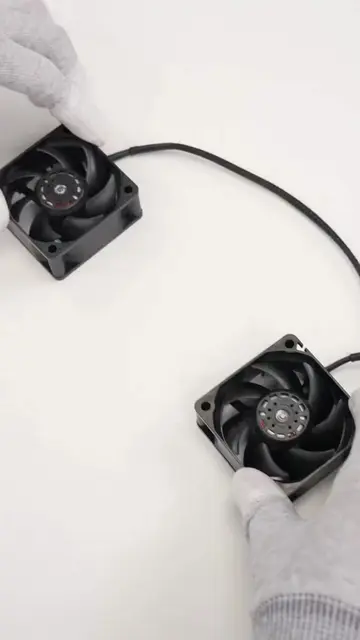
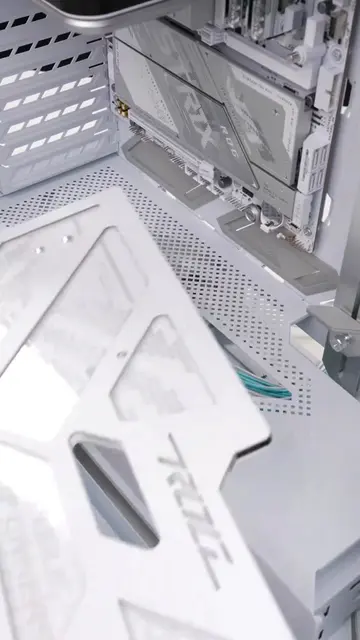
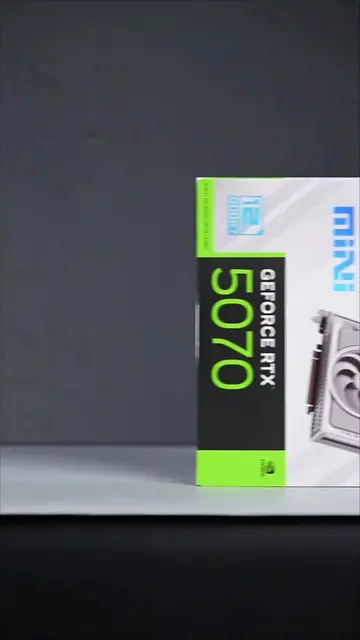
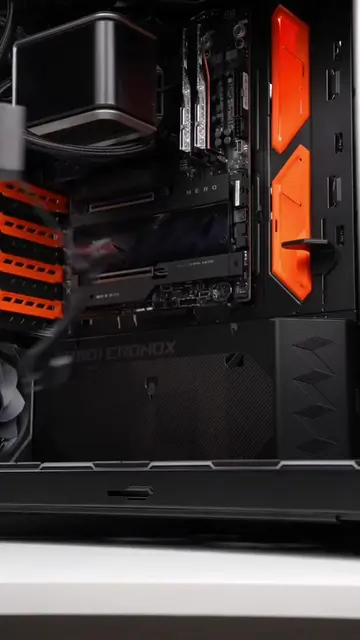
The video shows a PC build process, starting with the unboxing and installation of various components like the CPU, SSD, case fans, power supply, and RAM. It culminates in the installation of the graphics card and the final assembly of the PC.
Structure
- 1Unboxing and installing CPU and SSD
- 2Installing case fans
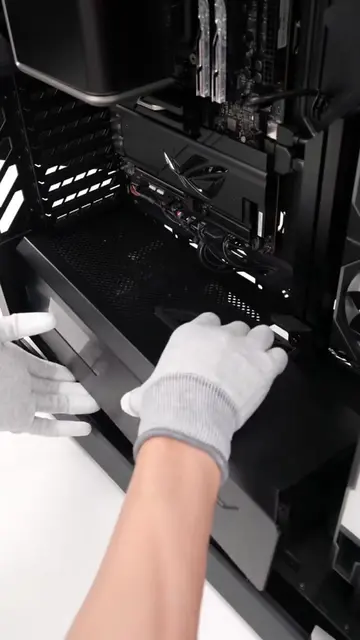
- 3Installing power supply
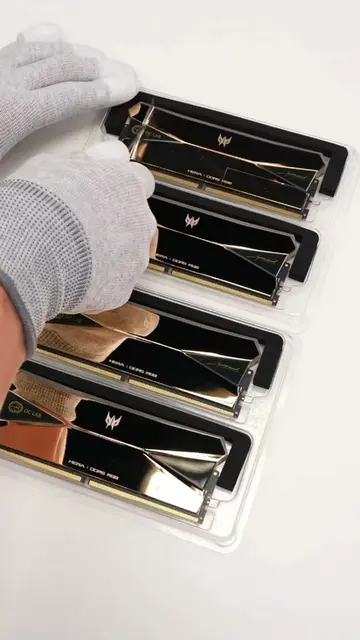
- 4Installing RAM
- 5Installing CPU cooler
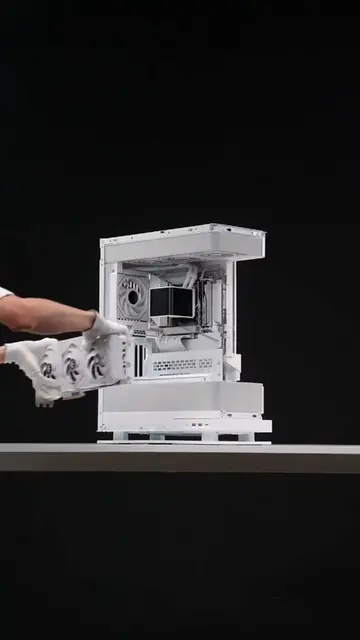
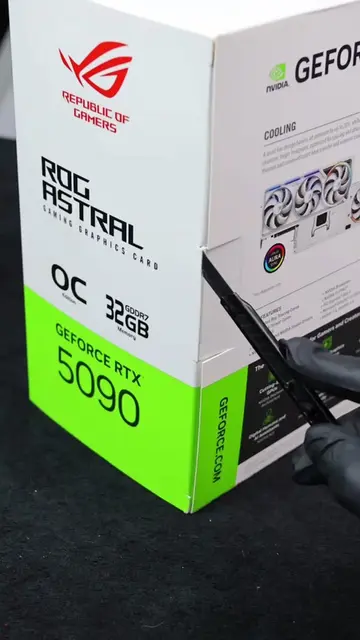
- 6Installing graphics card
- 7Final assembly and closing the case
Product placement
NVIDIA GeForce RTX 5090 (graphics card) - Appears as a product being installed into a PC build. Removing it would change the video's subject. AMD Ryzen 7 7800X3D (CPU) - Appears as a product being installed into a PC build. Removing it would change the video's subject. TiPro9000 (SSD) - Appears as a product being installed into a PC build. Removing it would change the video's subject. Cooler Master MasterFan M120 ARGB (case fans) - Appears as products being installed into a PC build. Removing them would change the video's subject. Cooler Master GX Platinum 1000 (PSU) - Appears as a product being installed into a PC build. Removing it would change the video's subject. TRY X (likely a CPU cooler or display) - Appears as a component installed in the PC. Removing it would change the video's subject. MSI (motherboard brand) - Appears as a logo on the motherboard. Removing it would not change what happens in the video. PREDATOR (RAM brand) - Appears as a logo on the RAM sticks. Removing it would not change what happens in the video. Hermes (RAM brand) - Appears as a logo on the RAM sticks. Removing it would not change what happens in the video.
Original caption
Do you prefer a powerful configuration that isn't too flashy? Full parts list in bio #pcgaming #pcbuild #atx #asmr #pcs
More from @zerosgaming02
More breakout videos from this creator.