Loading video…
All breakouts
878OtherDirect Question hookGames
Hook
What do you think its owner would do with 198GB of RAM?
@zerosgaming02
51.5K followers · usually 9.8K views a post
Views
8.5M
Likes
683.6K
Comments
10.8K
Shares
85.6K
Promoted product
PC Build
Why it worked
The video appeals to PC building enthusiasts by showcasing a high-end, aesthetically pleasing build with popular components. The use of ASMR-style visuals and the clear, step-by-step assembly process, combined with the "full parts list in bio" CTA, makes it highly engaging and informative for the target audience.
Summary
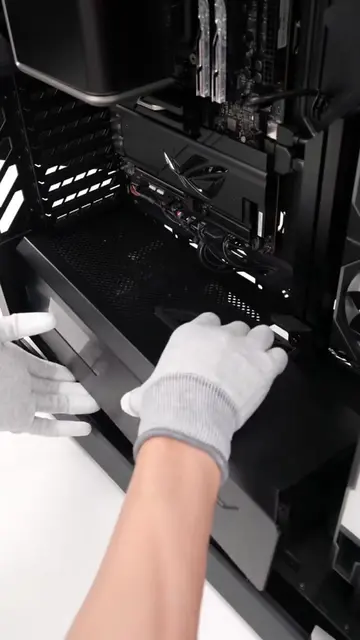
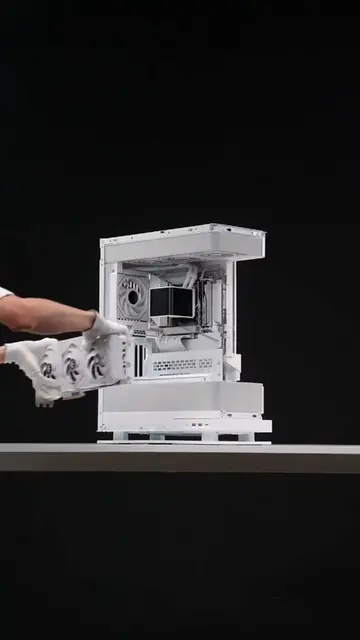
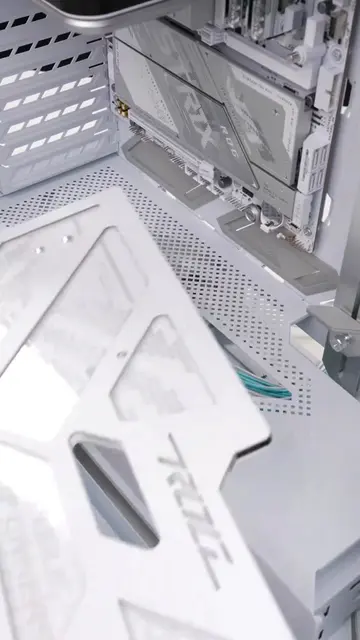
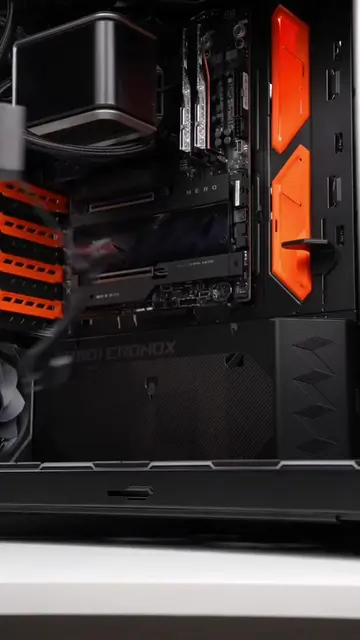
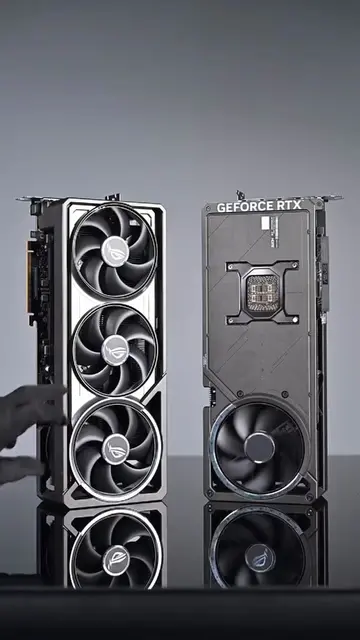
The video shows a step-by-step PC build process, starting with unboxing and installing components like RAM, CPU, SSD, and GPU into a white motherboard and case. It culminates in a fully assembled, RGB-lit gaming PC with an anime display on an internal screen.
Structure
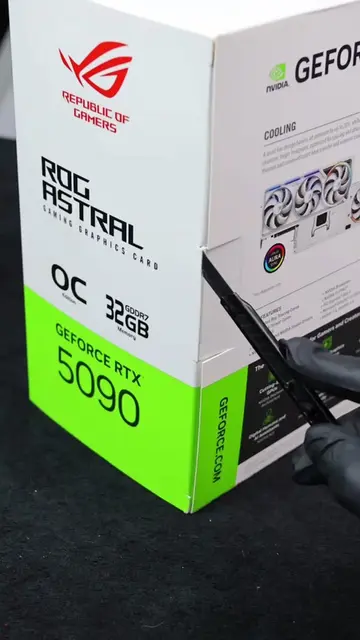
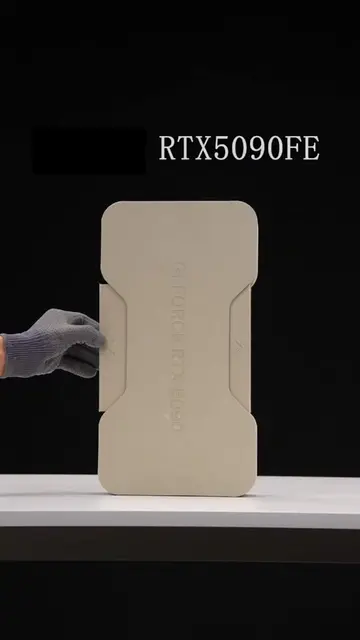
- 1Unboxing and preparing components
- 2Installing CPU, RAM, and SSD onto the motherboard
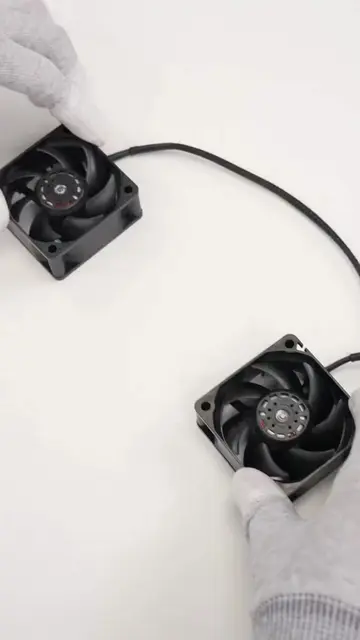
- 3Assembling fans and cooler
- 4Installing components into the PC case
- 5Connecting power supply and GPU
- 6Final assembly and showcasing the finished build with RGB lighting
Product placement
Acer Predator GM9000 4TB SSD: ACTS - it is installed into the motherboard and likely used for storage. Removing it would change the computer build.
AMD Ryzen 9 9950X3Dv2 CPU: ACTS - it is installed into the motherboard. Removing it would change the computer build.
ASUS ROG Strix X670E-A Gaming WiFi Motherboard: ACTS - it is the central component of the PC build, and other parts are installed into it. Removing it would change the computer build.
NZXT Kraken Z73 CPU Cooler: ACTS - it is installed onto the motherboard and CPU. Removing it would change the computer build.
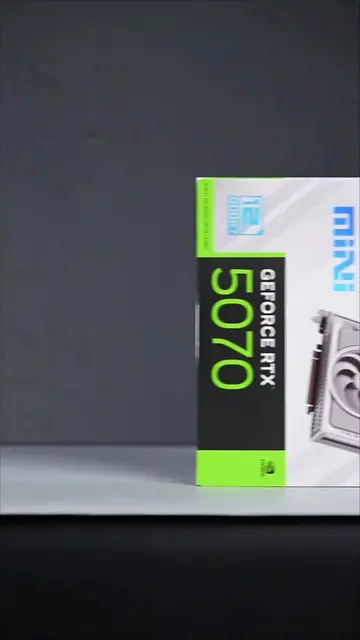
Gigabyte GeForce RTX 5090 Graphics Card: ACTS - it is installed into the motherboard. Removing it would change the computer build.
Corsair RM1000e Power Supply: ACTS - it is installed into the PC case and connected to other components. Removing it would change the computer build.
Lian Li O11 Dynamic EVO PC Case: ACTS - it is the enclosure for all the components. Removing it would change the computer build.
Predator RAM: ACTS - it is installed into the motherboard. Removing it would change the computer build.
NZXT Fans: ACTS - they are installed into the PC case. Removing them would change the computer build.
ROG Logo: APPEARS - it is a brand logo on the motherboard and other components. Removing it would not change what happens in the video.
AORUS Logo: APPEARS - it is a brand logo on the graphics card and motherboard. Removing it would not change what happens in the video.
NVIDIA Logo: APPEARS - it is a brand logo on the graphics card. Removing it would not change what happens in the video.
GEFORCE RTX: APPEARS - it is a product line name on the graphics card. Removing it would not change what happens in the video.
AMD Logo: APPEARS - it is a brand logo on the CPU. Removing it would not change what happens in the video.
ASUS Logo: APPEARS - it is a brand logo on the motherboard. Removing it would not change what happens in the video.
NVIDIA Logo: APPEARS - it is a brand logo on the graphics card box. Removing it would not change what happens in the video.
NVIDIA Logo: APPEARS - it is a brand logo on the graphics card. Removing it would not change what happens in the video.
Original caption
What do you think its owner would do with 198GB of RAM? Full parts list in bio #pcbuild #pcgaming #asmr #pcs #rtx5090
More from @zerosgaming02
More breakout videos from this creator.