Loading video…
All breakouts
 ChatGPTseen in 540 videos →
4.3Talking HeadWarning hook
Hook
STOP PAYING FOR IMAGE EDITING TOOLS !!
@esther.andries
5.9K followers · usually 1.5K views a post
Views
6.4K
Likes
120
Comments
8
Shares
11
Selling · SaaS › AI Tool
Why it worked
The video provides a practical, step-by-step tutorial on how to achieve professional-looking photo edits using a free and accessible AI tool, directly addressing a common pain point for users.
Summary
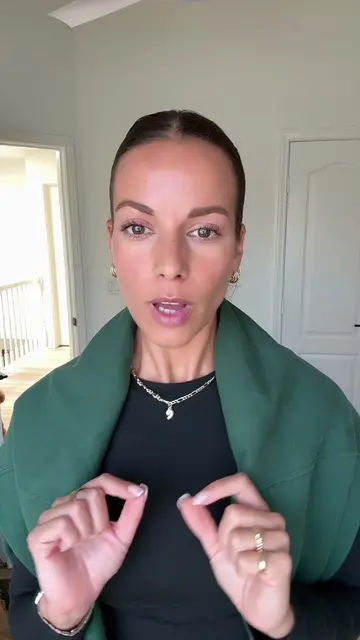
The creator demonstrates how to use ChatGPT to edit photos by uploading an image and providing a detailed prompt. The AI generates an edited version of the photo, which the creator then further refines by asking it to remove background elements.
Structure
- 1Introduce the problem of paying for editing tools
- 2Show before and after photos
- 3Explain using ChatGPT for photo editing
- 4Upload photo and paste prompt
- 5Show the AI-generated edit
- 6Show final refined edit and call to action
Product placement
ChatGPT: acts - it is used to generate editing instructions and then to edit a photo based on those instructions. Removing it would change what happens in the video.
Original caption
How to edit your photos with ChatGPT! I’m showing you the full process from the original photo to the final edit, including the exact prompts I used to clean up the background, improve the lighting and create that warm Canon G7 X look. Save this for your next photo edit ! Prompt at the end for screenshot. #chatgpttutorial #aiphotoediting #chatgptprompts #photoeditingtips #aitools
More from @esther.andries
Their other posts in the index, biggest breakout first.