Loading video…
All breakouts

Locked — included with Pro.Open on TikTokPro
Pro links straight through to the original post.
90.3Talking HeadProblem Callout hook
Hook
Boring Videos?
@sheilagamo
520.2K followers · usually 1.2K views a post
Views
108.0K
Likes
5.0K
Comments
1.3K
Shares
2.6K
Why it worked
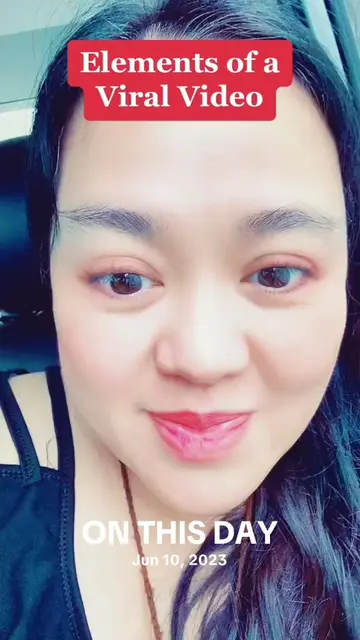
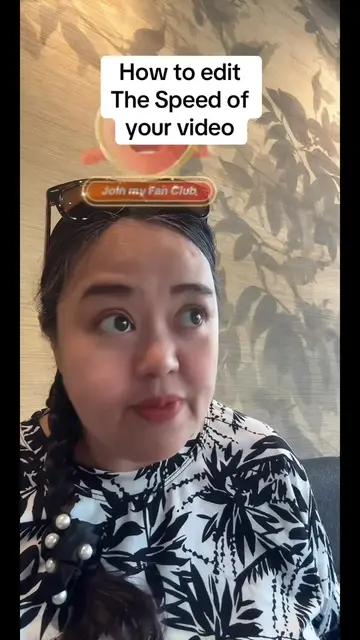
The video provides a clear and concise tutorial on a popular feature within TikTok, addressing a common creator pain point. The use of on-screen text and visual demonstrations makes it easy to follow, and the creator's engaging personality likely contributed to its watchability.
Summary
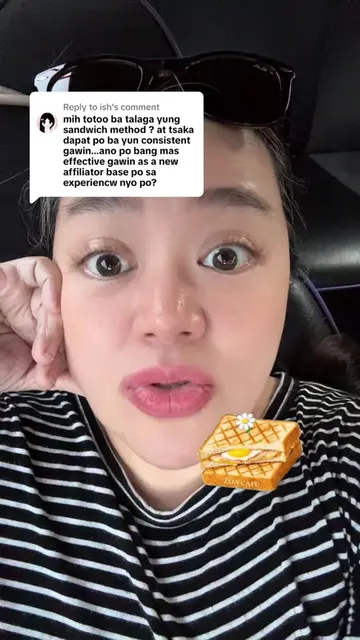
This video is a tutorial on how to add stickers to your videos using TikTok's built-in features. The creator demonstrates how to search for stickers, add them to your video, and adjust their duration and placement. The tutorial also shows how to use your own pictures as stickers.
ProLocked — included with Pro
Transcript, structure and on-screen text
6 beats, a 301-word transcript and 101 lines of on-screen text — the parts you need to write your own version.
The hook, the summary, why it worked and what it sells stay open on every video, signed in or not.
Original caption
Want your videos to grab attention and keep people watching until the end? 🎬✨ In this quick tutorial, I’ll show you exactly how to add and use stickers to make your videos more fun, clear, and interesting. Small edits like this make a big difference in growing your reach! — Sheila Gamo, known as Bayanihan on TikTok | Your TikTok coach 🤍 #creatorsearchinsights #TikTokEditingTips #ContentCreatorHacks #GrowYourTikTok #videoeditingforbeginners
More from @sheilagamo
Their other posts in the index, biggest breakout first.