Loading video…
All breakouts
17.5Talking HeadHow-To hookAI Tools
Hook
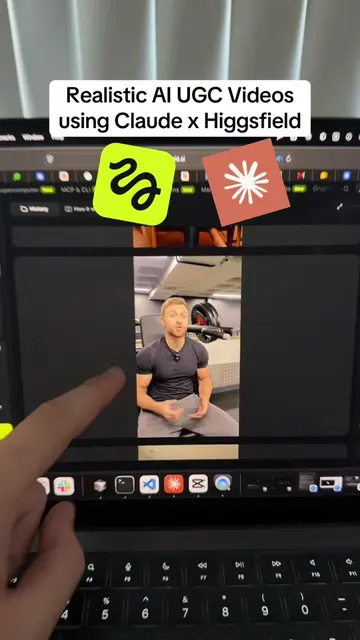
How to use Claude for AI Realistic Videos
@sambutlerai
23.3K followers · usually 981 views a post
Views
15.9K
Likes
714
Comments
9
Shares
80
Promoted product
Why it worked
The video provides a highly actionable, step-by-step tutorial on a trending topic (AI video generation) that solves a common pain point: making AI content sound less robotic.
Summary
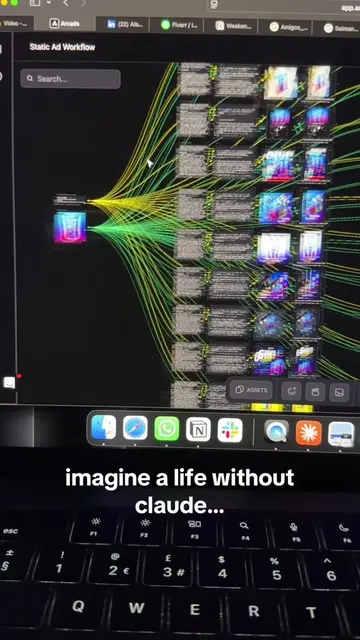
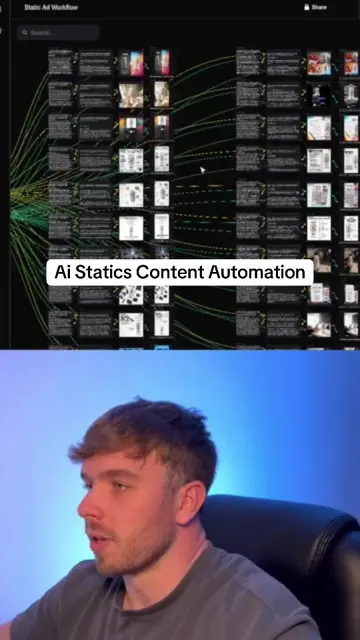
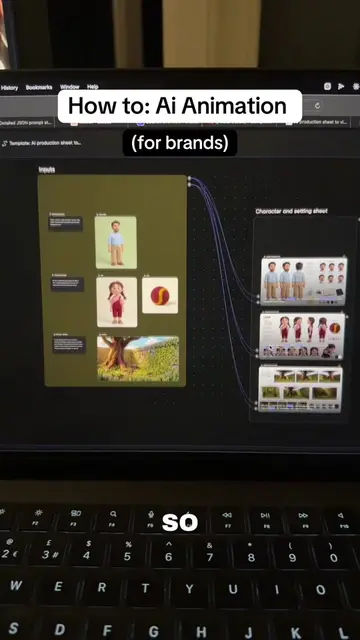
The creator demonstrates a workflow for generating realistic AI videos by combining an image editing tool with Claude to write natural-sounding scripts. He explains how to use these tools to create authentic-looking UGC content for products.
Structure
- 1Introduce the goal of creating realistic AI videos
- 2Demonstrate image editing with an AI tool
- 3Show the video generation process using Kling 3.0
- 4Explain how to use Claude to generate a natural script
- 5Mention the creator's custom skill for better AI output
- 6Suggest stitching clips together for a longer video
Product placement
Claude (AI tool), Higgsfield.ai (AI tool), Kling 3.0 (AI model), AI-2-Income (Course)
Original caption
How to create realistic AI videos through Claude #claude #aivideos
More from @sambutlerai
More breakout videos from this creator.