Loading video…
All breakouts
6.7App DemoHow-To hookAI Tools
Hook
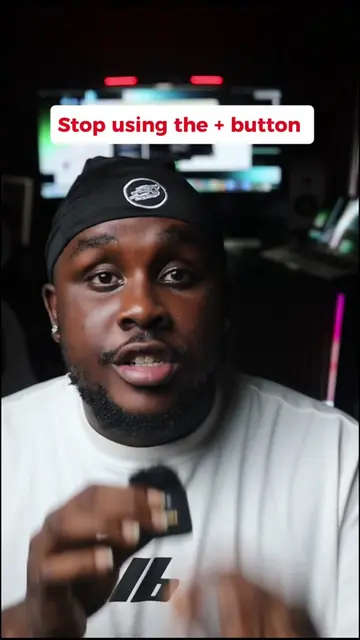
HOW TO USE DUAL CAMERA
@decotechie
1.2M followers · usually 148.2K views a post
Views
938.7K
Likes
15.1K
Comments
178
Shares
619
Why it worked
The video addresses a common user pain point (limited camera functionality on older phones) with a readily accessible solution within a popular app (TikTok). The clear, step-by-step demonstration makes it easy for viewers to replicate the process, driving engagement and shares.
Summary
This video demonstrates how to use TikTok's dual camera effect to record with both the front and back cameras simultaneously. It guides viewers through searching for the effect within the app and applying it to their recordings.
Structure
- 1Introduce the problem: inability to record with front and back cameras
- 2Introduce the solution: using TikTok's dual camera effect
- 3Demonstrate searching for the effect on TikTok
- 4Show how to select and apply the effect
- 5Confirm the user is ready to record
- 6Encourage engagement and following
Product placement
TikTok ACTS - it is the platform where the dual camera effect is searched for and applied. Removing it would change what happens in the video. iPhone 17 APPEARS - it is mentioned as a device that might not have the dual camera feature. Removing it would not change what happens in the video.
Call to action
Try this out and let me know in the comments if it works for you and follow for more
Original caption
How to record with dual camera on TikTok #iphonetricks #TechTips #iphone17 #decotechie #foryoupage
More from @decotechie
More breakout videos from this creator.