Loading video…
All breakouts
 Claudeseen in 998 videos →https://www.skool.com/weblove-4157/about?ref=fd76947df74e4d4b9a1814de7fadd4e6 ↗
8.3App DemoStory Open hook
Hook
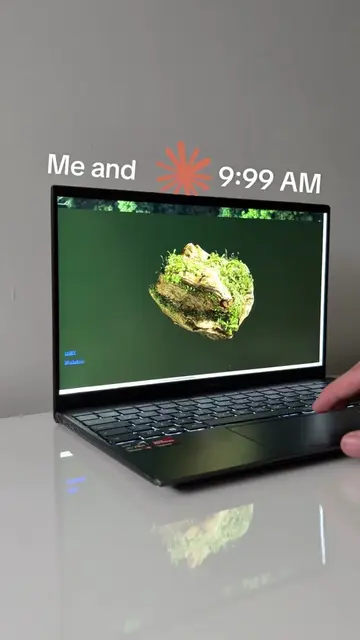
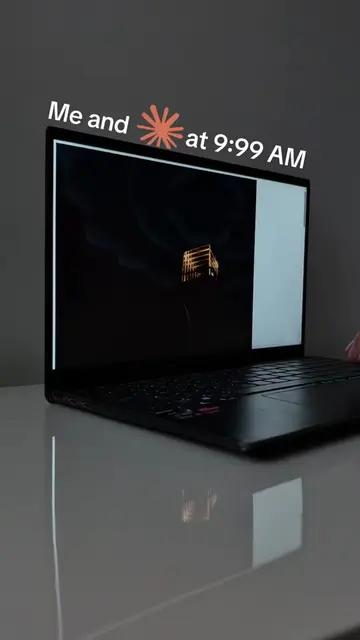
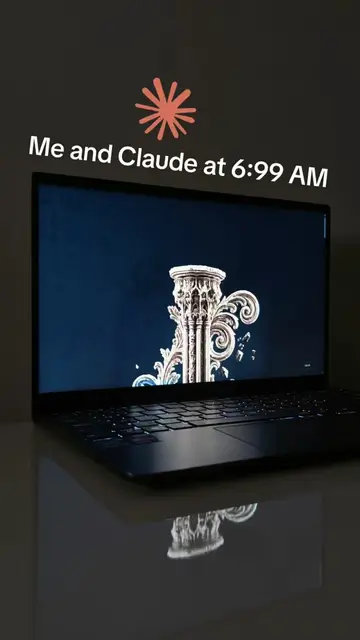
Me and 💥 F5 at 3:99 AM
@webloved
80.3K followers · usually 7.8K views a post
Views
64.1K
Likes
2.8K
Comments
39
Shares
239
Selling · SaaS › Other SaaS
Why it worked
The video likely performed well due to its niche technical demonstration combined with a relatable "late-night coding" aesthetic. The clear, concise explanation of a complex problem (pinning UI elements in 3D) with a direct formula appeals to developers and creators looking for practical solutions.
Summary
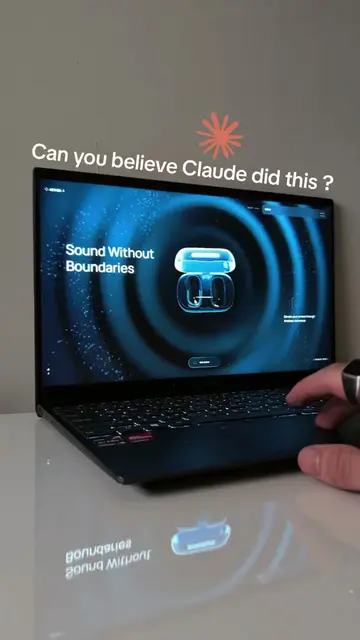
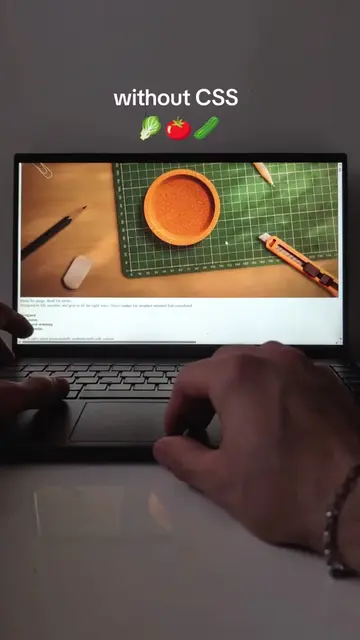
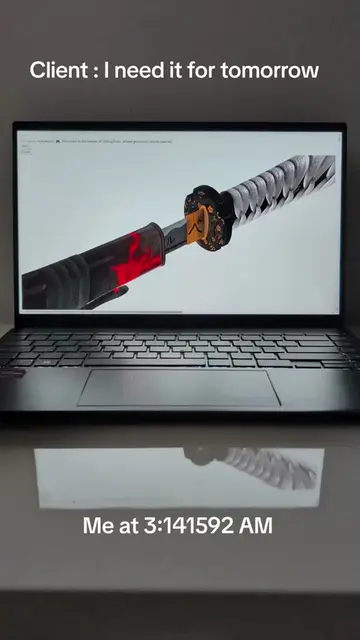
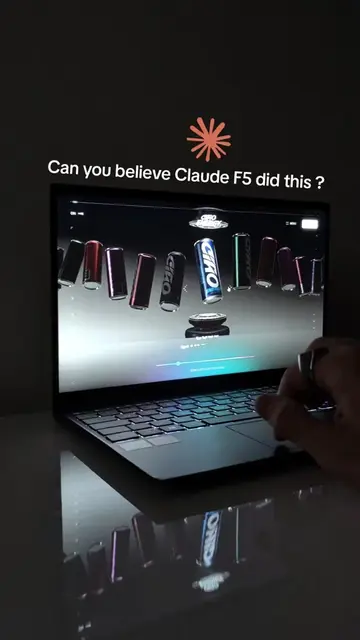
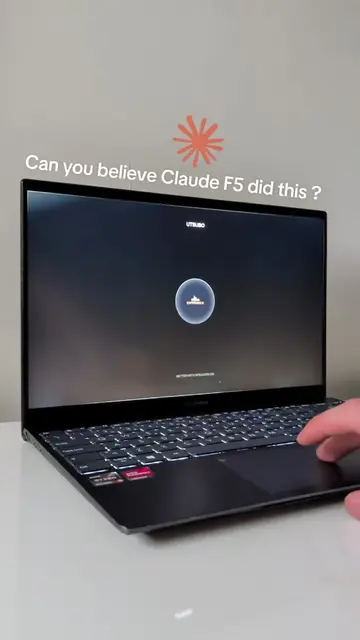
The video demonstrates how to pin an HTML button to a specific point within a 3D scene using a formula. It shows the process of converting 3D coordinates to normalized device coordinates and then to pixel coordinates, ensuring the button remains attached to the point as the camera moves.
Structure
- 1Introduction with text overlay
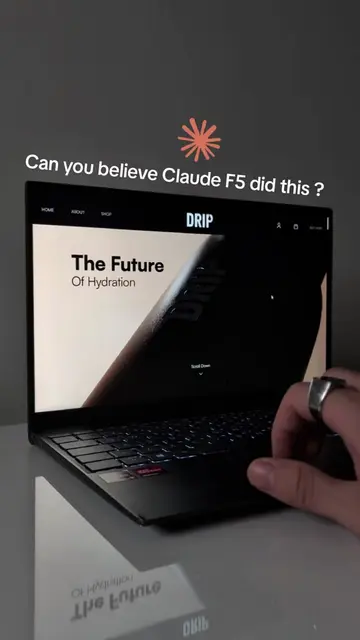
- 2Demonstration of the formula in action
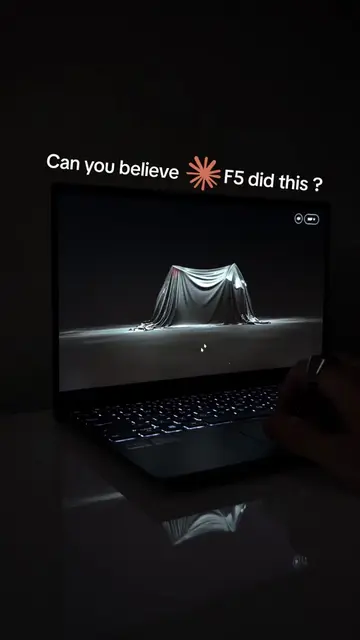
- 3Visualizing the 3D scene and button placement
- 4Showing the result of the pinned button
Product placement
The video showcases a 3D scene where an HTML button is pinned to a specific point, implying the use of a tool or platform like Claude for this functionality. The creator's bio link points to 'WebLove' on Skool, suggesting this is where the academy or further information about the tool is hosted.
Original caption
How I build with Claude 👇 Academy in bio 🔗 Pinning a clickable button to a point inside any 3D scene comes down to one formula. Here it is: Take the 3D position of the point and call project on it with your camera, that returns normalized device coordinates from -1 to 1, then convert to pixels with x equals (v.x times 0.5 plus 0.5) times width, and y equals (v.y times -0.5 plus 0.5) times height, run that every frame and your HTML button stays glued to that exact spot as the camera moves. For the hover state, put a transition on transform scale and on the glow with ease-out timing, so the ring grows and lights up smoothly, that microinteraction is what makes a 3D scene feel responsive instead of like a video. For guided movement, build a CatmullRomCurve3 path through the scene and read points off it with getPoint(t), then drive t from 0 to 1 with scroll, the camera follows the curve so people explore without getting lost. Light it with a SpotLight, set penumbra for soft edges and castShadow for real pools of light. Save this if you want interactive 3D 🧩 #claudefable5 #buildinpublic #webdesign #3d #fyp
More from @webloved
Their other posts in the index, biggest breakout first.