Loading video…
All breakouts
5.1Talking HeadStory Open hookConsumer Apps
Hook
On this day
@johntechunlocks
36.0K followers · usually 7.9K views a post
Views
40.5K
Likes
812
Comments
16
Shares
79
Why it worked
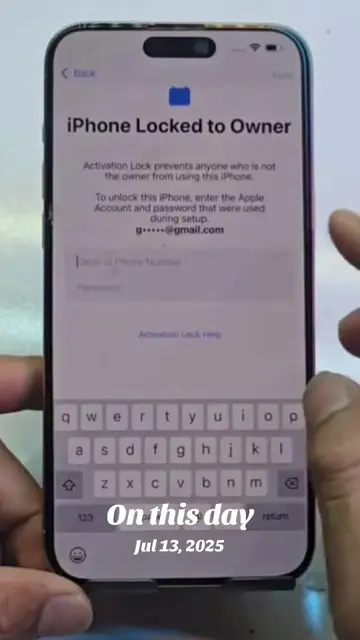
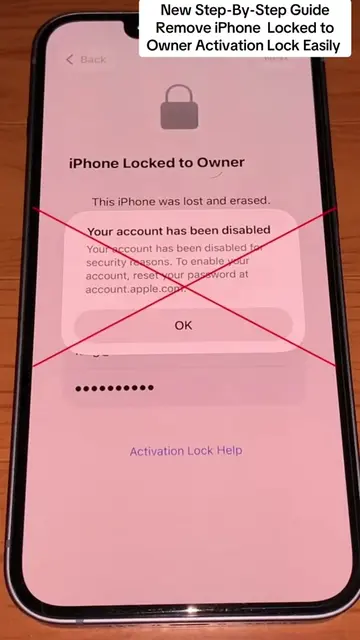
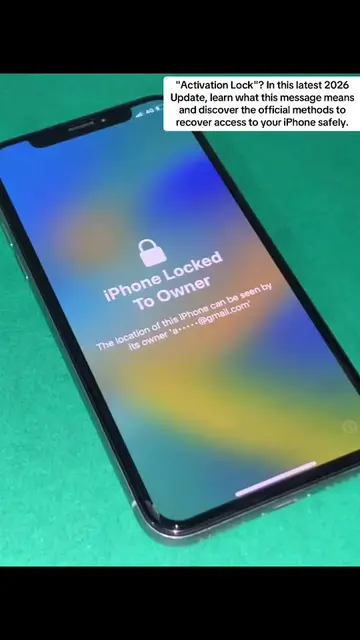
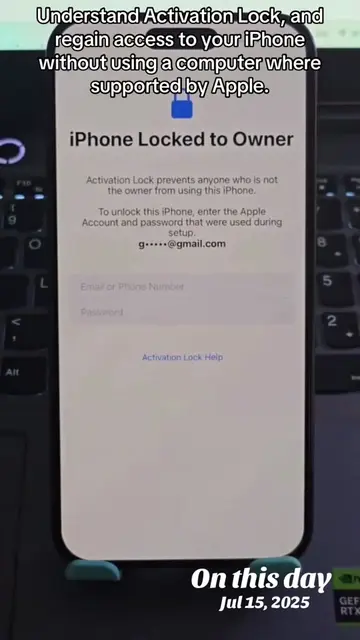
The video demonstrates a common iPhone issue (Activation Lock) and the subsequent setup process, which is highly relatable to a large audience of iPhone users. The visual demonstration of navigating through different screens and the clear on-screen text "On this day" likely contributed to engagement and shareability.
Summary
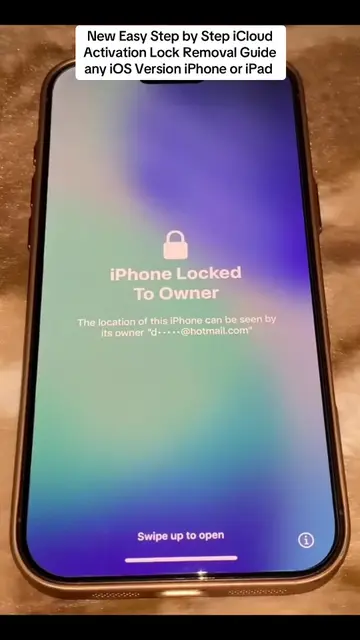
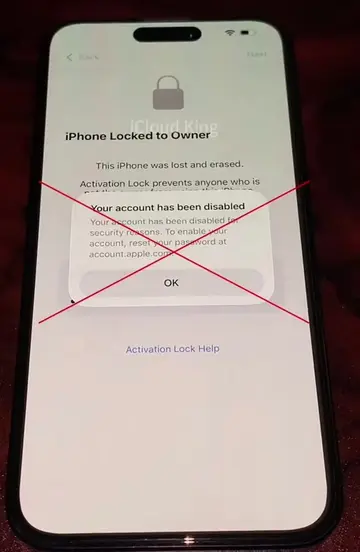
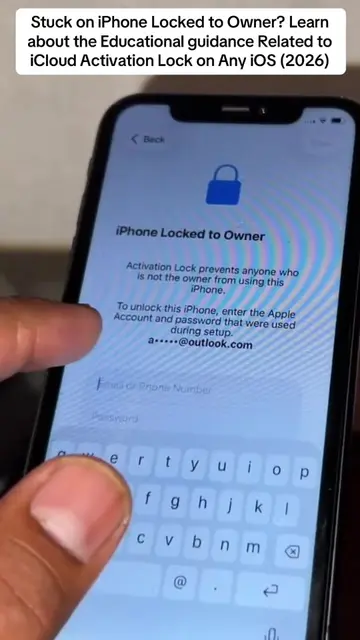
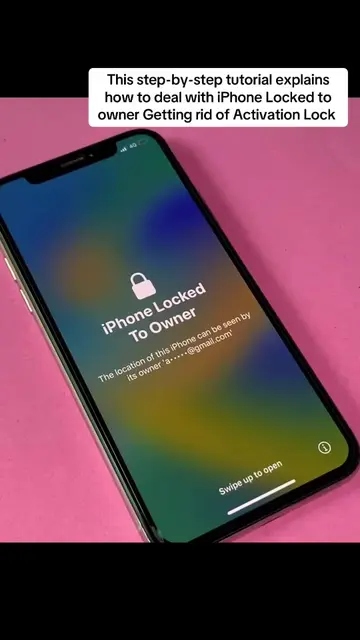
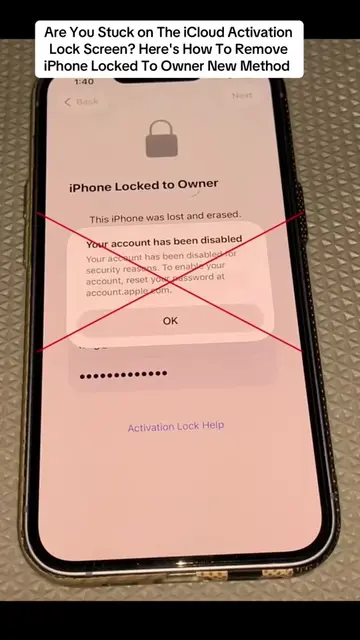
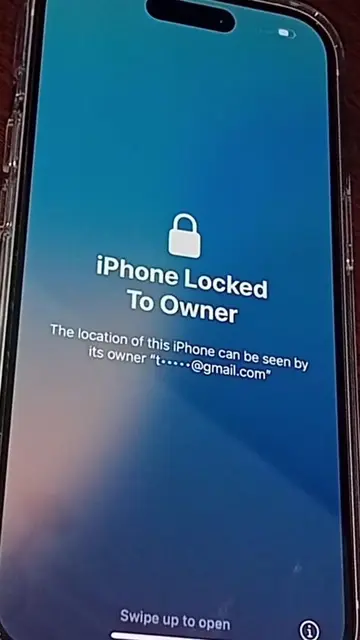
The video shows a person interacting with an iPhone that is locked to the owner. The screen displays information about Activation Lock and prompts for an Apple ID and password. The user navigates through various screens, including the Notes app and the Shortcuts app, before the phone eventually displays the Apple logo and a charging indicator.
Structure
- 1iPhone locked to owner screen
- 2Navigating Notes app
- 3Interacting with Shortcuts app
- 4Phone displays Apple logo
- 5Phone displays charging screen
- 6Phone displays language selection
- 7Phone displays country/region selection
- 8Phone displays appearance settings
- 9
Original caption
What you'll learn: What iPhone Locked to Owner" means How Activation Lock protects your device Official Apple ID recovery methods What to do if you forgot your Apple ID or password Tips for second-hand iPhone owners Works with all supported iPhone models and iOS versions #onthisday #activationlock #iphonelockedtoowner #
More from @johntechunlocks
More breakout videos from this creator.