Loading video…
Sound

GOAT
The808Wizrd
0:00–:––
Playing this video’s own audio, so you’ll hear the creator over the sound.
The video provides a clear, step-by-step guide to troubleshoot common app issues on a specific device, which is highly valuable for users experiencing similar problems. The inclusion of a power cycle as a troubleshooting step is a common and effective solution.
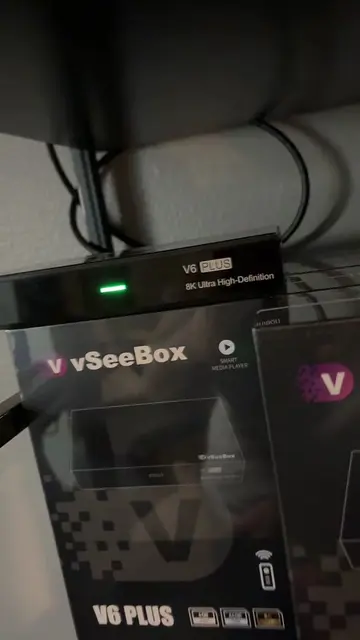
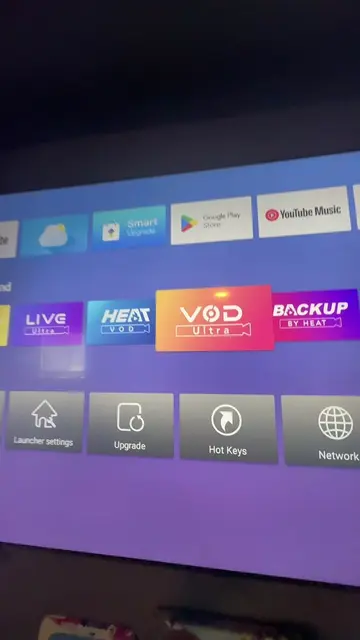
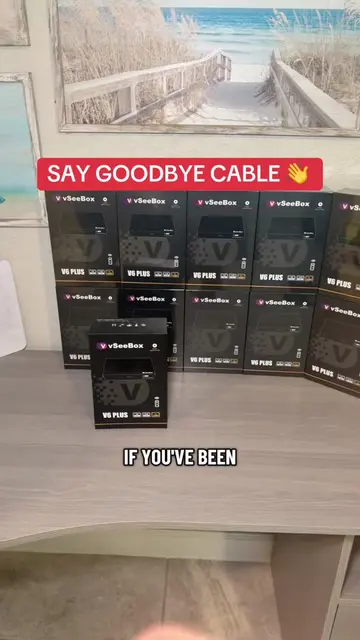
The video demonstrates how to uninstall and reinstall the HeatVod and VOD Ultra apps on a VSeeBox Elite Ultra device. It also provides a troubleshooting step of unplugging the device and router for a few minutes.
Uninstall and reinstall the heat Vod and Vod Ultra app. Disconnect power, hdmi cable and internet router for 2-3 minutes and reinstall connect. #vseebox #bestcustomerservice #bestcustomersupport #authorizeddistributor
All apps
Navigate to Apps settings
Select HeatVod and uninstall
Select VOD Ultra and uninstall
Perform power cycle
Reinstall apps
HeatVod (ACTS - its interface is operated to play video content, removing it would change what happens in the video); VOD Ultra (ACTS - its interface is operated to play video content, removing it would change what happens in the video); vSeeBox Elite Ultra (APPEARS - a device that is visible and mentioned, but its functionality is not demonstrated or explained, removing it would not change what happens in the video)
Playing this video’s own audio, so you’ll hear the creator over the sound.
Promotes 1 product. Create free account to see more.
Outliers and viral hits: their videos on Overshot, all time.
Video-on-demand app for people using VSeeBox devices
All time.