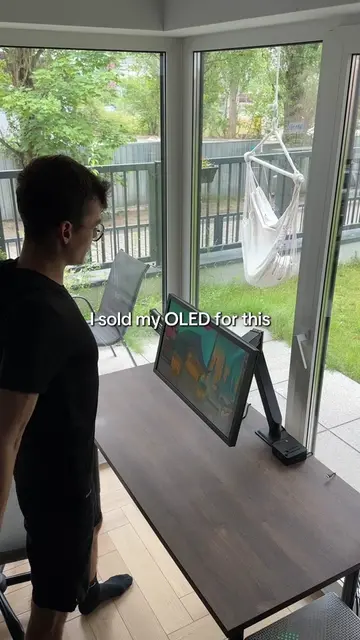
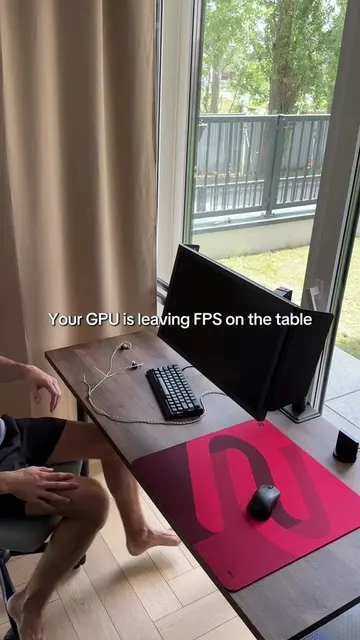
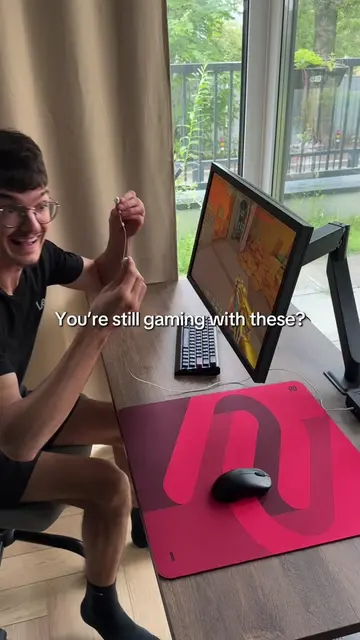
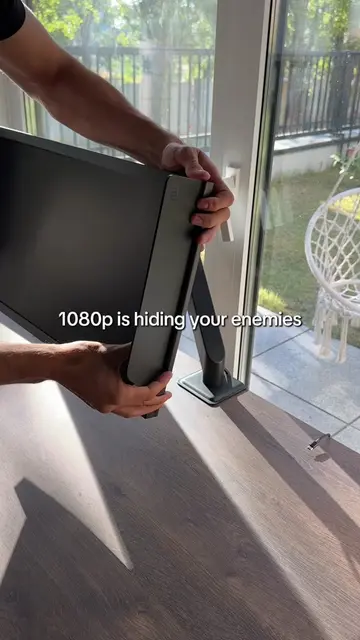
Loading video…
All breakouts
11.1Talking HeadHow-To hookGames
Hook
The first thing I change on a new monitor
@k1ccstwitch
20.0K followers · usually 48.9K views a post
Views
572.5K
Likes
22.2K
Comments
343
Shares
608
Why it worked
The video likely resonated with gamers by providing a quick and practical tip for optimizing monitor settings for FPS games, a common pain point for this audience. The visual demonstration of the settings being changed, coupled with the on-screen text, makes the information easily digestible and actionable.
Summary
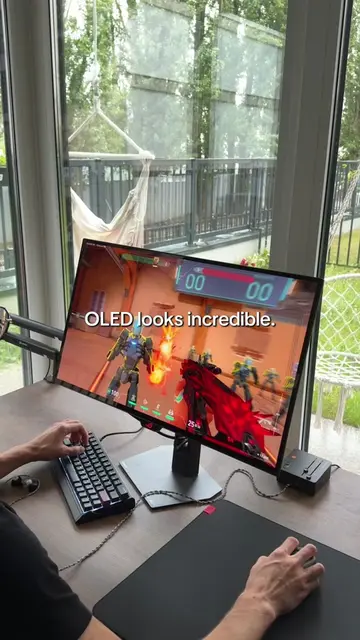
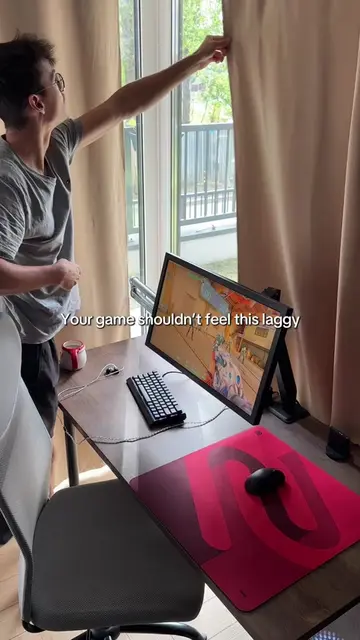
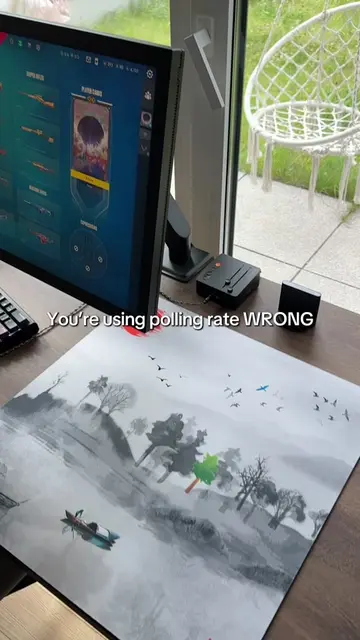
The video shows a person adjusting the settings on a new monitor, specifically focusing on brightness, DyAc 2, Black eQualizer, Gamma, and Sharpness. After adjusting the settings, the monitor displays a game, indicating it's ready for FPS gameplay.
Structure
- 1Setting up a new monitor
- 2Adjusting display settings (Brightness, DyAc 2, Black eQualizer)
- 3Further adjustments (Gamma, Sharpness)
- 4Monitor ready for FPS gameplay
On-screen text
The first thing I change on a new monitor
Mode: FPS
DyAc 2
Premium
Brightness
70
Black eQualizer
07
DyAc 2
Premium
Brightness
75
Black eQualizer
09
Color
Picture
Save
Display
System
Menu
Color Vibrance
Low Blue Light
Gamma
Gamma 1
Gamma 2
Gamma 3
Gamma 4
Gamma 5
Sharpness
7
Ready for FPS
Original caption
Every monitor deserves 30 seconds of setup. #Valorant #fps #gaming #monitor
More from @k1ccstwitch
More breakout videos from this creator.