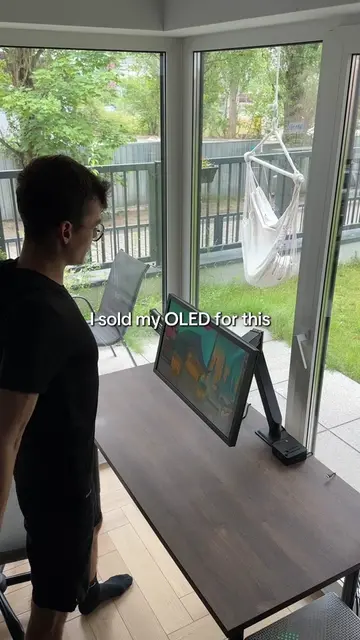
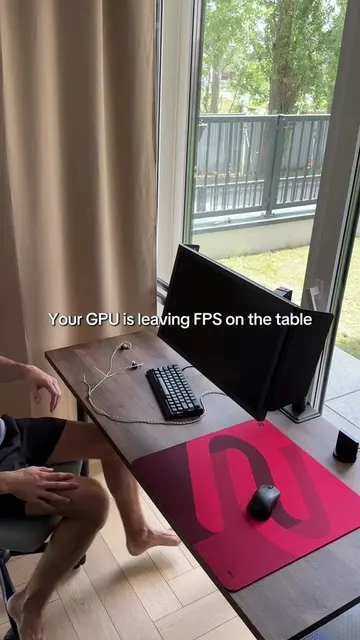
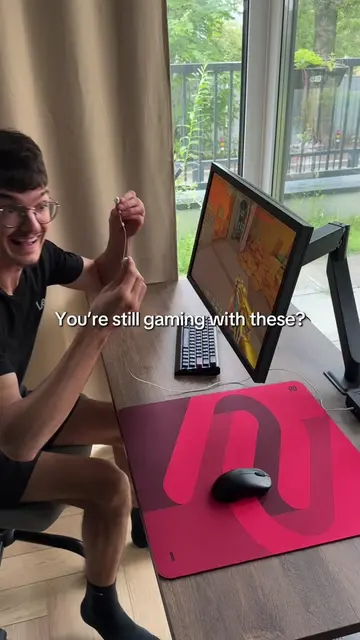
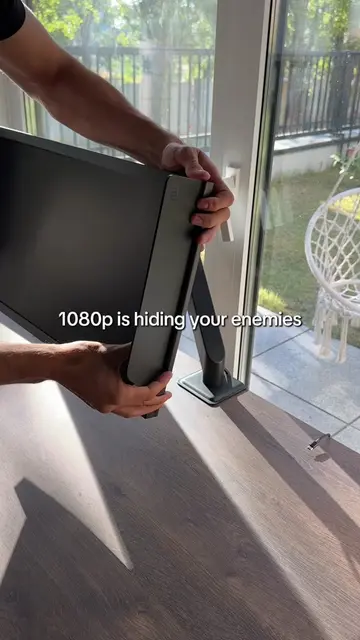
Loading video…
All breakouts
6.9Talking HeadProblem Callout hookGames
Hook
Your game shouldn't feel this laggy
@k1ccstwitch
20.0K followers · usually 48.9K views a post
Views
324.2K
Likes
11.5K
Comments
63
Shares
517
Why it worked
The video provides a quick and actionable tip for gamers experiencing performance issues, directly addressing a common pain point with a clear visual demonstration.
Summary
The video demonstrates how to improve game performance by disabling unnecessary startup applications on a PC. It shows the process of accessing Task Manager, navigating to startup apps, and disabling non-essential programs to achieve smoother gameplay.
Structure
- 1Introductory statement about laggy games
- 2Accessing Task Manager via Ctrl+Alt+Del
- 3Navigating to Startup Apps
- 4Disabling unnecessary startup applications
- 5Demonstration of smoother gameplay
On-screen text
Your game shouldn't feel this laggy
Ctrl + Alt + Del
Check Startup Apps
Disable the unnecessary ones
Smoother gameplay
Original caption
Your PC might be doing more in the background than you think. Disable unnecessary startup apps and keep your game running smoother. #pcgaming #fps #GamingTips #Valorant #setup
More from @k1ccstwitch
More breakout videos from this creator.