Loading video…
Sound

original sound - jd.musicc1
JD MUSIC 🎶 · Original audio
0:00–:––
- Videos using it
- 15
- Creators
- 2
- Views on those videos
- 3.3M
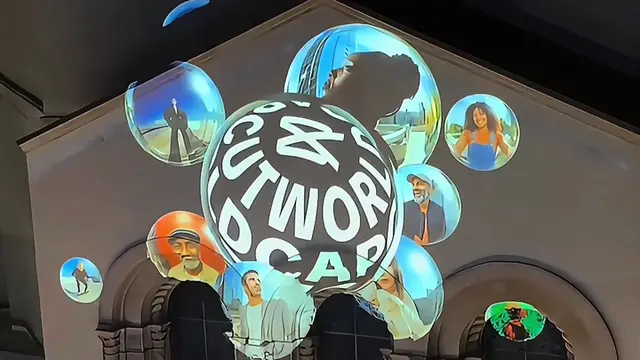
The video provides a clear, step-by-step tutorial for a trending visual effect, making it easy for users to replicate. The use of a popular app like CapCut and the direct demonstration of the process likely contributed to its shareability.
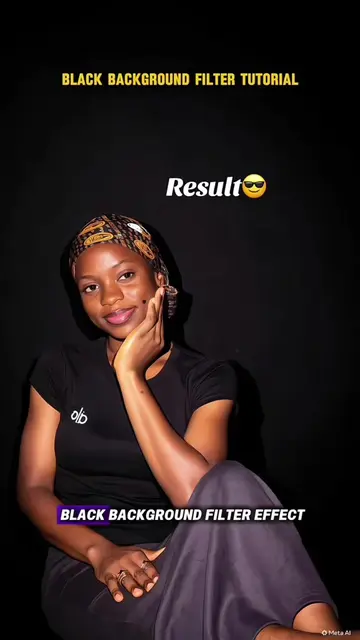
This video demonstrates how to use the CapCut app to apply a trending background filter effect to photos. It guides the viewer through copying a video link, navigating to the creator's profile, selecting the "just watched" video, and then using the CapCut template to achieve the desired effect.
Background filter effect tutorial meta ai photo editing prompt meta ai photo editing meta ai photo edit tutorial meta ai photo generator meta ai photo edit trend meta ai photo editing corner of photo meta ai photo editing prompt old picture meta ai glasses for photography meta ai glasses meta ai picture edit background effect photo gallery background effect photo tiktok picture background for photography background living room effect for photo background effect photo app background effect photo ai background background effect photo foucas picture background effect background light for photo background effect photo blur effect backdrops filter app backdrops filter on tiktok backdrops filter app sidee loo so dajiya backdrops filter backdrop filter iphone backdrops filter app name backdrops filter instagram backdrop filter css backdrobs filter coffee filter backdrops #capcut #capcutpioneer
BACKGROUND FILTER EFFECT TUTORIAL
Introduce the effect and its result
Explain how to add the effect
Copy video link
Navigate to profile and select video
Use CapCut template
Upload photo and finish
CapCut: ACTS - it is used to edit photos by applying a template. Removing it would change what happens in the video. Meta AI: APPEARS - it is mentioned in the on-screen text and caption as the technology behind the photo editing effect. Removing it would not change what happens in the video.
Use template
Promotes 1 product. Create free account to see more.
Outliers and viral hits: their videos on Overshot, all time.
Video editing app for creators making social media videos
Views and creators: posted in the last 30 days (English videos). Videos: all time.