Loading video…
All breakouts

3.0App Demo
Hook
Claude x Viewmax is a money glitch 🤑
@pham.mp4
133.2K followers · usually 5.3K views a post
Views
14.2K
Likes
516
Comments
49
Shares
48
Why it worked
The video leverages a popular AI tool (Claude) and a novel integration (Viewmax) to showcase a potentially "money glitch" method for content creation. The clear, step-by-step instructions and the offer of a free prompt incentivize engagement and sharing.
Summary
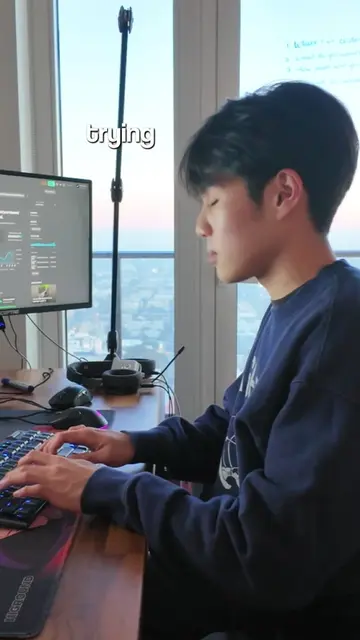
This video demonstrates how to connect Viewmax to Claude AI to generate videos from prompts. It provides a step-by-step guide on setting up the custom connector and using a specific prompt to create hyper-realistic cinematic videos. The creator encourages viewers to comment "claude" to receive the prompt.
Structure
- 1Introduction to Viewmax x Claude
- 2Demonstration of Viewmax integration with Claude
- 3Step-by-step guide to setting up the connector
- 4Using a prompt to generate video
- 5Call to action to comment for the prompt
Product placement
Claude: an AI assistant that generates text, images, and voiceovers. It ACTS as the AI assistant being used to generate content. Removing it would change what happens in the video.
Viewmax: a tool that connects to AI assistants like Claude to generate video, images, and voiceovers from prompts. It ACTS as the tool being integrated and used. Removing it would change what happens in the video.
Claude settings: a section within the Claude AI interface where custom connectors can be added. It ACTS as a configuration interface. Removing it would change what happens in the video.
Viewmax.io: the website for Viewmax. It APPEARS as a URL and is the destination for the integration. Removing it would change what happens in the video.
Viewmax custom connector: a feature within Claude settings to add external tools. It ACTS as a configuration element. Removing it would change what happens in the video.
Original caption
please gatekeep this Viewmax method 😭
More from @pham.mp4
Their other posts in the index, biggest breakout first.