Loading video…
Sound

original sound - Chloe 🐧
Chloe 🐧 · Original audio
0:00–:––
Playing this video’s own audio, so you’ll hear the creator over the sound.
This video promotes it, but we haven’t matched it to a product page yet, so there are no product figures.
The video effectively showcases a novel AI tool for video editing, demonstrating a clear and simple workflow that appeals to creators looking to save time and enhance their content's visual style.
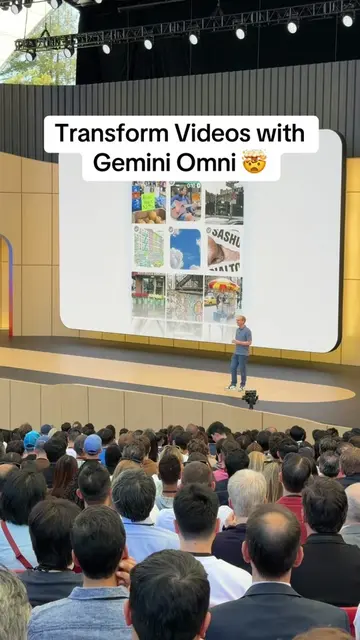
The creator demonstrates how to use Gemini Omni to edit videos by transforming raw clips into illustrated videos. The process involves four steps: filming raw clips, finding reference images on Pinterest, using ChatGPT to regenerate prompts, and then using Gemini to generate the video.
Gemini Omni edited my video! 😱 Honestly the AI was the easy part. I was spending more time looking for the concept and styling I like.
this video that
Introduction to Gemini Omni as an editing tool
Step 1: Film raw clips
Step 2: Find reference images on Pinterest
Step 3: Use ChatGPT to regenerate prompts
Step 4: Use Gemini to generate the video
Gemini Omni: ACTS - it is an AI video editing tool that transforms raw clips into illustrated videos. Removing it would change what happens in the video. CapCut: APPEARS - it is an editing app that is mentioned as not being used. Removing it would not change what happens in the video. ChatGPT: ACTS - it is used to regenerate prompts for Gemini Omni. Removing it would change what happens in the video. Gemini: ACTS - it is an AI tool used to create videos. Removing it would change what happens in the video.
Playing this video’s own audio, so you’ll hear the creator over the sound.
Outliers and viral hits: their videos on Overshot, all time.