Loading video…
All breakouts
 CapCutseen in 576 videos →https://www.capcut.com/activities/pick/?invite_code=piuhrghttps://www.capcut.com/activities/pick/?invite_code=piuhrg ↗
4.3App DemoHow-To hookConsumer Apps
Hook
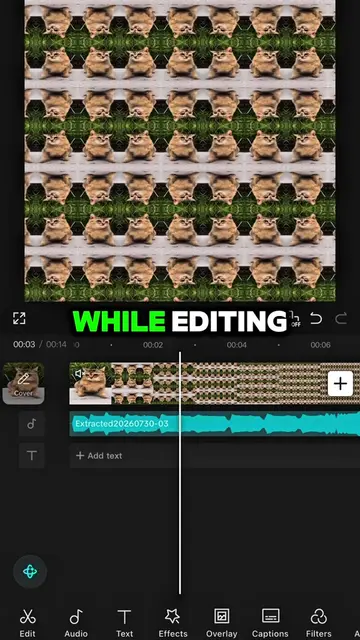
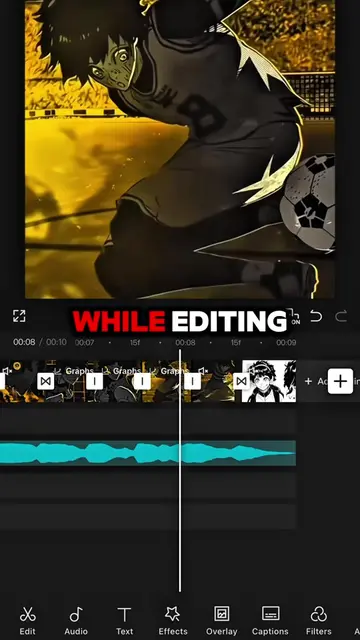
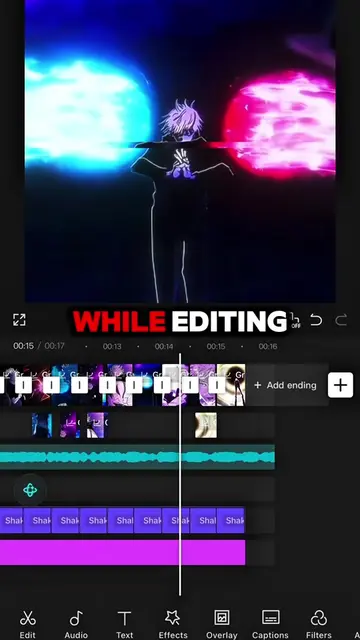
TUTORIAL ON THIS VELOCITY TREND
@capcut_templatetrends
3.1M followers · usually 8.5K views a post
Views
36.8K
Likes
1.6K
Comments
61
Shares
76
Selling · SaaS › Other SaaS
Why it worked
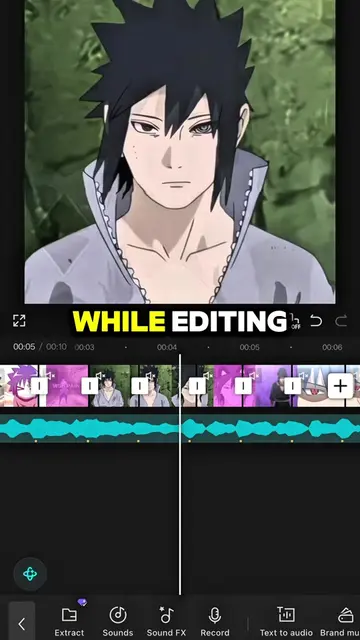
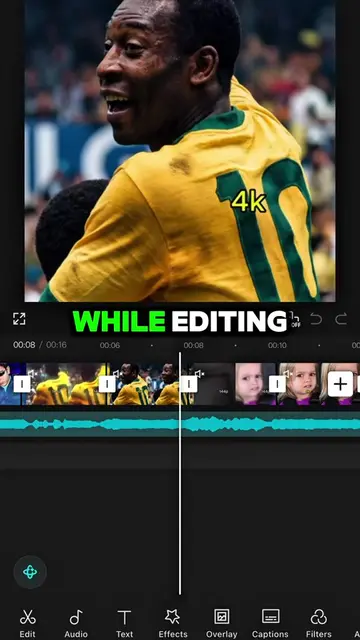
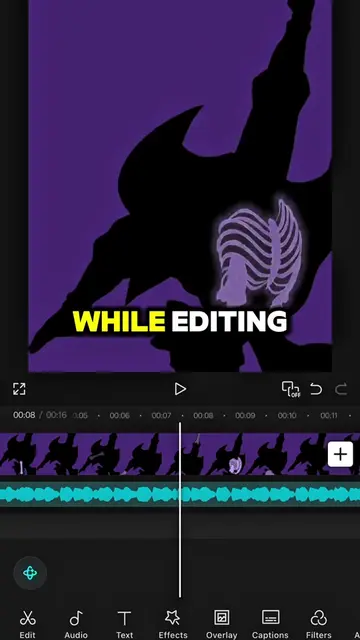
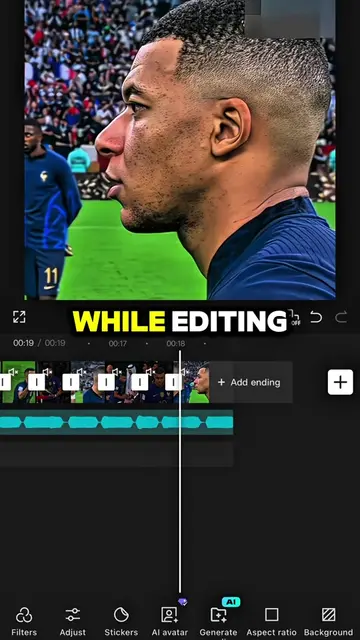
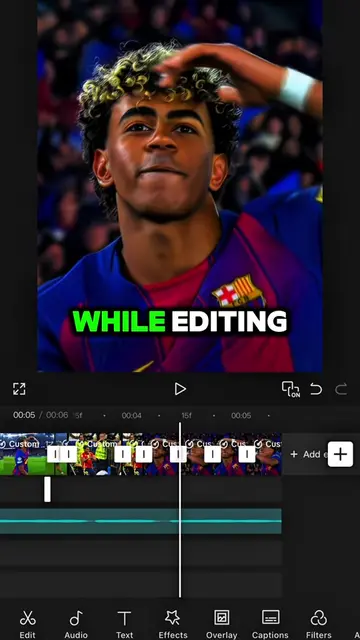
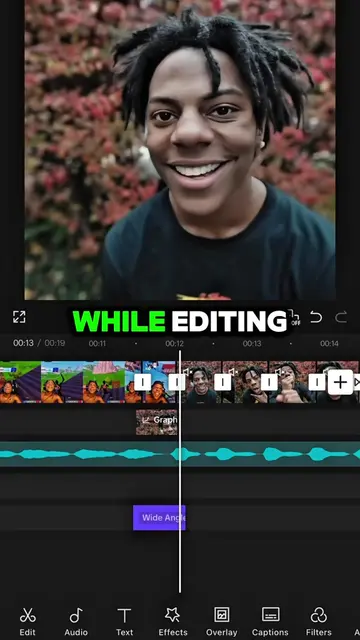
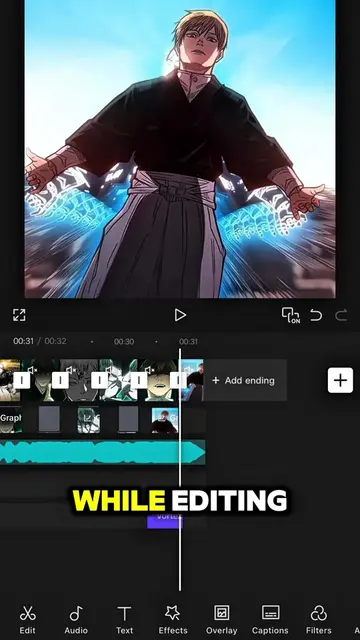
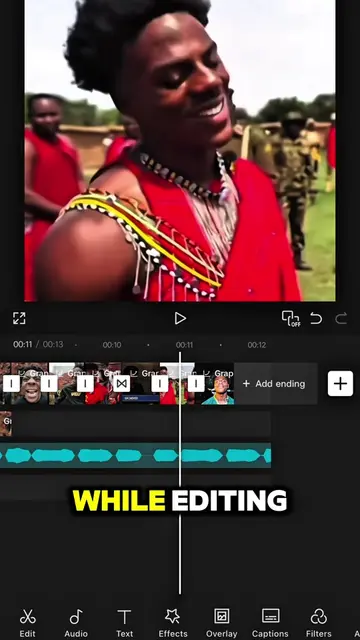
The video effectively breaks down a popular video editing trend into simple, actionable steps using a widely accessible app. The clear on-screen text and visual demonstration make it easy for viewers to follow along and replicate the effect, driving engagement and shares.
Summary
This video provides a tutorial on how to create a velocity trend effect using the CapCut app. It demonstrates specific steps involving speed adjustments, custom curves, keyframes, and duplicating clips to achieve the desired visual effect.
Structure
- 1Introduce tutorial and app
- 2Explain speed and curve settings
- 3Demonstrate beat alignment and adjustments
- 4Show keyframe application for zoom effect
- 5Explain opposite keyframe settings for the second clip
Original caption
#CapCut Follow me for more tutorial! #capcutpioneer #capcut_edit #fyp #trend
More from @capcut_templatetrends
Their other posts in the index, biggest breakout first.