Loading video…
All breakouts
 CapCutseen in 576 videos →https://www.capcut.com/activities/pick/?invite_code=piuhrg ↗
61.5App DemoOther hookConsumer Apps
Hook
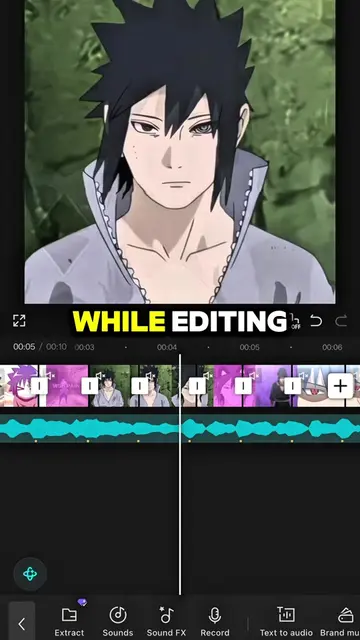
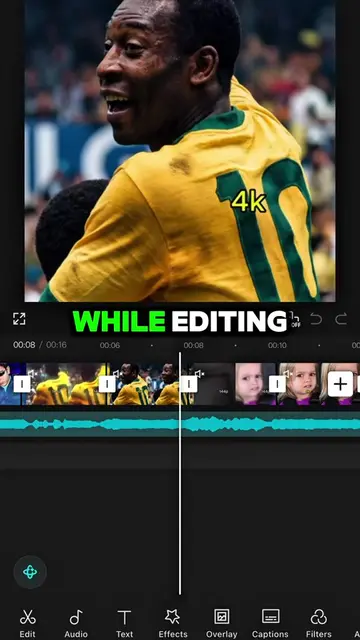
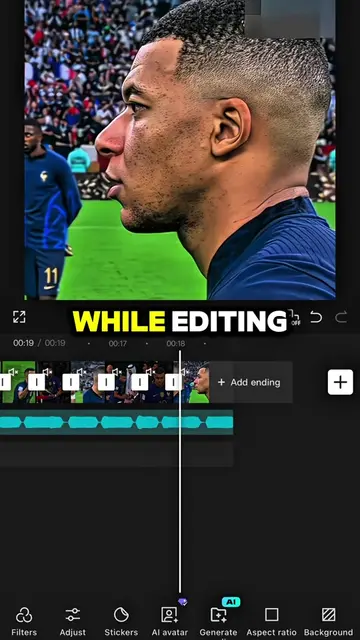
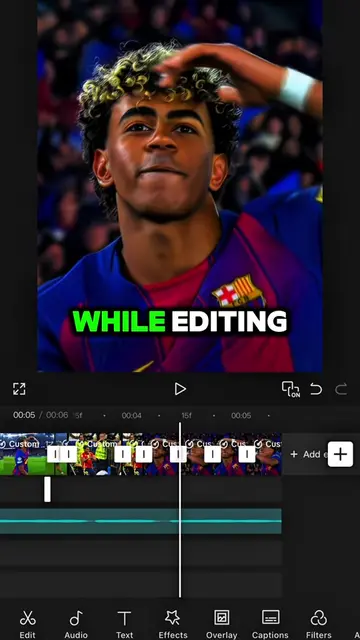
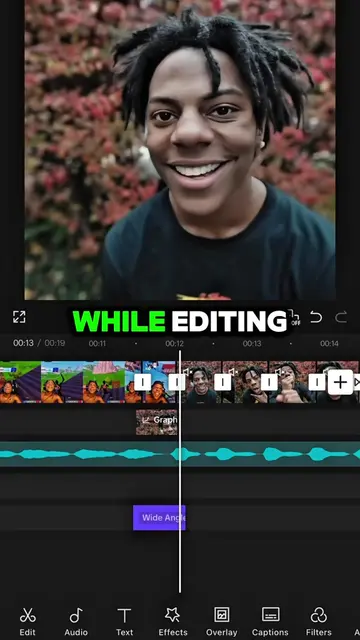
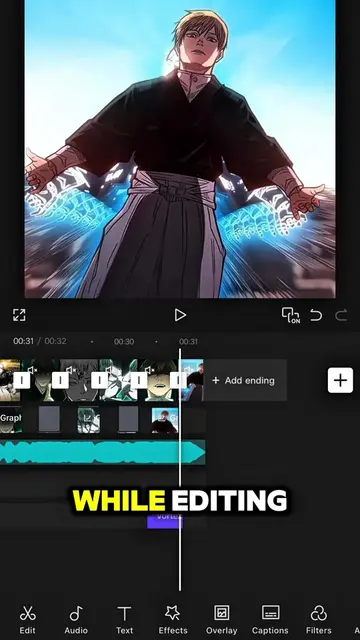
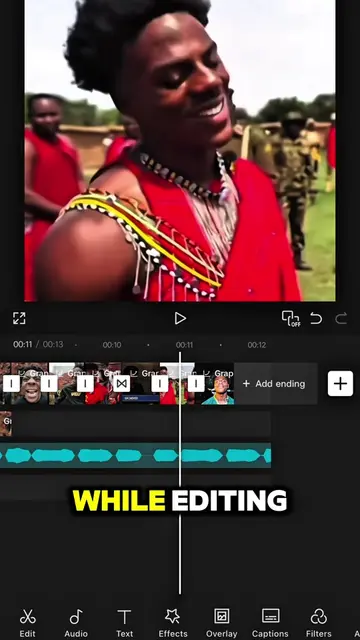
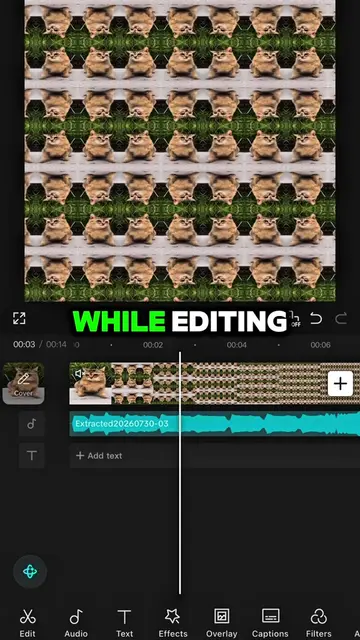
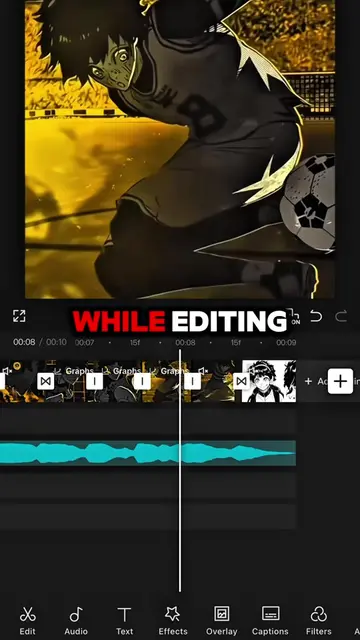
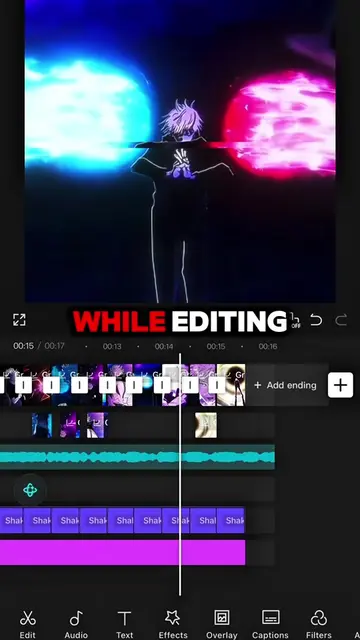
While editing
@capcut_templatetrends
3.1M followers · usually 8.5K views a post
Views
515.6K
Likes
7.1K
Comments
186
Shares
240
Selling · SaaS › Other SaaS
Why it worked
The video leverages a popular anime aesthetic and a trending editing technique (AI-powered body manipulation) to capture attention. The "free prompt" in the comments section incentivizes engagement and sharing, while the step-by-step tutorial format makes it easily replicable.
Summary
This video demonstrates how to create a specific visual effect using the CapCut editing app. It guides viewers through a series of steps involving AI editing, photo manipulation, and layering to achieve the final result.
Structure
- 1Introduce the editing process and inspiration
- 2Demonstrate photo editing with AI
- 3Overlay and adjust the edited photo
- 4Apply filters and custom removal for effects
- 5Show the final result
Product placement
The video is a screen recording demonstrating the use of CapCut's AI editing features, specifically the 'AI edit' and 'custom removal' tools, to create a visual effect.
Original caption
#CapCut Follow me for more tutorial! #capcutpioneer #capcutphoto #capcut_edit #fyp
More from @capcut_templatetrends
Their other posts in the index, biggest breakout first.