Loading video…
All breakouts
 CapCutseen in 576 videos →https://www.capcut.com/activities/pick/?invite_code=piuhrg ↗
69.0App DemoOther hookConsumer Apps
Hook
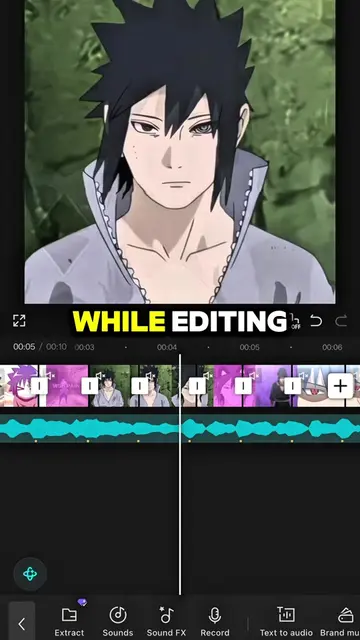
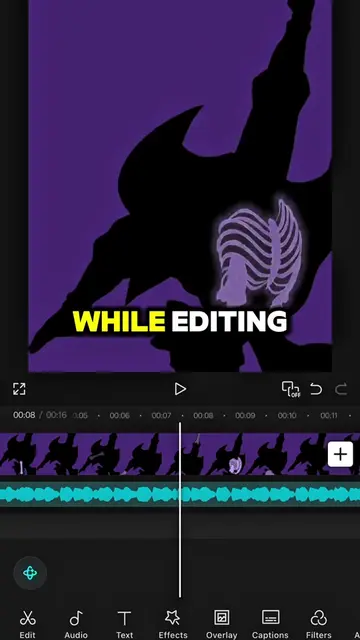
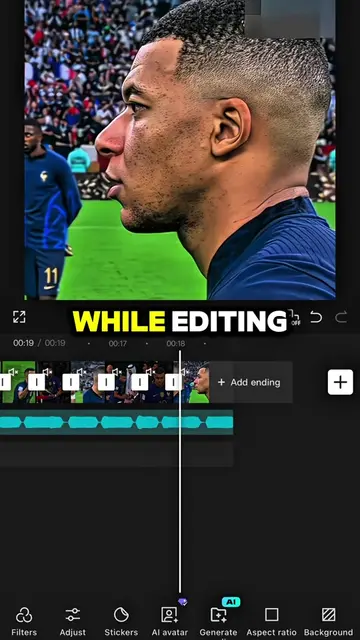
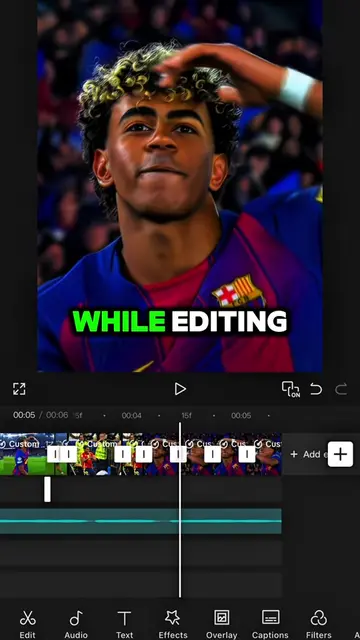
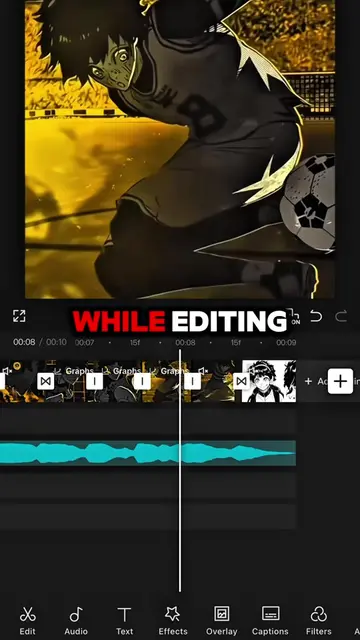
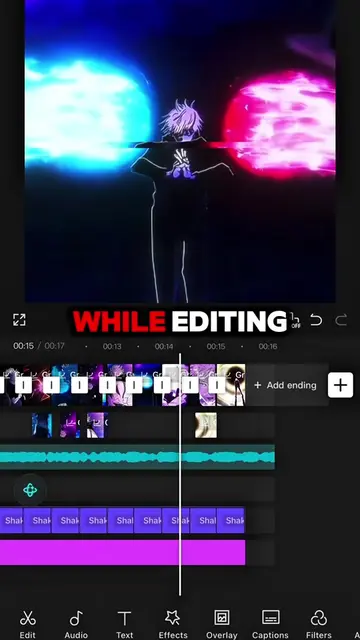
While editing
@capcut_templatetrends
3.1M followers · usually 8.5K views a post
Views
578.7K
Likes
3.9K
Comments
102
Shares
128
Selling · SaaS › Other SaaS
Why it worked
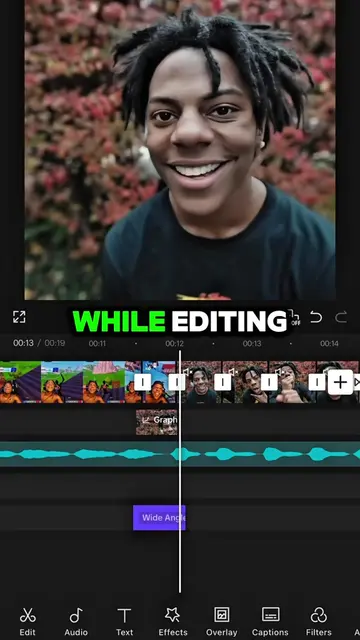
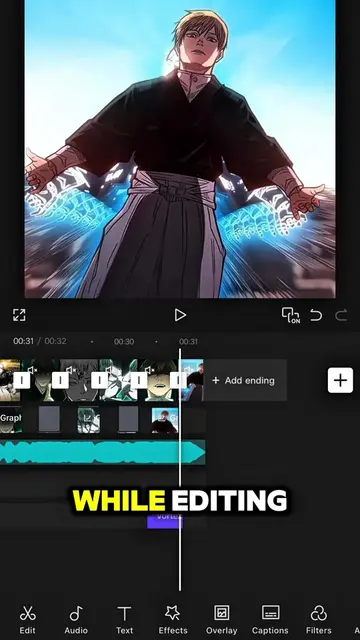
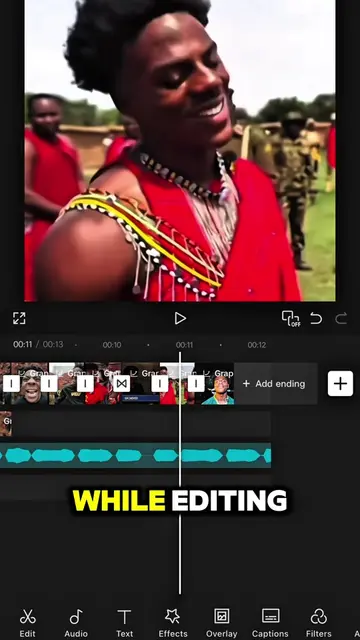
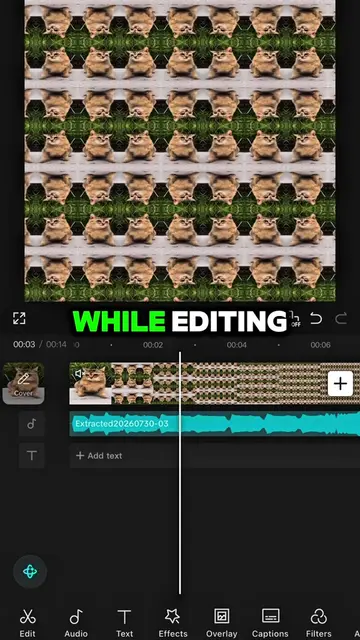
The video provides a clear, step-by-step tutorial on how to use CapCut's AI features to improve video quality, which is a common pain point for creators. The use of relatable meme formats and a 'grandma taught me' narrative adds an engaging and approachable element.
Summary
The creator demonstrates how to improve a boring video edit by using CapCut's AI features. They show how to screenshot, crop, and enhance an image using AI, then remove text and color to achieve a better final result.
Structure
- 1Noticing a boring edit
- 2Using CapCut's AI features to enhance an image
- 3Saving and exporting the enhanced image
- 4Removing AI text and color for the final result
Product placement
CapCut is used throughout the video to demonstrate editing techniques, specifically its AI features for image enhancement and text removal.
Call to action
Follow me for more tutorial!
Original caption
#CapCut Follow me for more tutorial! #capcutpioneer #capcutphoto #capcut_edit #fyp
More from @capcut_templatetrends
Their other posts in the index, biggest breakout first.